Docs / Connections & functions
Connections and functions
Two kinds of configuration carry almost everything a script relies on:
- A connection says where another system is and who you are to it.
- A function is one operation against it — or one text, one mapping, one message — configured once and called by name.
A script stays short when its calls are configured well. This page shows both forms and what each setting decides.
Connections
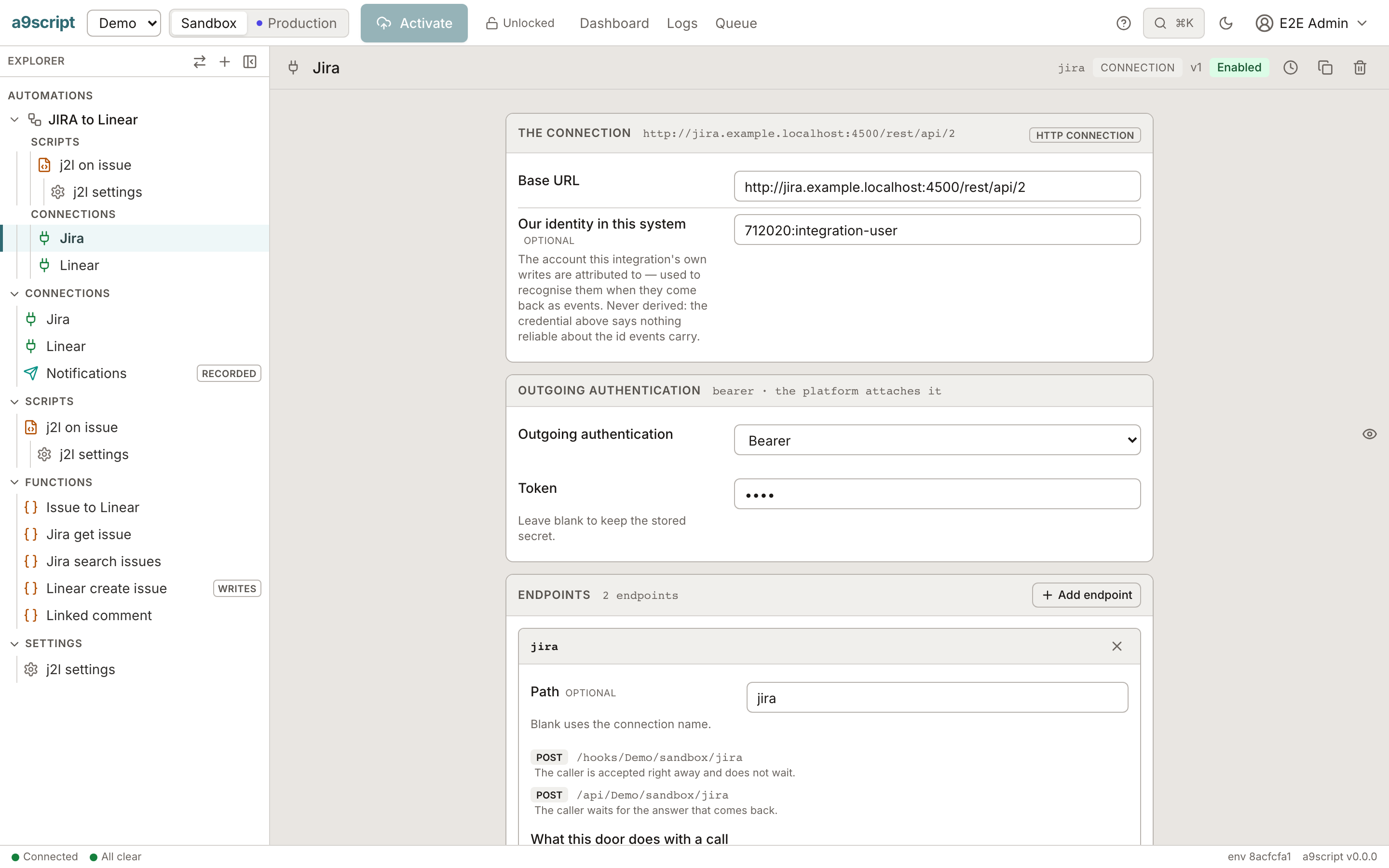
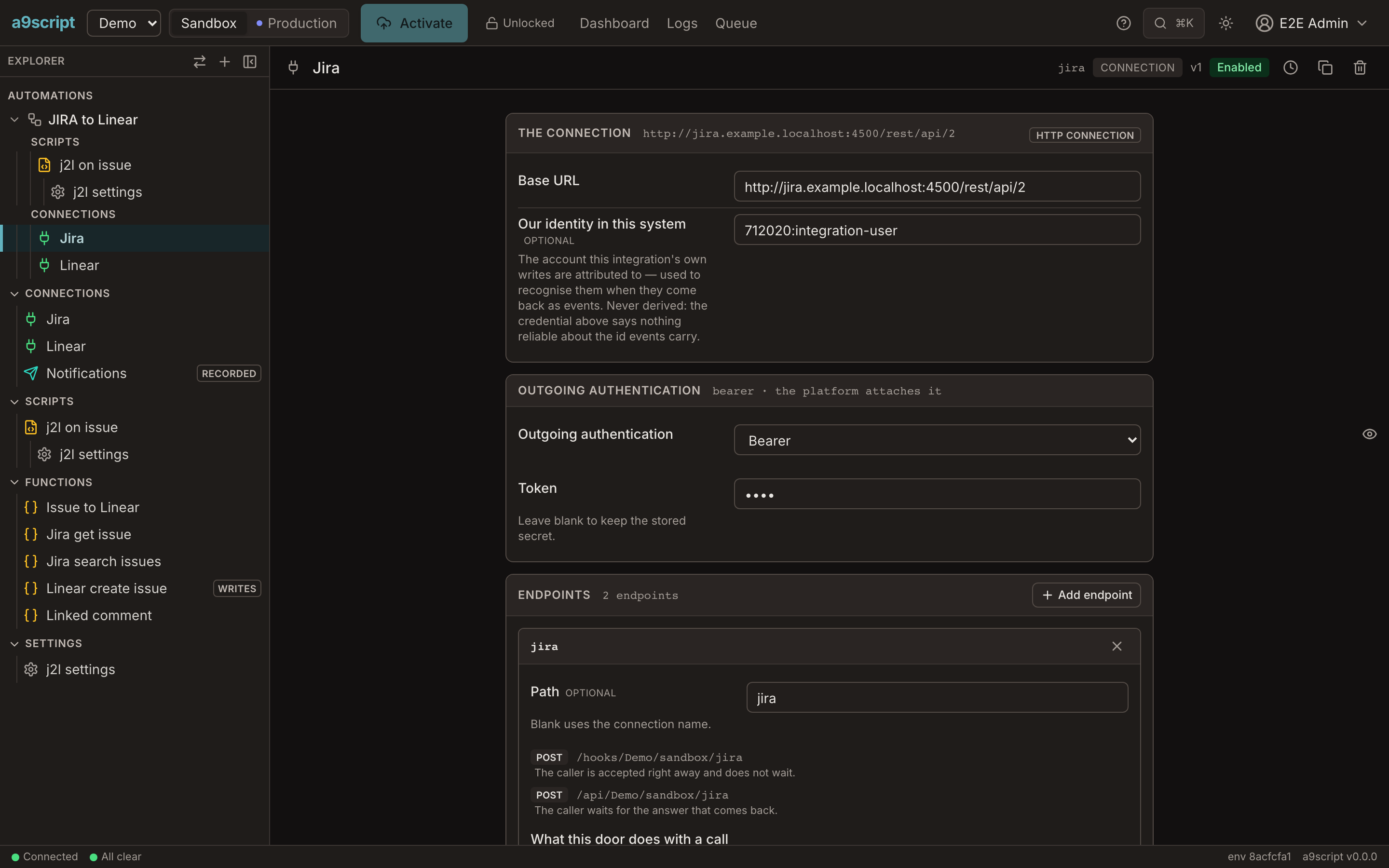
A connection holds three things:
| Part | What it decides |
|---|---|
| Base URL | The address every call of this connection is made relative to. |
| Outgoing authentication | How the platform proves who you are, on every call. |
| Endpoints | The paths other systems call to reach you, each with its own rule for who may call. |
The outgoing authentication is one of six types:
| Type | What you enter |
|---|---|
| None | nothing |
| Basic | a username and a password |
| Bearer | a token |
| API key | the key, and whether it goes in a header or a query parameter |
| OAuth 2.0 | the token URL, client ID and secret, a refresh token, the scope |
| JWT bearer | the token URL, a service account key, the subject, the audience, the scope |
Three things follow from keeping this on the connection rather than in a script:
- A script never holds a credential. It names the connection; the platform applies the secret as the call goes out. A secret is encrypted at rest, is never shown again on any screen or command once stored, and does not appear in a run’s recorded request — the header is there, its value is not. Left blank, a stored secret is kept; an optional one — a refresh token, a previous signing secret kept during a rotation — has Remove, which deletes it, so a rotation ends and an OAuth connection can switch to the client-credentials grant.
- A call cannot wander. Requests go to the connection’s own address, and only there. A path or a continuation link that would leave it is refused.
- Both directions are one place. The endpoint your shop posts to and the calls you make to that shop sit on the same connection.
Endpoints have their own section: what an endpoint can be — a webhook, an API, tools for an assistant, an app — and how a caller is verified starts at Answering a caller.
Functions: six types of one idea
Whatever it does, a function is a name your script calls with an object of arguments. The form’s first card shows that name and the arguments — the line a script writes.
| Type | What it is for |
|---|---|
| HTTP call | A call to another system. The one you will author most. |
| Text template | A template filled with values — a message, a subject line, a small document. |
| Email message | A whole message: envelope, markdown body sent as text and HTML, attachments. |
| CSV mapping | One columns table used in both directions: records to CSV, CSV to records. |
| JSON mapping | A target JSON structure built from a source one. |
| LLM prompt | A prompt to a language model, with the answer parsed for you. |
const contact = FindContact({ email: "ada@example.com" });                    // http
const message = OrderConfirmation({ name: "Ada", total: "30.00" });           // text
const target = ContactToCrm({ name: "Ada Lovelace", email: "ada@example.com" }); // jsonmap
const file = ContactsCsv([{ email: "ada@example.com", name: "Ada" }]);        // csv

log("built", { message: message, target: target.displayName, bytes: file.length });

return contact === null ? "no contact" : contact.id;
The two mapping types take one value rather than named arguments — the thing being mapped.
HTTP call
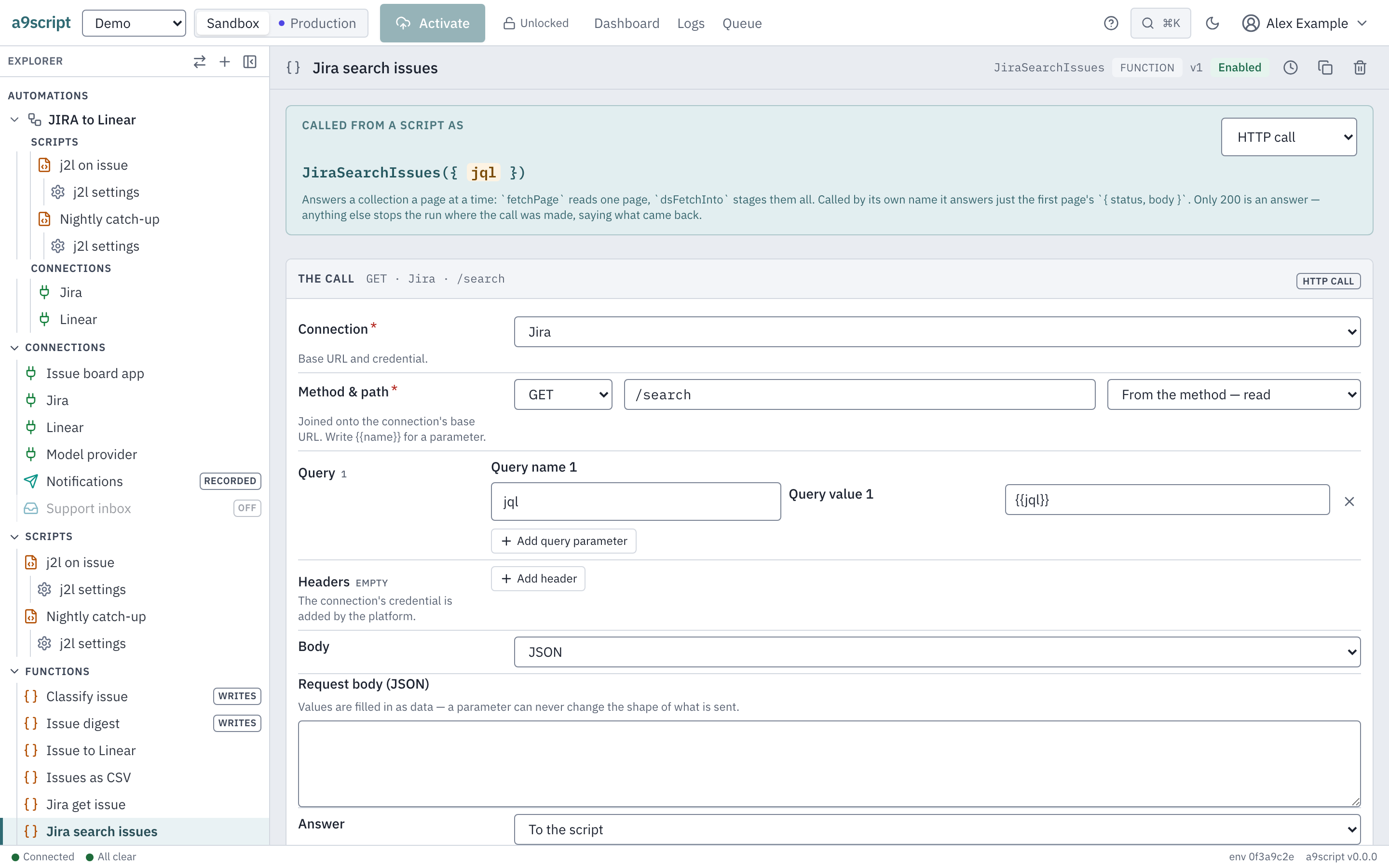
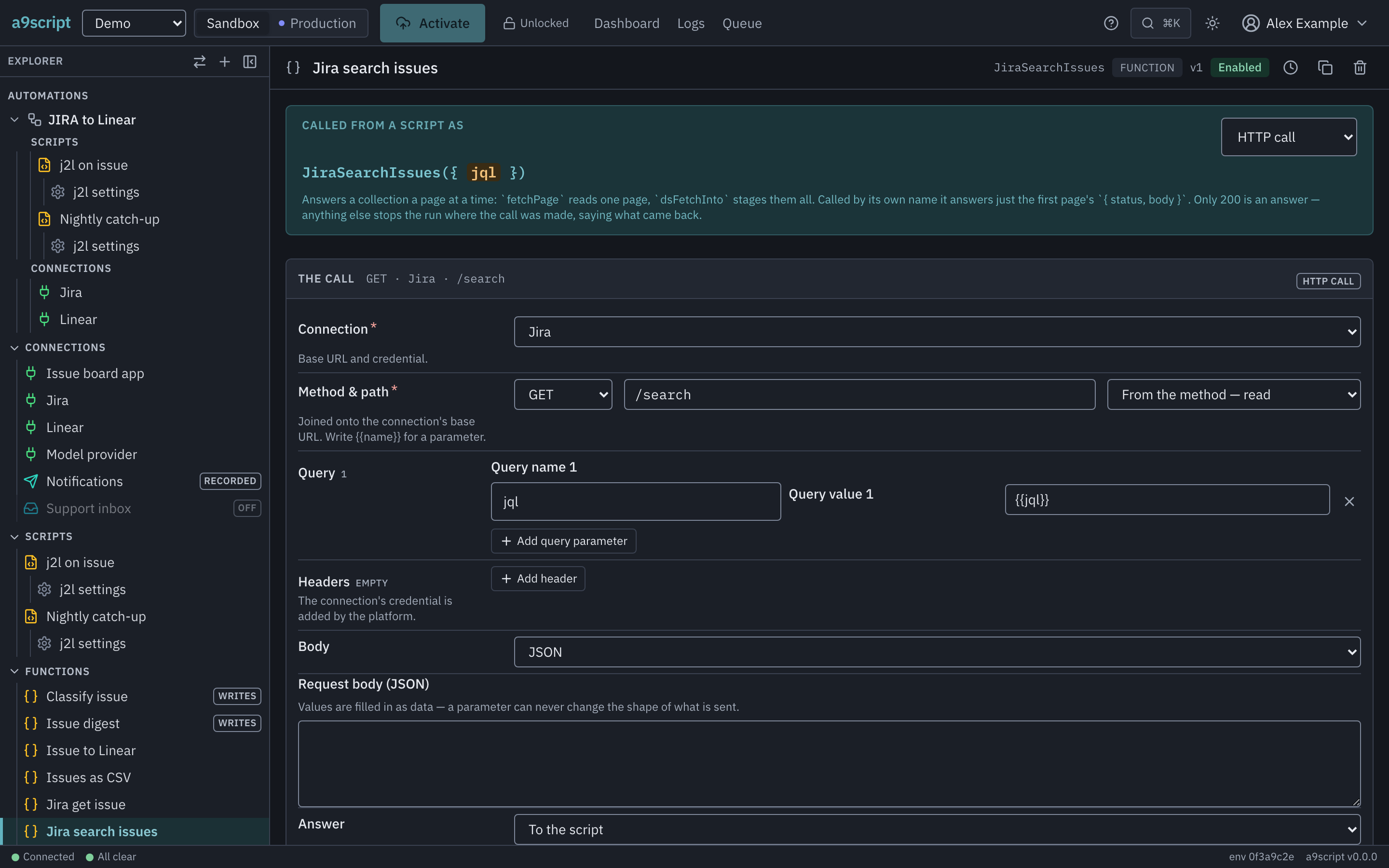
| Setting | What it decides |
|---|---|
| Connection | Which system is called, and with which credential. |
| Method & path | Joined onto the connection’s base URL. |
| Query, headers, body | What is sent. Write {{name}} wherever a parameter’s value goes. |
| Answer | To the script, or straight into a stored file. |
| Parameters | The names a script passes, each with a description and, if you like, a default. A default is text unless you set Default is to JSON value — then 50 is the number 50, and null, a list or an object are what they spell. |
A placeholder can read into the value it names — {{author.displayName}},
{{lines[0].sku}} — so a caller hands over the object it already has.
A body is JSON, a form of parts, or a stored file sent whole. A form part’s content is a template value or a stored file the caller names; the platform writes the boundary. A large response can go straight into a stored file, and the script gets the file’s handle instead of the value. In every case the bytes go from where they are to where they are going without passing through the script.
Text template
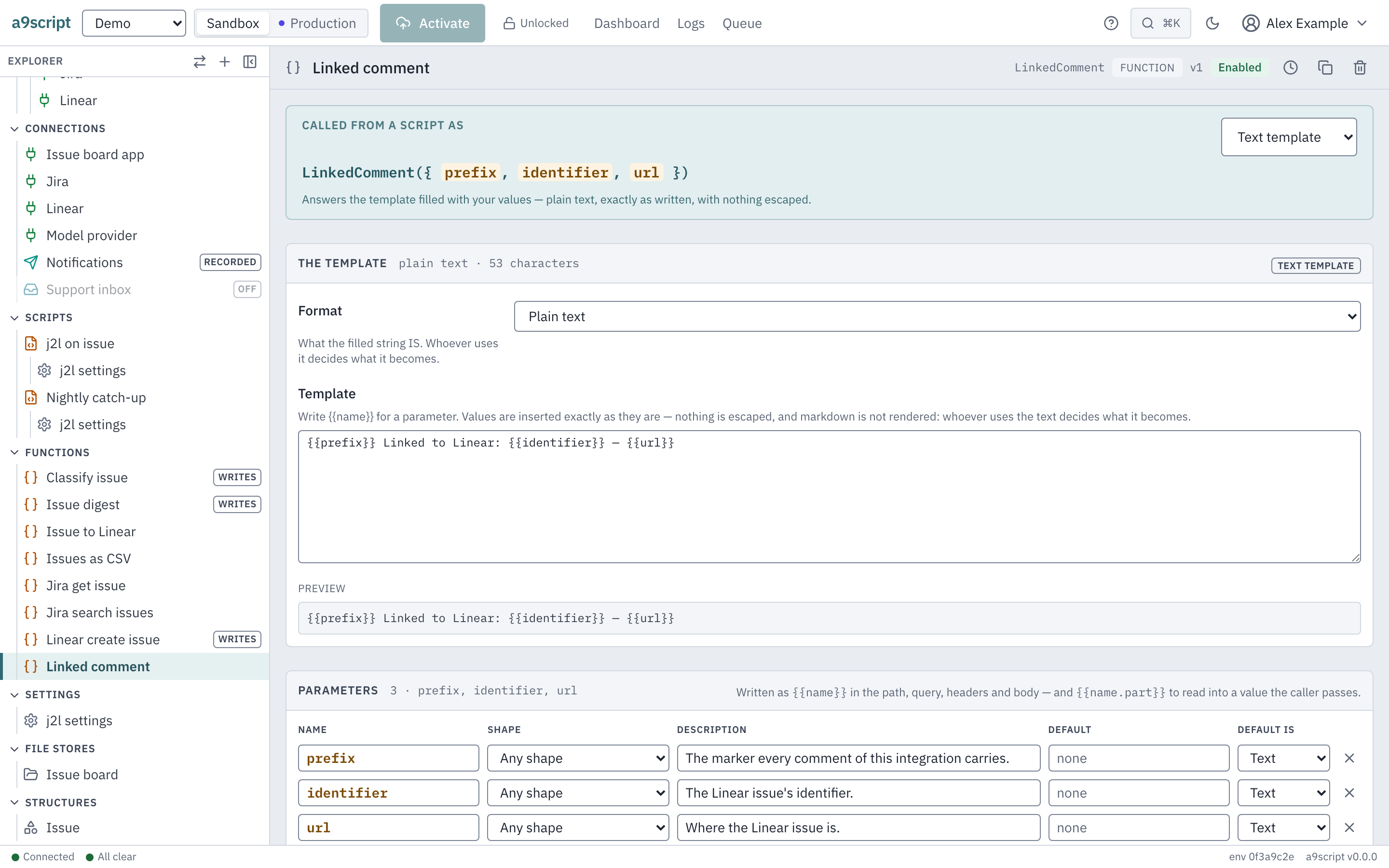
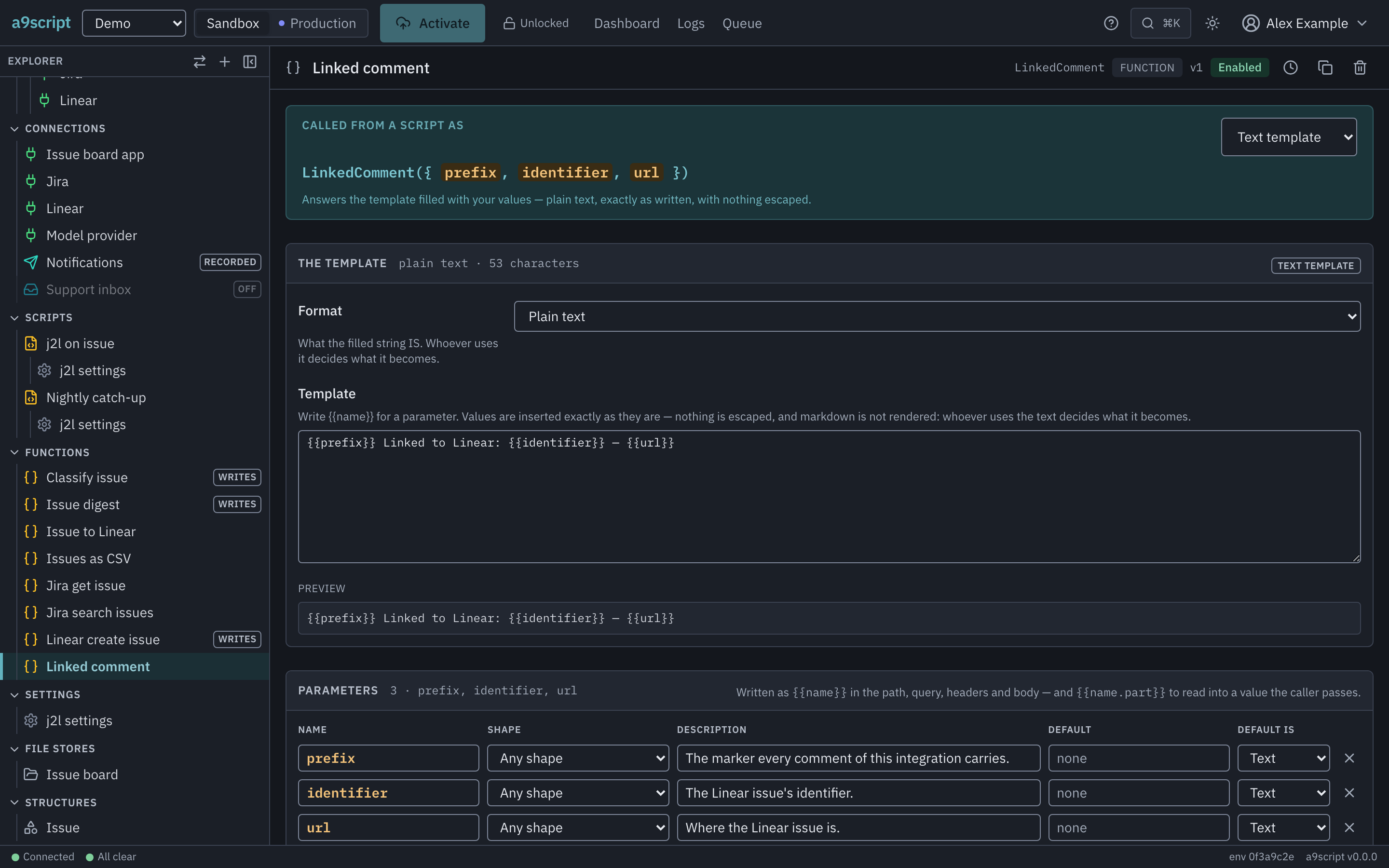
A format (plain or markdown) and a template with {{param}} holes. It answers
the filled string; it sends nothing. Values are not escaped — a template
that escaped them could not write the markup its author meant. Use
escapeHtml where a value is untrusted markup.
Email message
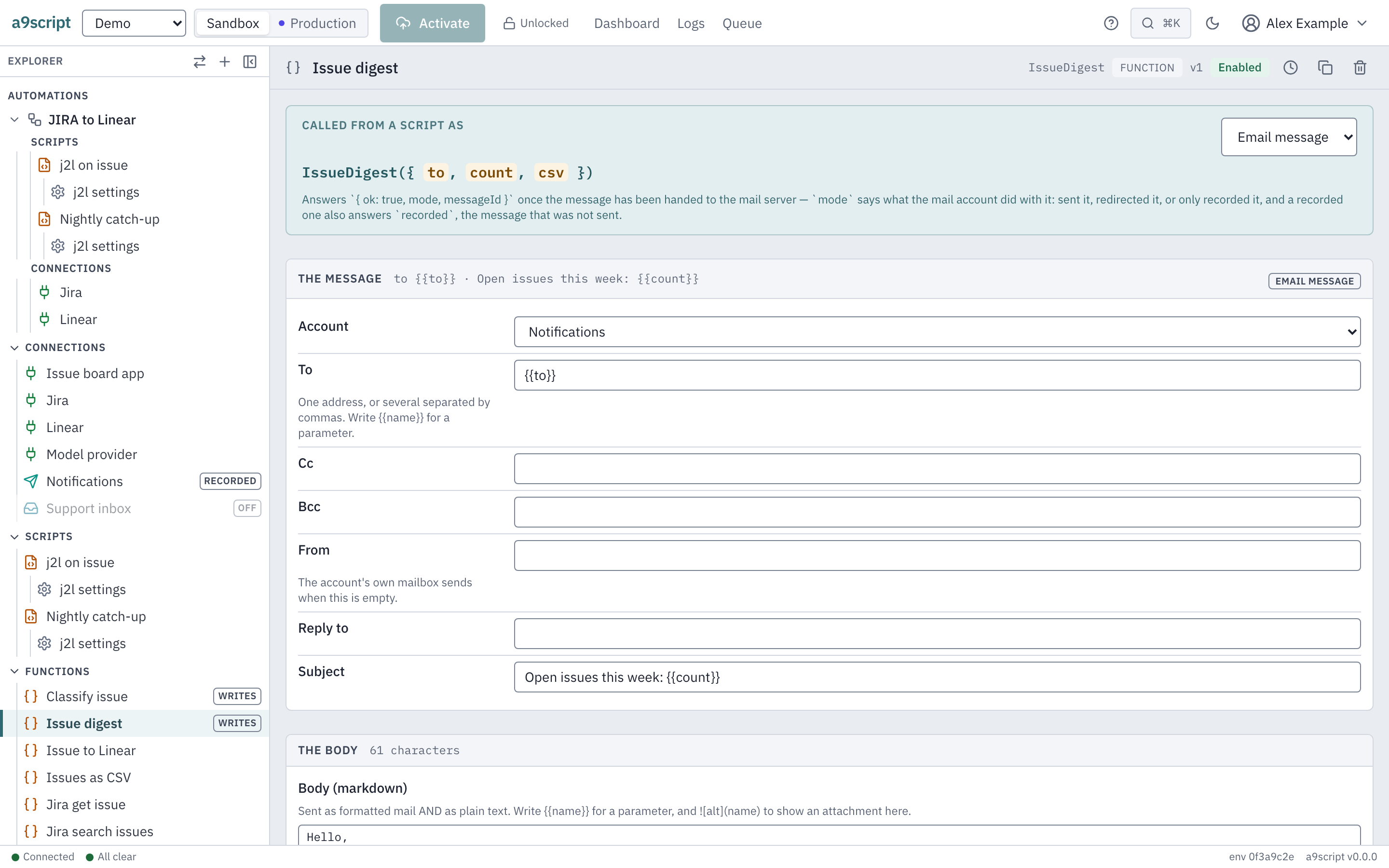
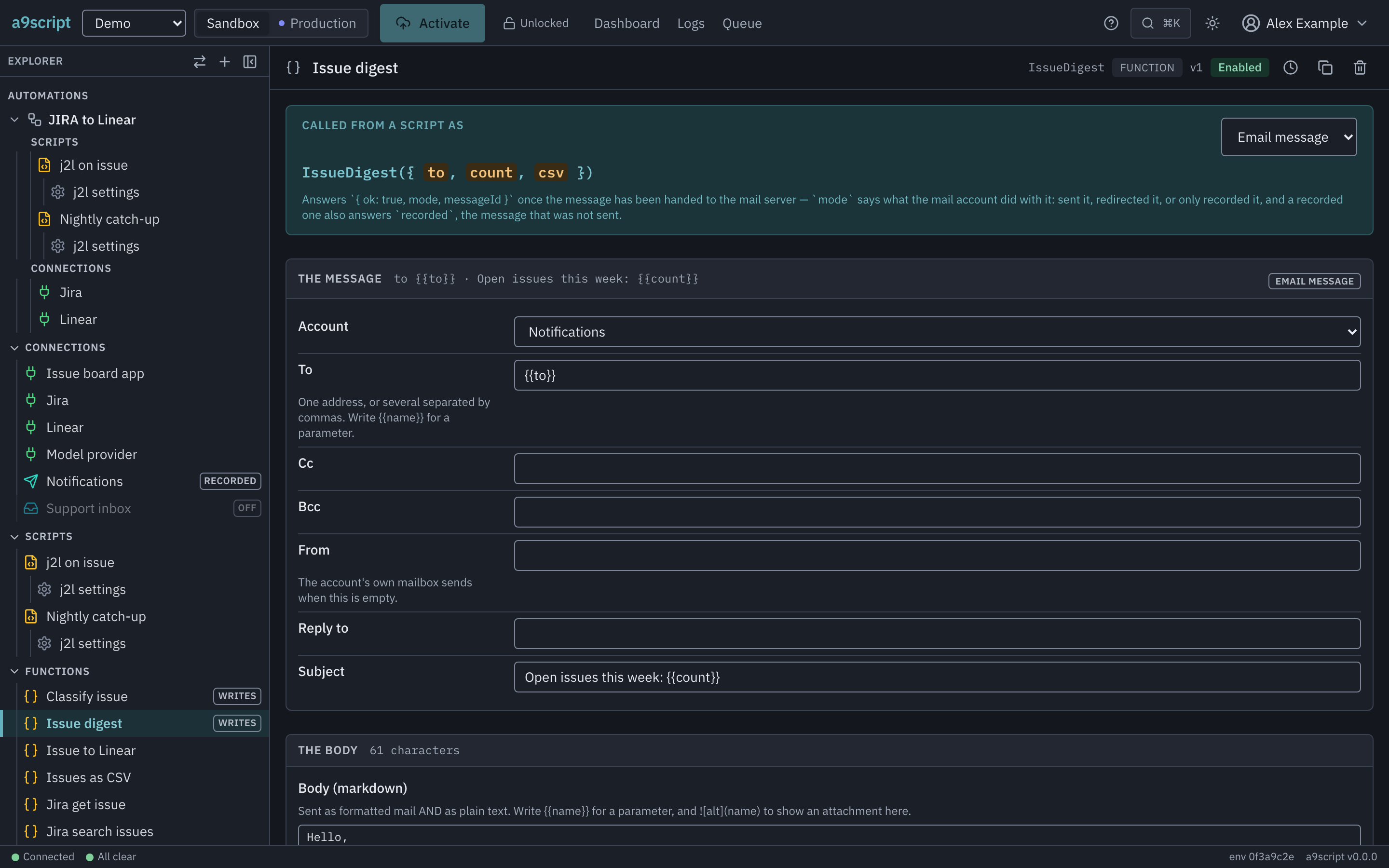
| Setting | What it decides |
|---|---|
| Account | Which mail account sends it. Blank: the environment’s only account. |
| To, Cc, Bcc, From, Reply to | The envelope, each a template; several addresses separated by commas. |
| Subject | A template. |
| Body (markdown) | Sent as an HTML and a plain-text part. |
| Attachments | A parameter whose value is the file, the name the file has in the message, and its content type — left empty, the type comes from the file. |
An email function sends when it is called:
OrderReceipt({ to: input.event.body.customer, order: input.event.body.id });

return "receipt sent";
What the account then does with the message — deliver it, redirect it, or only record it — is the account’s own setting; see Mail.
CSV mapping
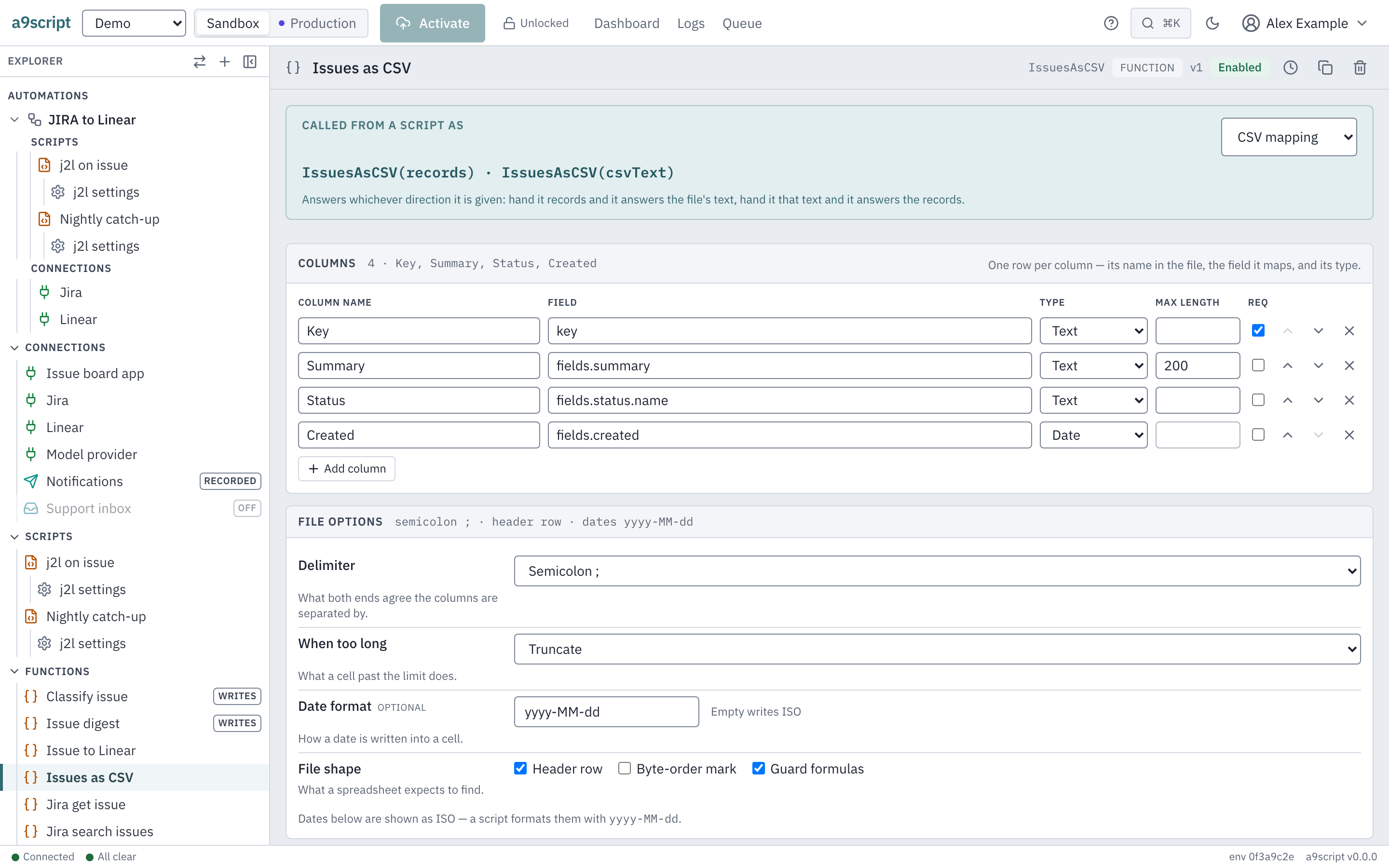
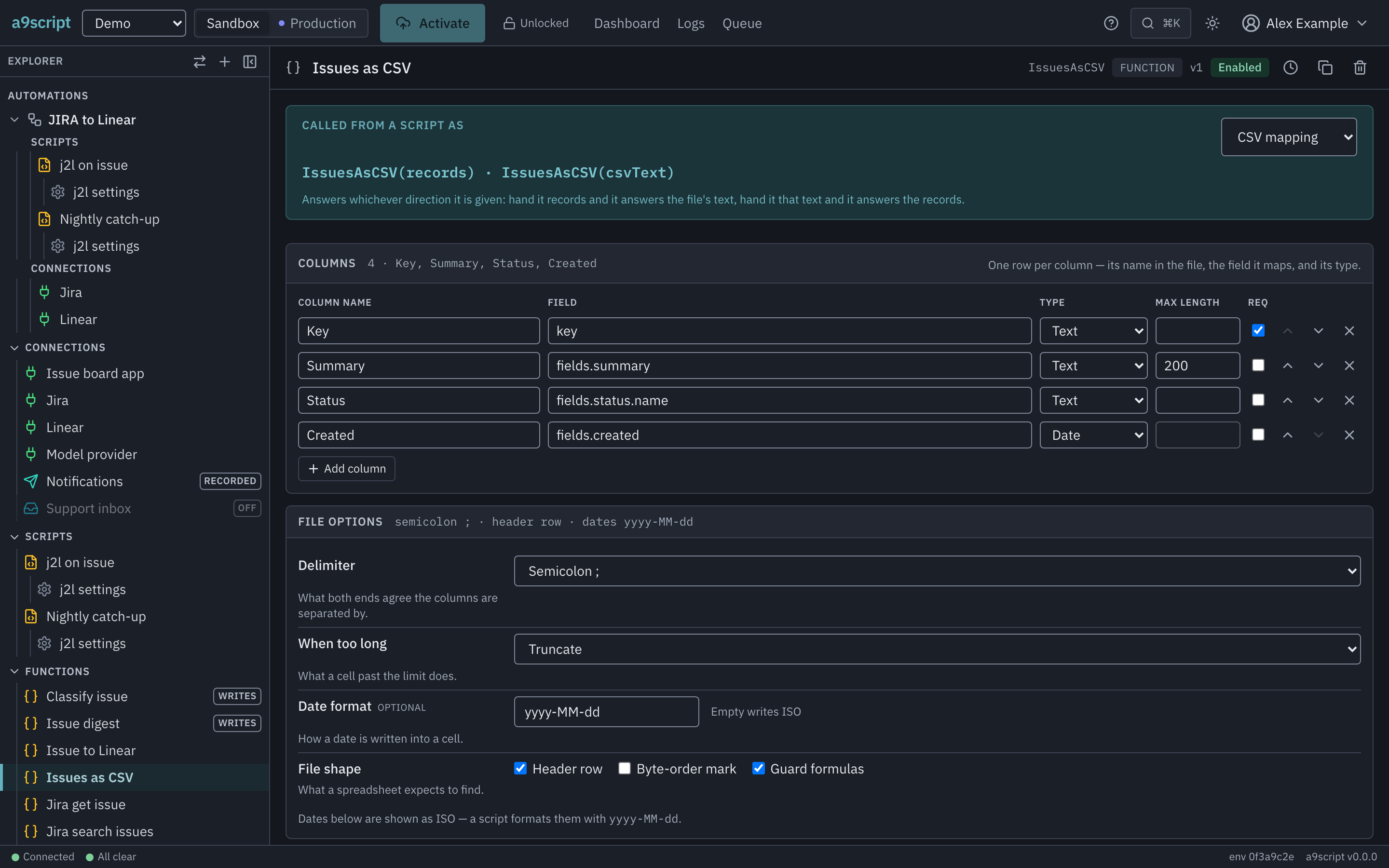
One columns table: for each column its name in the file, where its value is in a record, its type (text, number, yes/no, date), and optionally the longest it may be. The same table works both ways — records in, CSV text out; CSV text in, typed records out.
The file options sit beside it: delimiter, what happens to a value that is too
long, header row, byte-order mark, date format, and the formula guard. The
guard is on unless you turn it off; it keeps a cell starting with =, +, -
or @ from being run as a formula when someone opens the file in a
spreadsheet.
JSON mapping
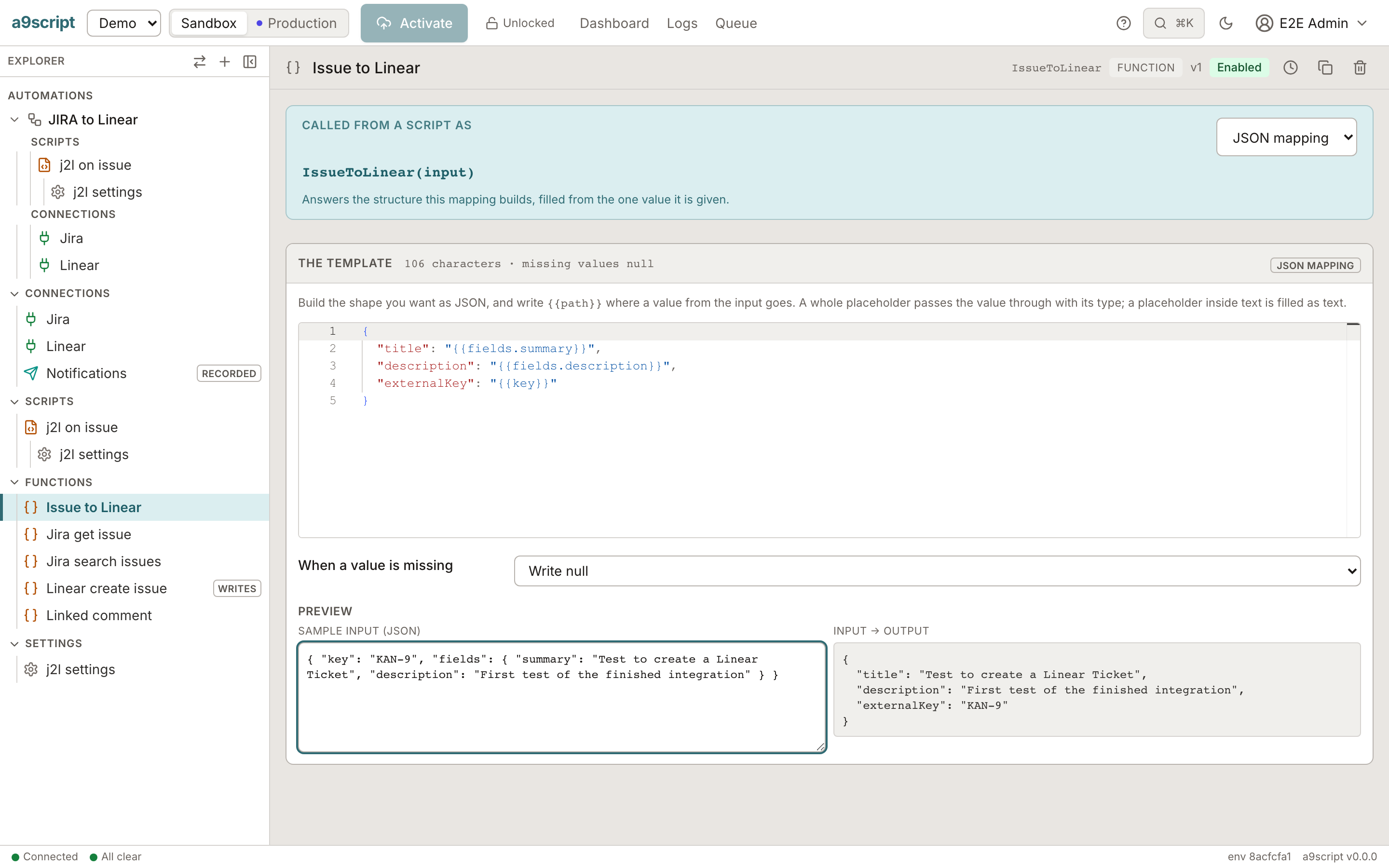
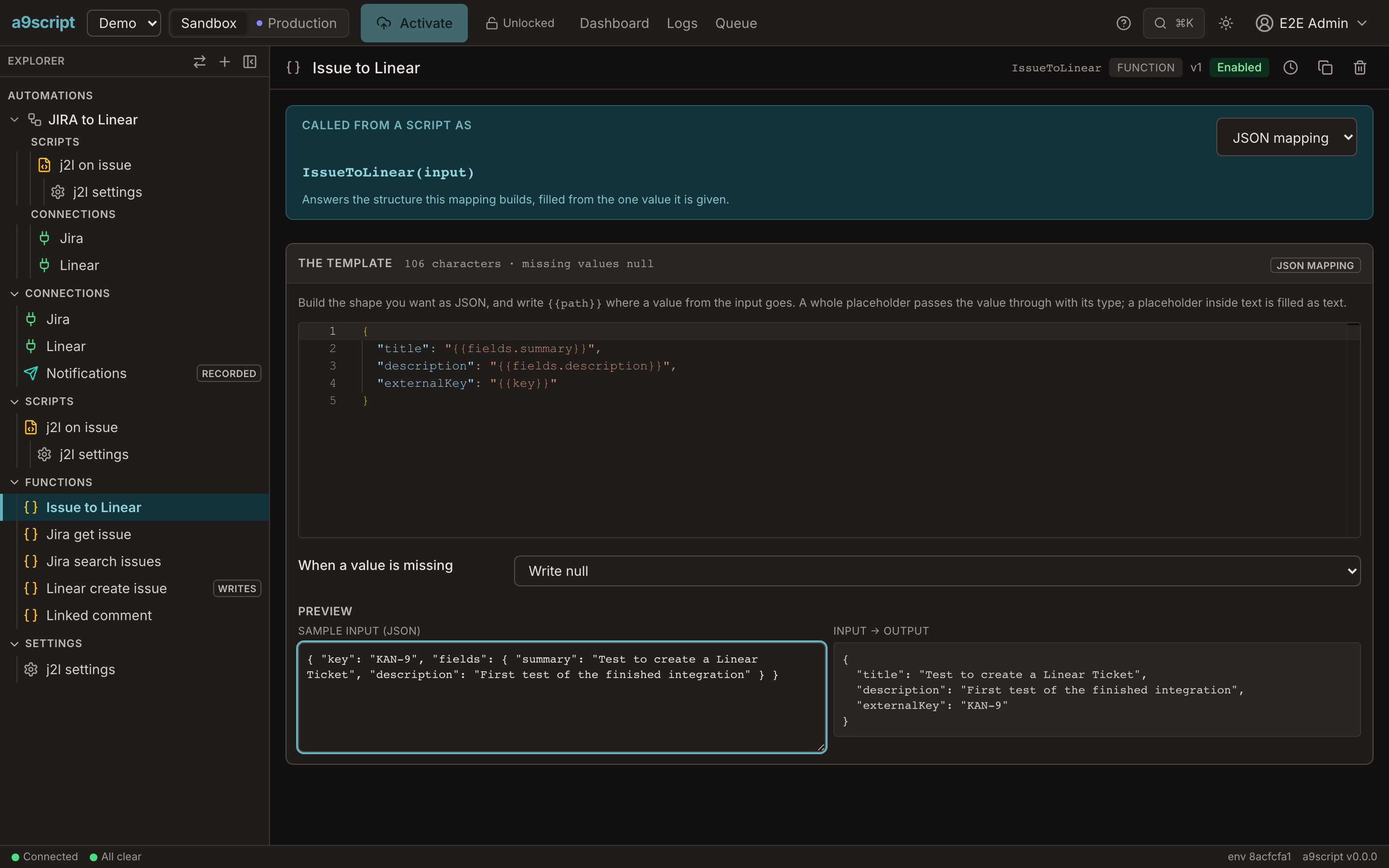
The target structure, written as JSON with {{path}} holes that point into the
source value. Say what a missing value does: write null (the default) or
leave the key out. Type a sample on the right, and the result is shown before
any script uses it.
LLM prompt
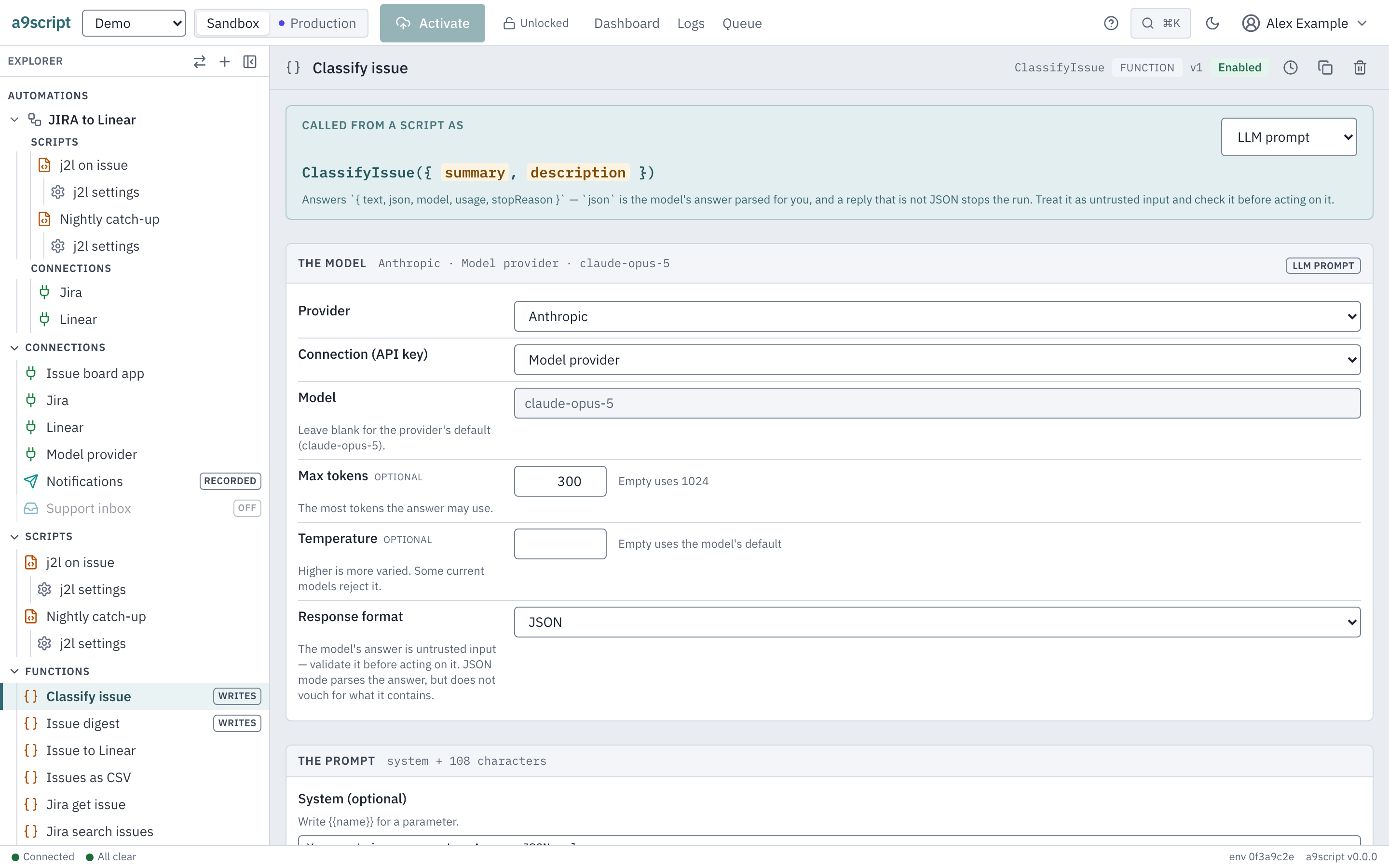
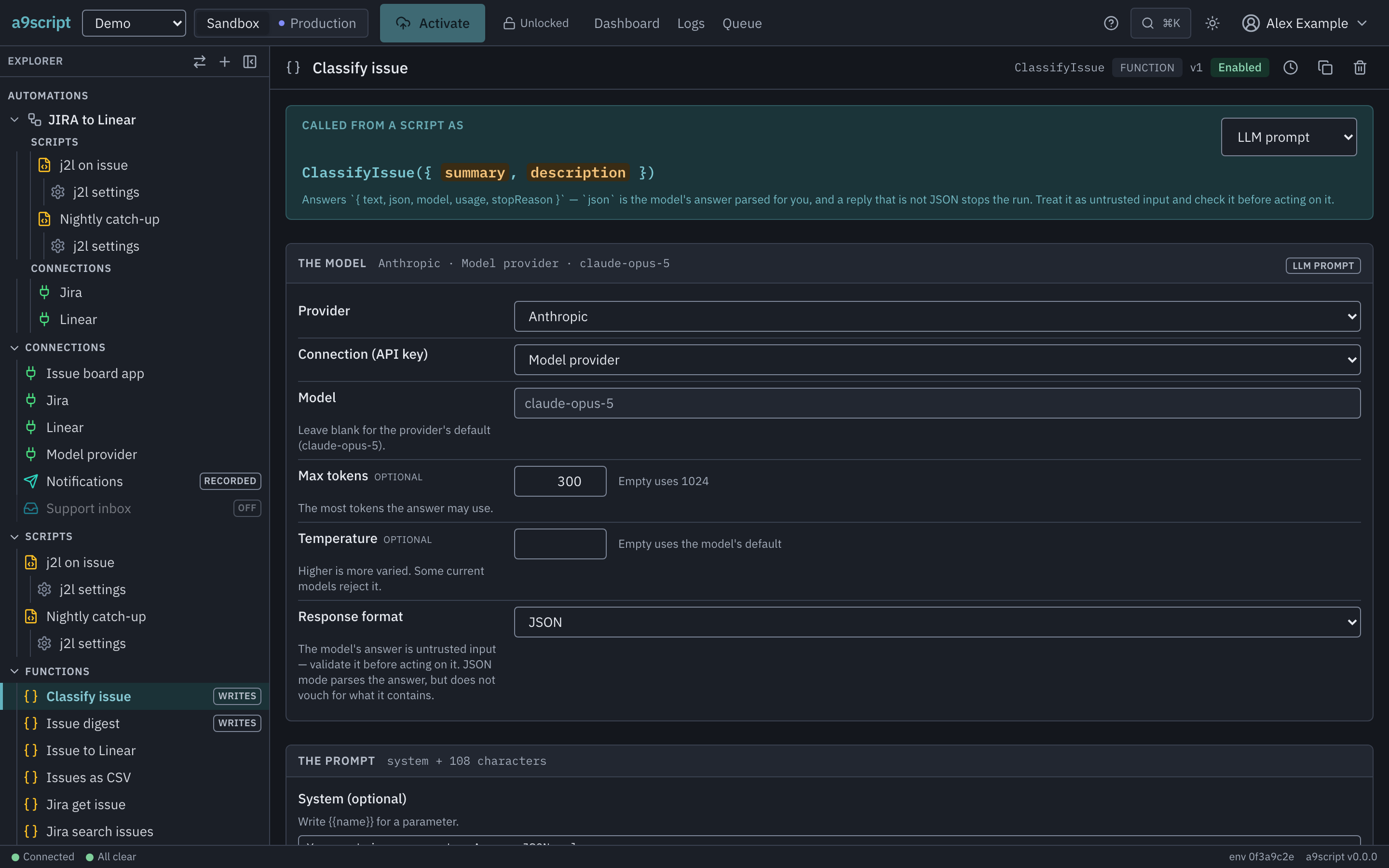
A provider and its connection (the one holding the API key), a model — blank
uses the provider’s default — a system prompt and a prompt with {{param}}
holes, a cap on the answer’s length, and optionally JSON mode, which parses
the answer for you. Read A model’s answer is input, not truth
before you use one.
Test before a script uses it
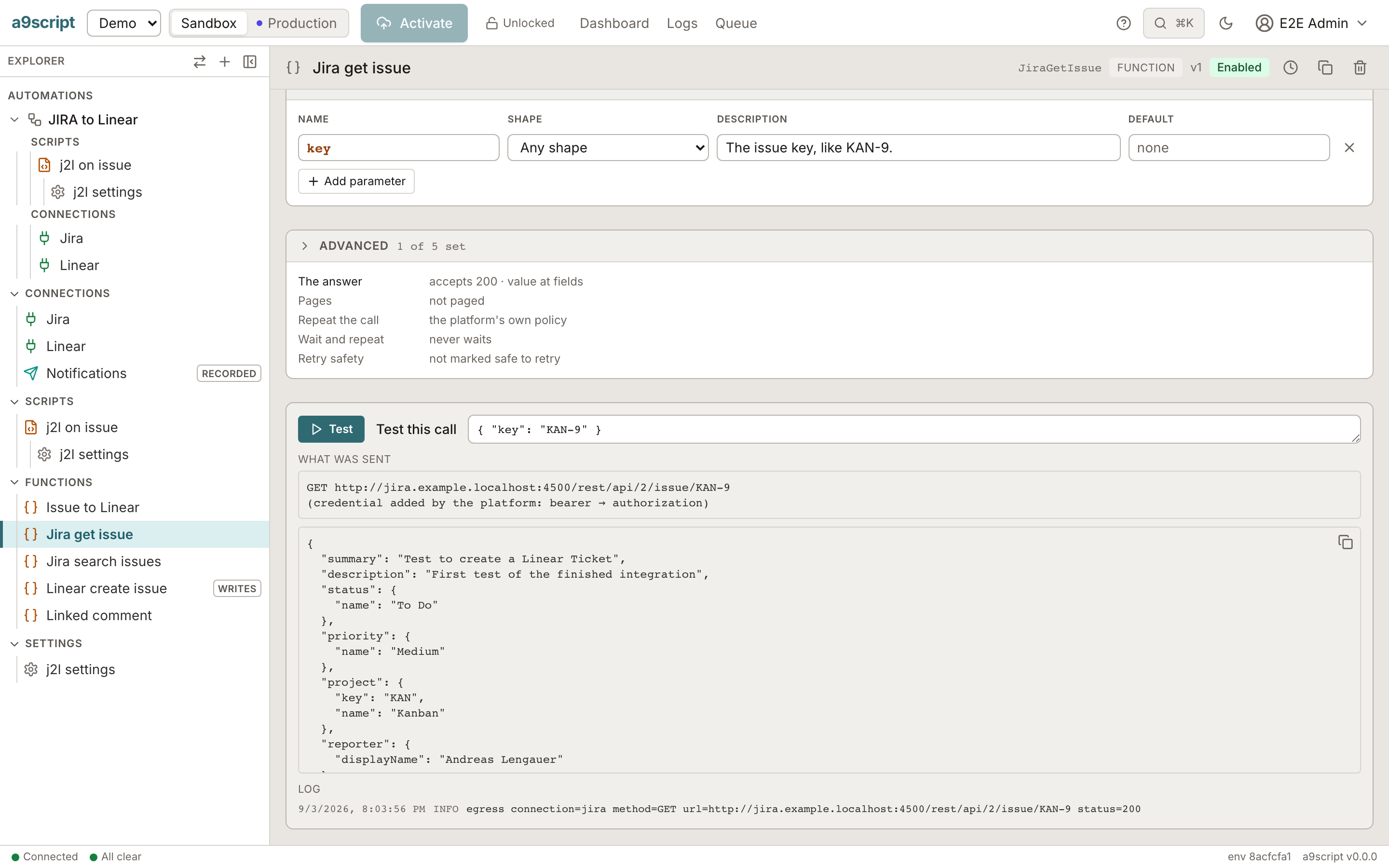
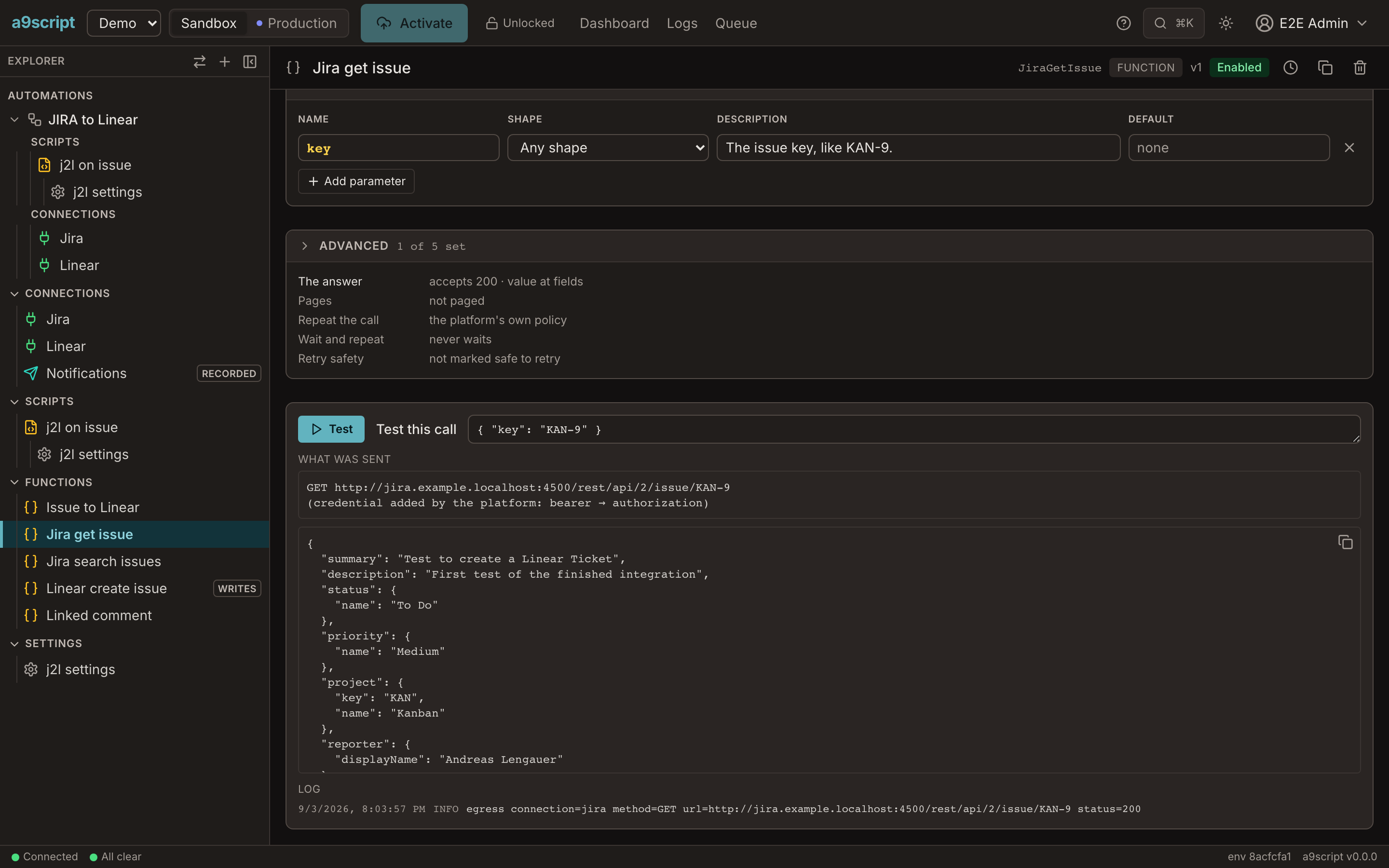
Every function has a Test panel: fill in the arguments, press Test, and read exactly what a script would get, with the request that was sent.
What a call answers
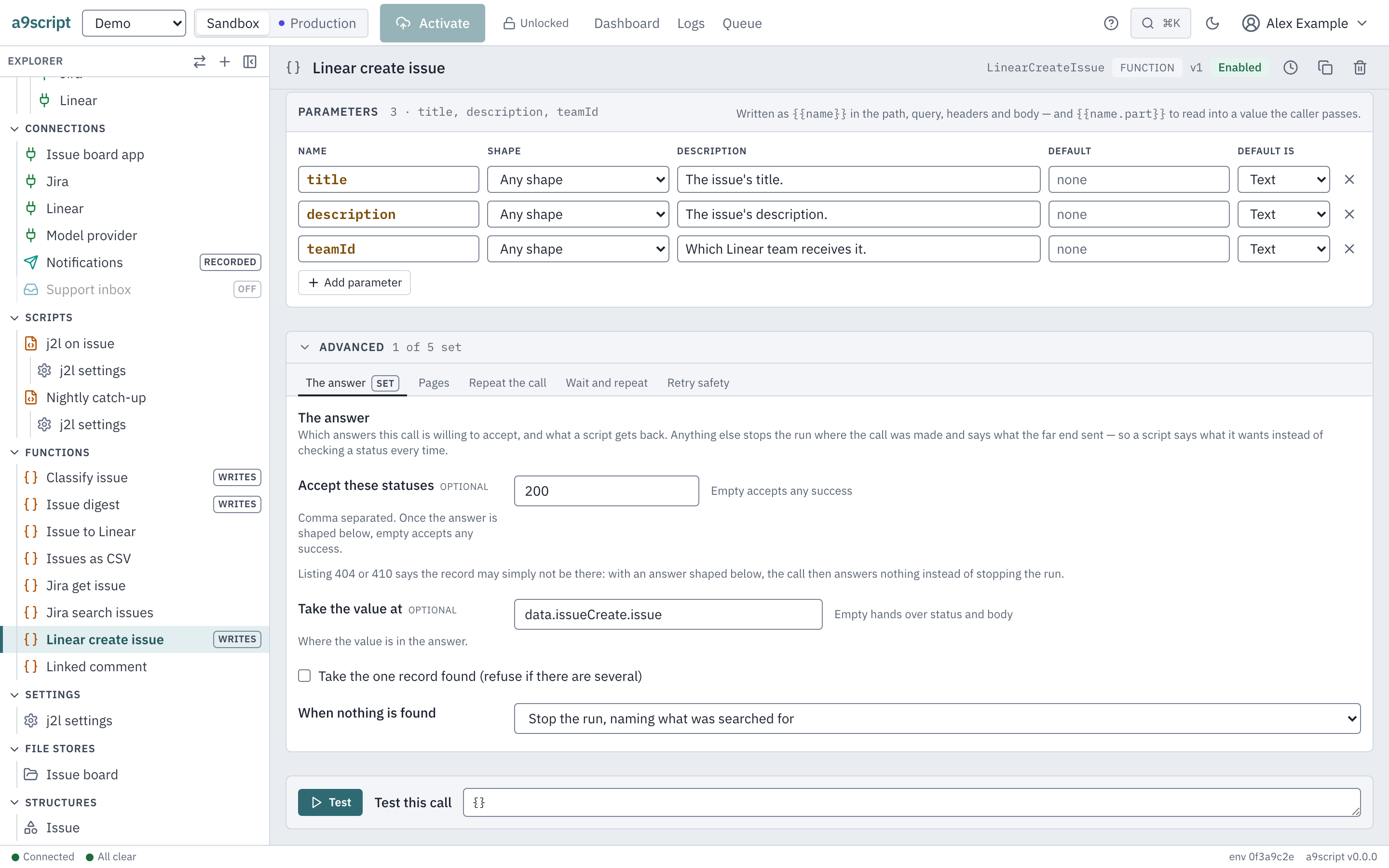
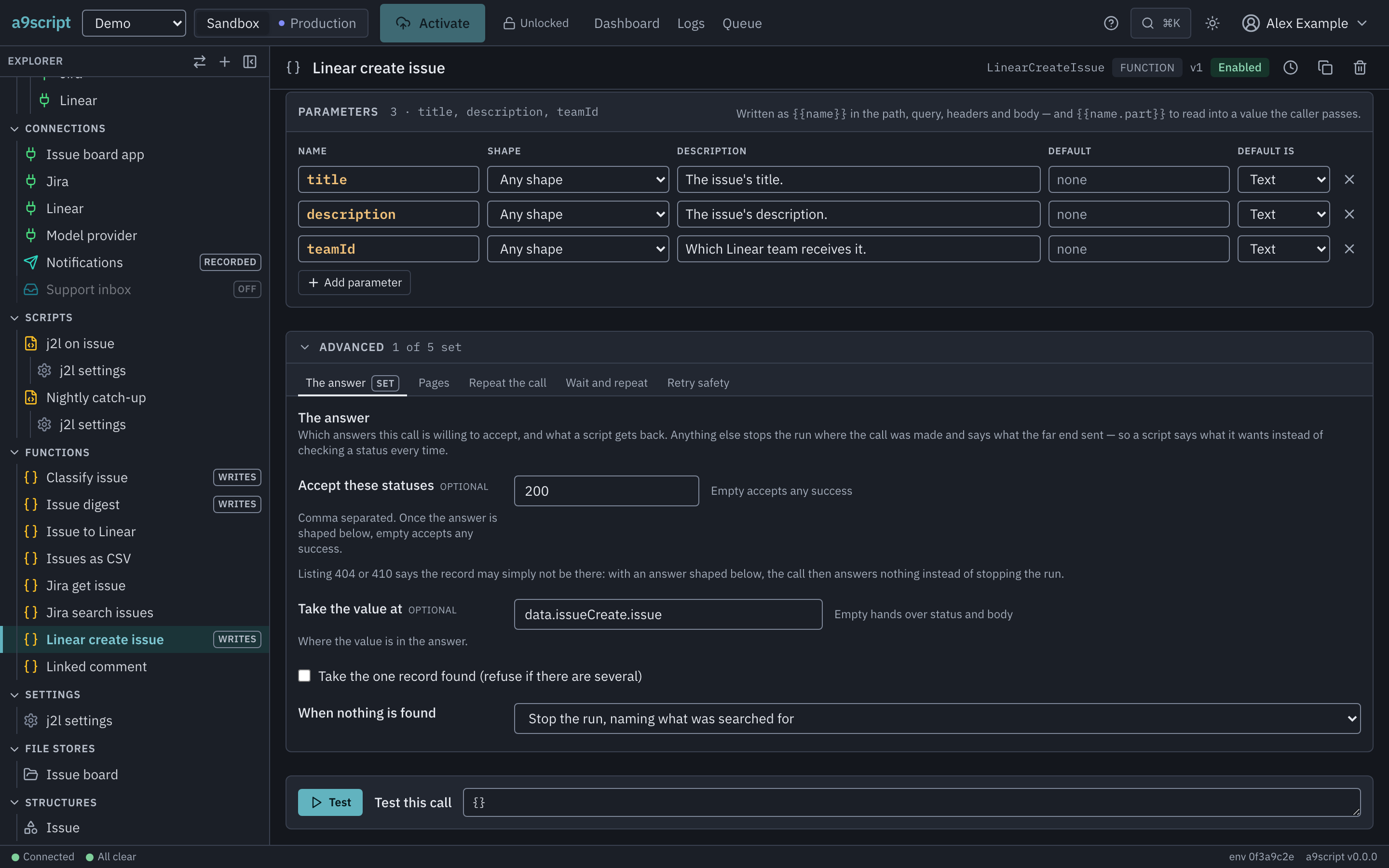
By default an HTTP call hands your script both halves of the answer —
{ status, body } — and a status outside 200–299 arrives the same way, as
something to branch on. The The answer tab narrows that:
| Setting | What it decides |
|---|---|
| Accept these statuses | Which statuses are an answer. Any other stops the run where the call was made, saying what came back. Your script writes no status check. |
| Take the value at | The value at a path in the body, instead of the whole response. |
| Take the one record found | The single record in a collection. Several records where one was expected stops the run, because which one is right is a business question. |
| When nothing is found | A search that matched nothing, a “not there” status, or a null: an ordinary null to branch on, or a stop that names what was looked for. Stopping is the default, so a create that quietly made nothing never reaches your script as a value. |
The same call site can read as either of these; the difference is configuration:
// Two functions, the same request, different configuration.
const response = ContactSearch({ email: "ada@example.com" });   // { status, body }
const contact = FindContact({ email: "ada@example.com" });      // the contact itself

return { status: response.status, contact: contact === null ? null : contact.id };
A call can be made stricter later without touching a single script.
When a call does not simply succeed
Three tabs decide what happens when the far end does not simply answer. Every number attached to them is on Limits and safety.
Repeat the call
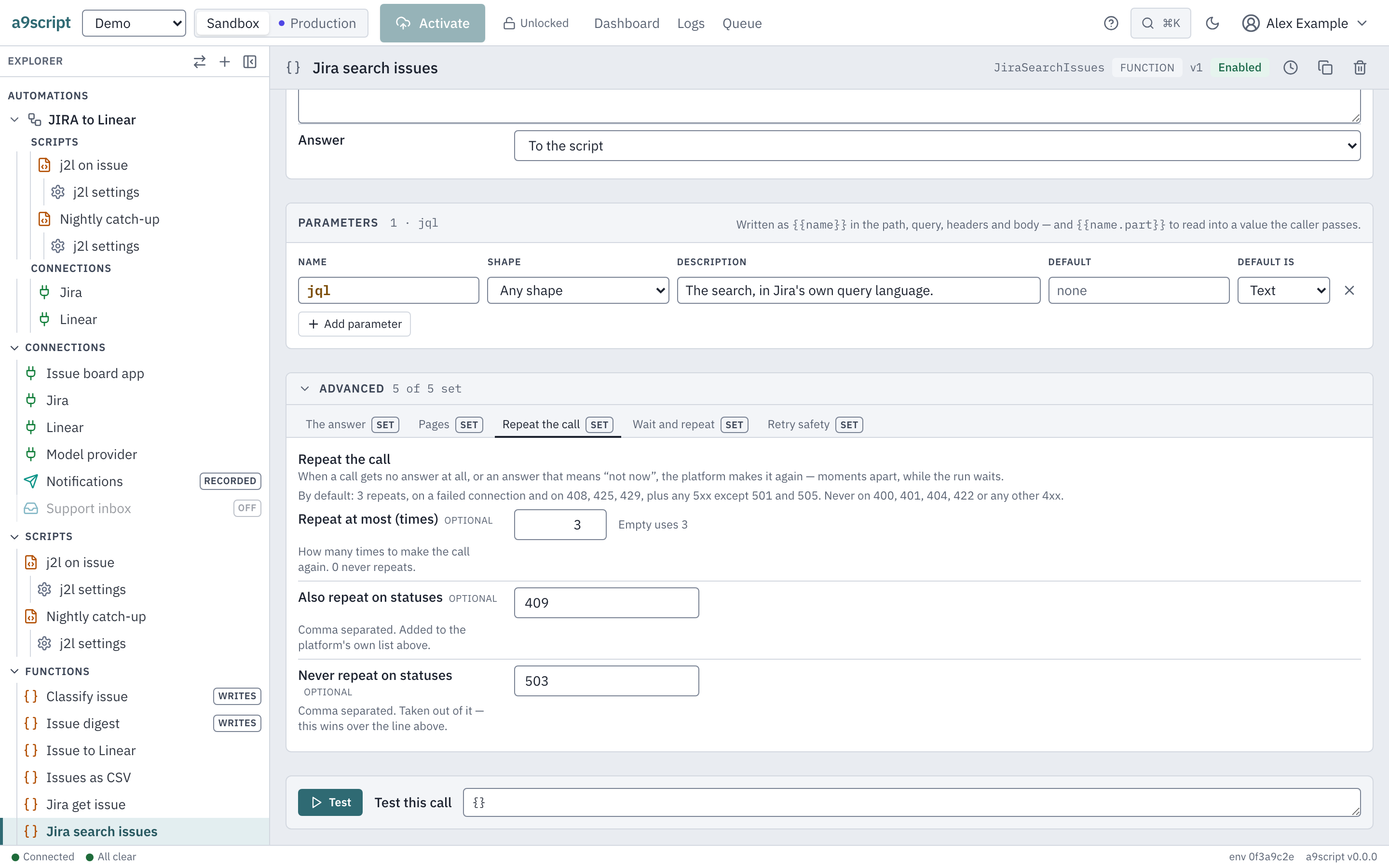
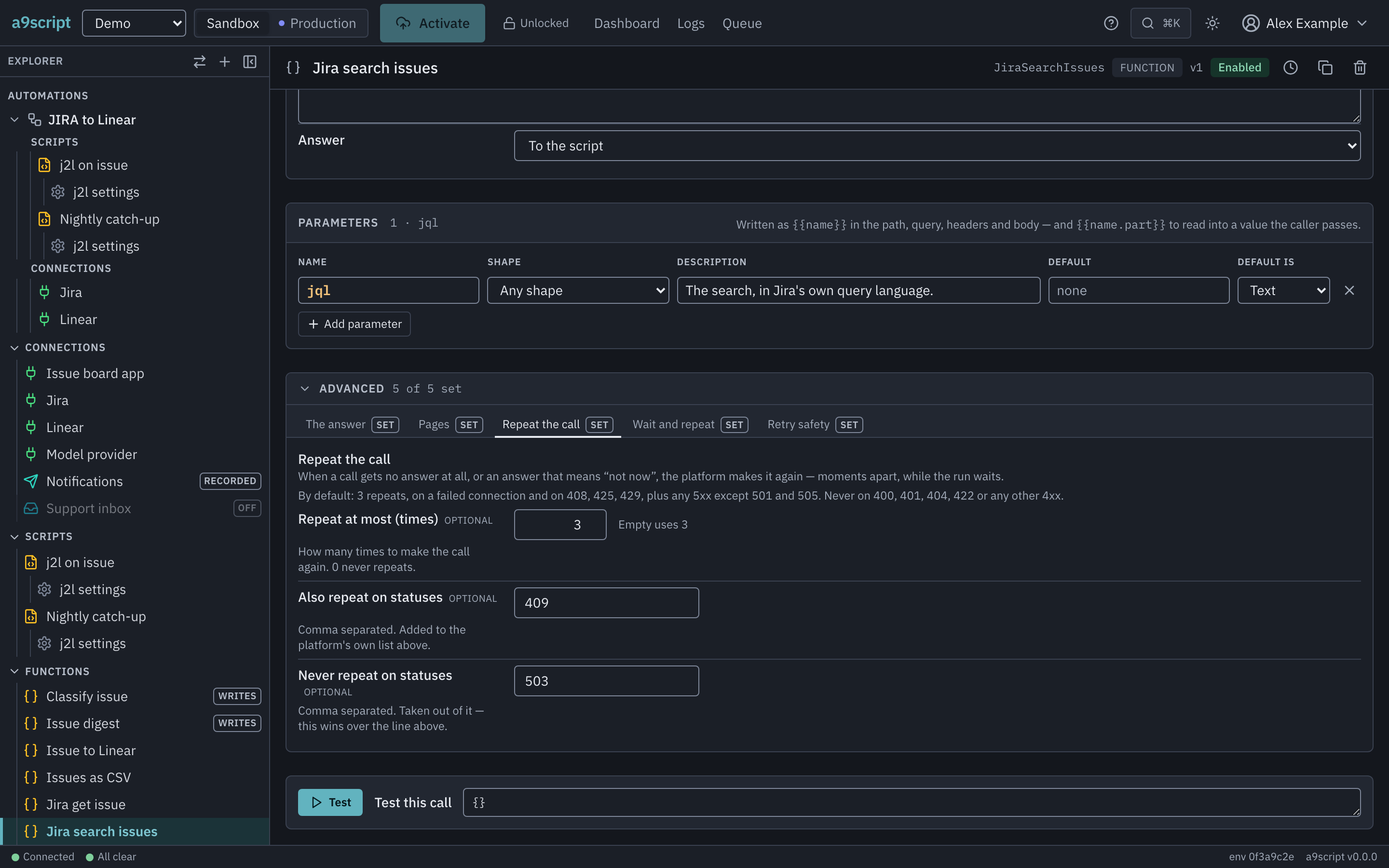
Repeating is the platform making the same call again, moments apart, while
your run waits: when nothing answered at all, and when the answer means not
now. It never repeats a 400, 401, 404 or 422, because asking again
cannot change them. The tab sets how many repeats, and which statuses are added
to or taken out of the repeated set.
Which calls are repeated on a 5xx depends on what the call does. A GET, a
PUT or a DELETE promises that nothing happens twice, so it is asked again.
A POST or a PATCH changes something: the far end may have created the
record and then failed to answer. Such a call is repeated only where the far
end says it did not process (408, 425, 429), never on a 5xx — unless
you mark it safe to retry or name the status yourself.
Wait and repeat
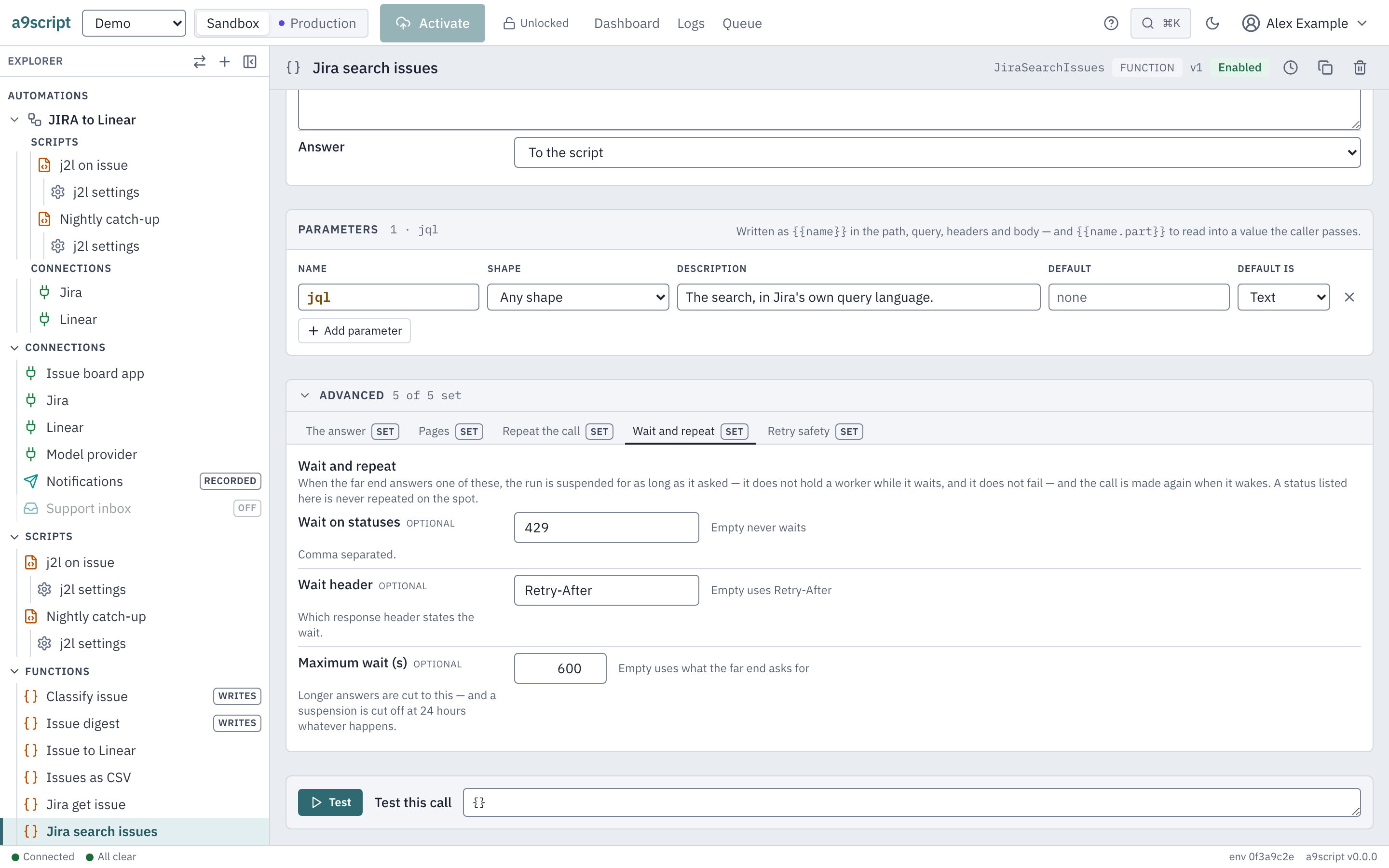
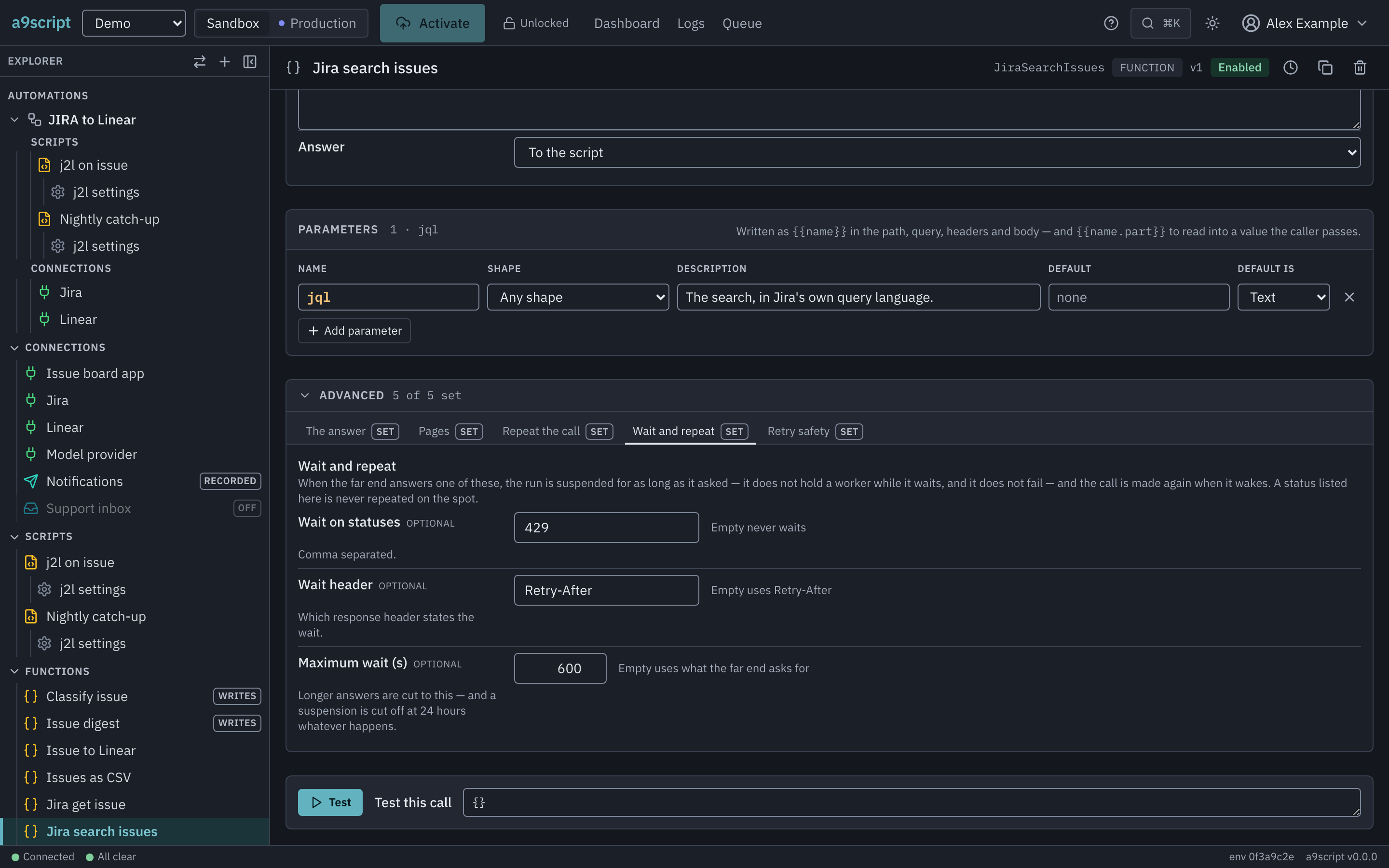
Waiting is bigger. On a status you name here — 429 is the usual one — the
whole run is put away for as long as the far end asked, holding nothing, and
the call is made again when it wakes. A status named here is never repeated on
the spot: waiting wins.
Retry safety
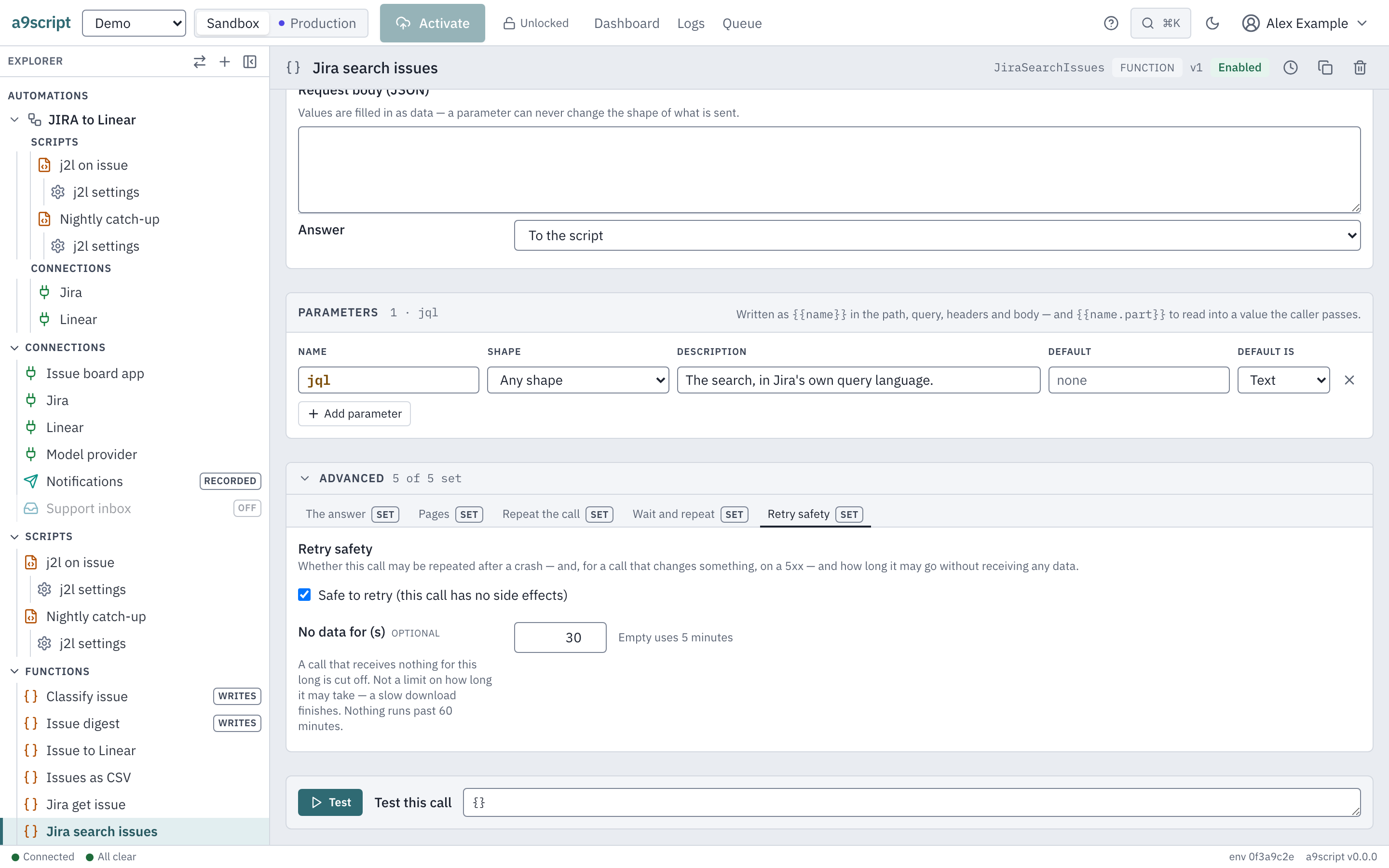
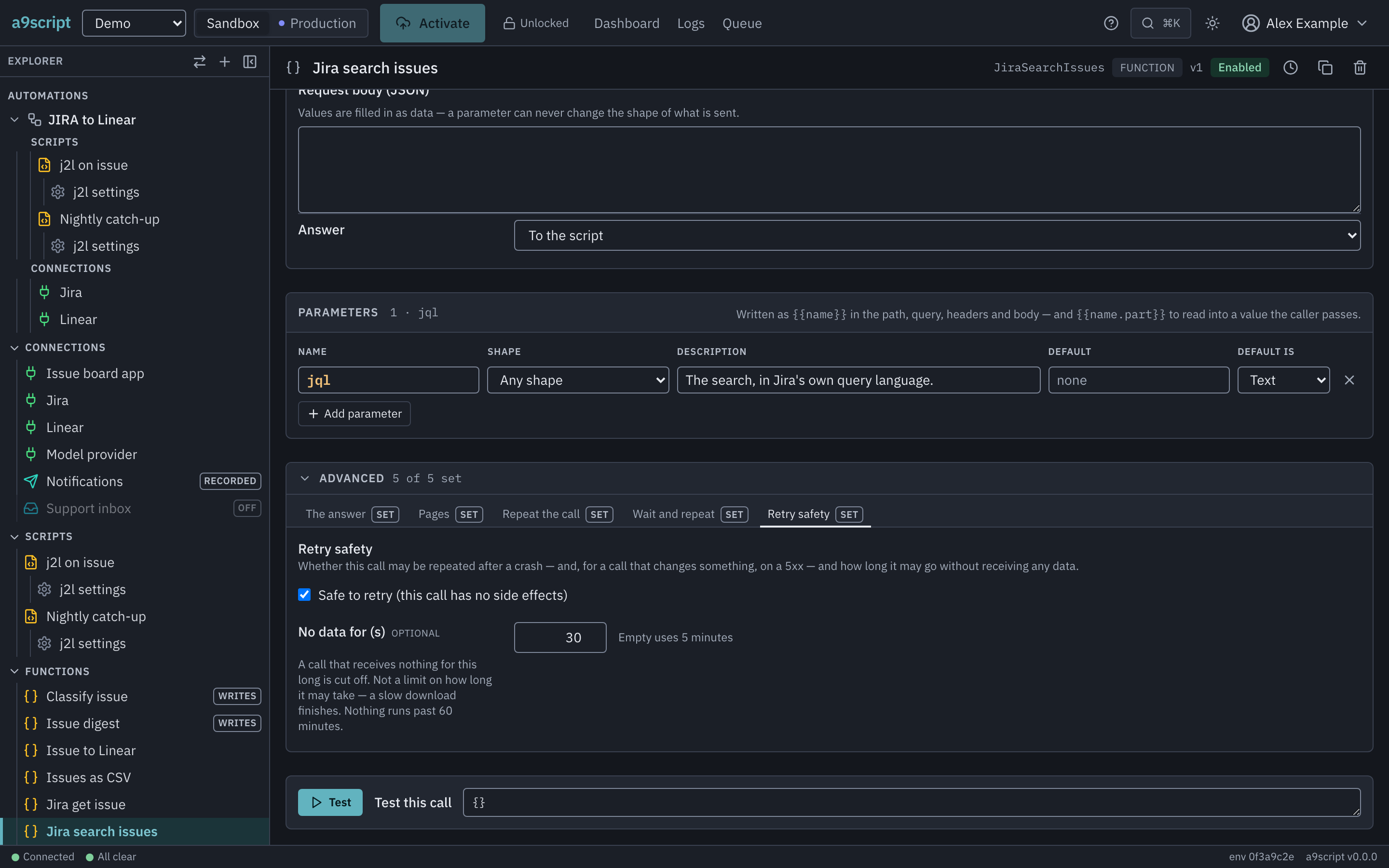
A call marked safe to retry is treated like a GET: it is repeated on a
5xx, and it may be repeated after the connection died mid-request, where the
platform cannot know whether the far end got it. Mark a create only if the far
end deduplicates it. No data for is how long the far end may stay silent
before the call is given up — silence, not total time.
A guard, not the API. Some APIs sit behind a bot challenge that answers instead of the API. When the platform recognises one, it refuses the call and names what happened; it never tries to solve the challenge. That needs an arrangement with the API’s owner — and the API’s own credential usually exempts a caller in the first place.
Paging is configuration too
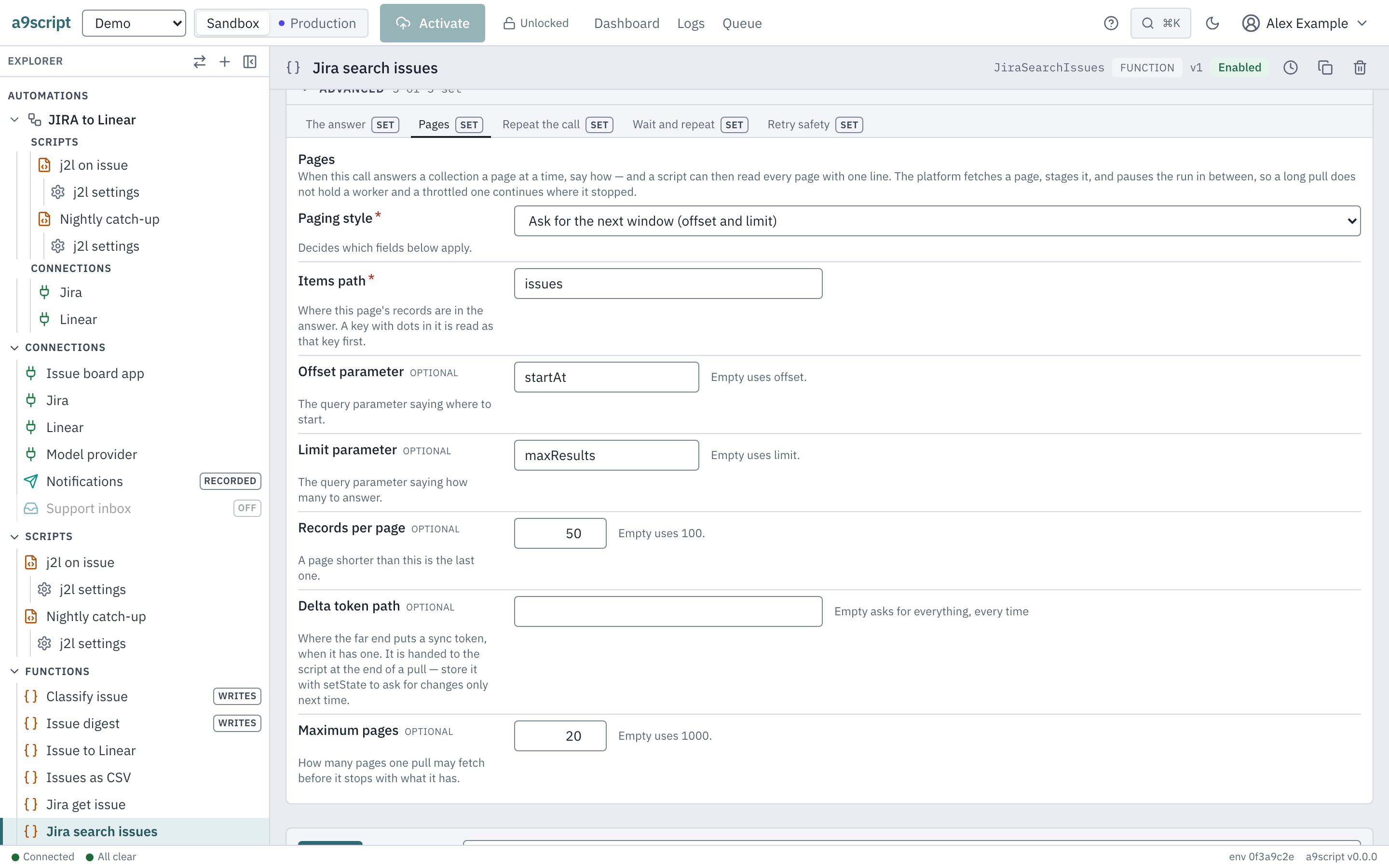
If a call answers a collection a page at a time, say so on the Pages tab: the paging style, where the items are, how the next page is asked for, and how many pages one pull may fetch. Then one line reads the whole collection:
const pull = dsFetchInto("ListContacts", {}, "run:contacts");

return { pages: pull.pages, rows: pull.rows };
No cursor loop, no page counter, and the pull keeps its place if the far end
makes it wait. A collection longer than the page limit is refused as
PULL_INCOMPLETE, naming the limit and what was staged: a part of a
collection never passes for the whole of it, so a comparison with last
night’s copy cannot take the records past the cut as deleted.
| Paging style | The far end… |
|---|---|
| Next link | answers the whole URL of the next page |
| Cursor in a parameter | answers a cursor that goes into the next request’s query |
| Cursor in the body | answers a cursor that goes into the next posted body — the GraphQL case |
| Offset and limit | is asked for the next window by position |
A parameter is a value, never structure
{{email}} inside a path, a query value, a header value, a JSON body or a
template is replaced with the value you passed — encoded correctly for where it
sits. It cannot become a second query parameter, an extra header, or a new
field in a body: a template that tried would be refused when it was authored.
That is what makes it safe to build a call out of whatever arrived in a
webhook.
A model’s answer is input, not truth
An LLM prompt answers text, or a parsed object in JSON mode:
const verdict = ClassifyMessage({ text: "the invoice never arrived" });

log("classified", { model: verdict.model, tokens: verdict.usage.outputTokens });

return verdict.json;
Whatever comes back is untrusted input, and it is your job to check it. A model can answer with a category you never defined, an id that does not exist, a number as words, or an empty object — none of which is an error, and none of which the platform can catch for you. Validate the shape before you act on it, and never pass a model’s answer straight into a call that changes something.
Next
- Designing a function set — which functions an integration needs, worked through for Jira and Linear.
- The same settings as files, for the CLI and for agents: Config function files.