Docs / Operating
When something is wrong
For whoever is holding the pager — on a small team that is the person who built the thing, on a larger one it is not. This page is about reading the state of an environment and clearing it; being told the moment something breaks is its own page, Reacting to failures.
An environment carries one vital sign, and every entity in it carries its own: a dot on its row, rolled up the tree so a group shows the worst of its members, and summed into the status bar as the one colour for the whole environment. No dot means nothing has been recorded since somebody last looked — not that last night went well because a screen says so this morning.
Two colours
The colour tells you how much is wrong, and the evidence tells you who raised it and what to read next.
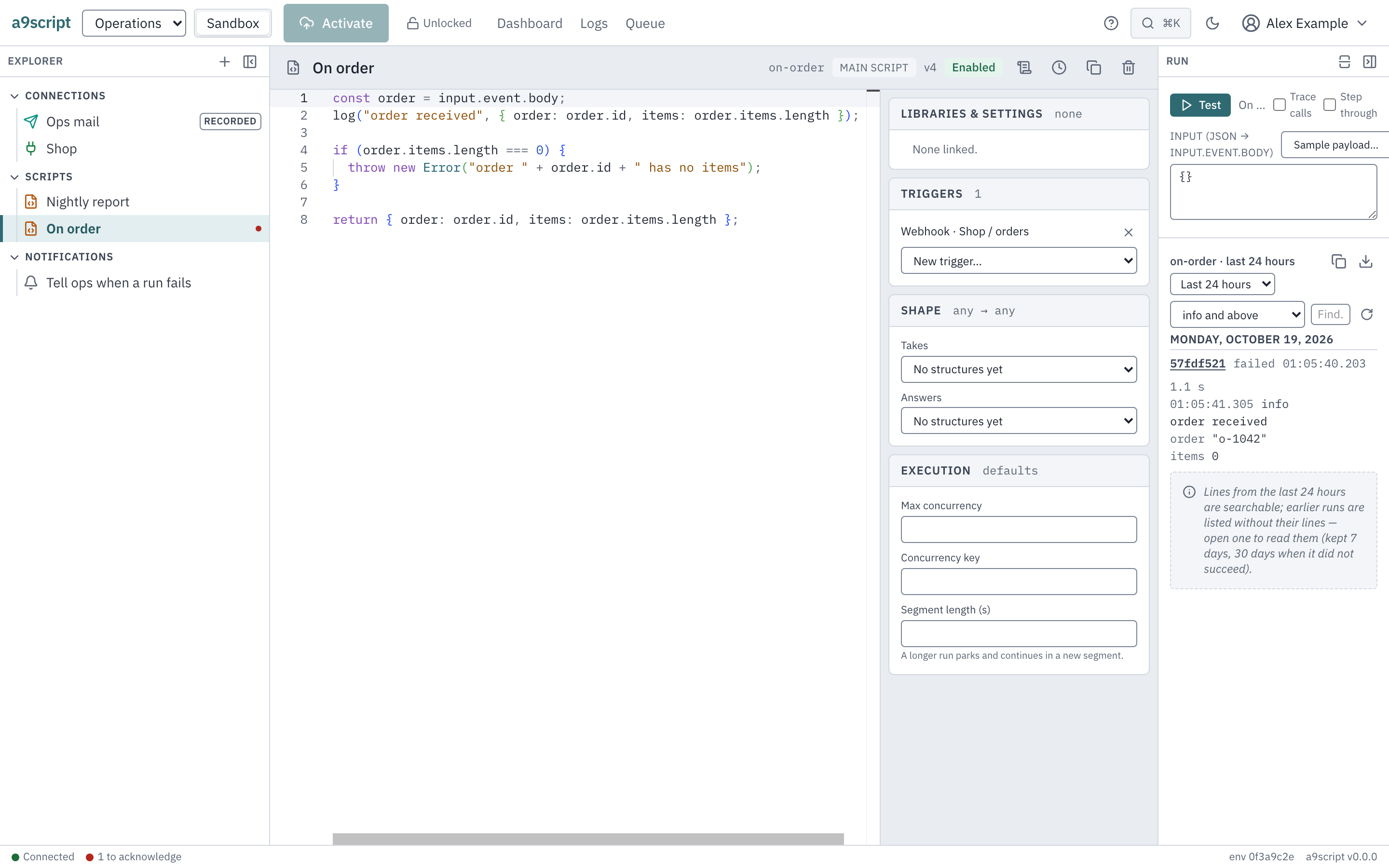
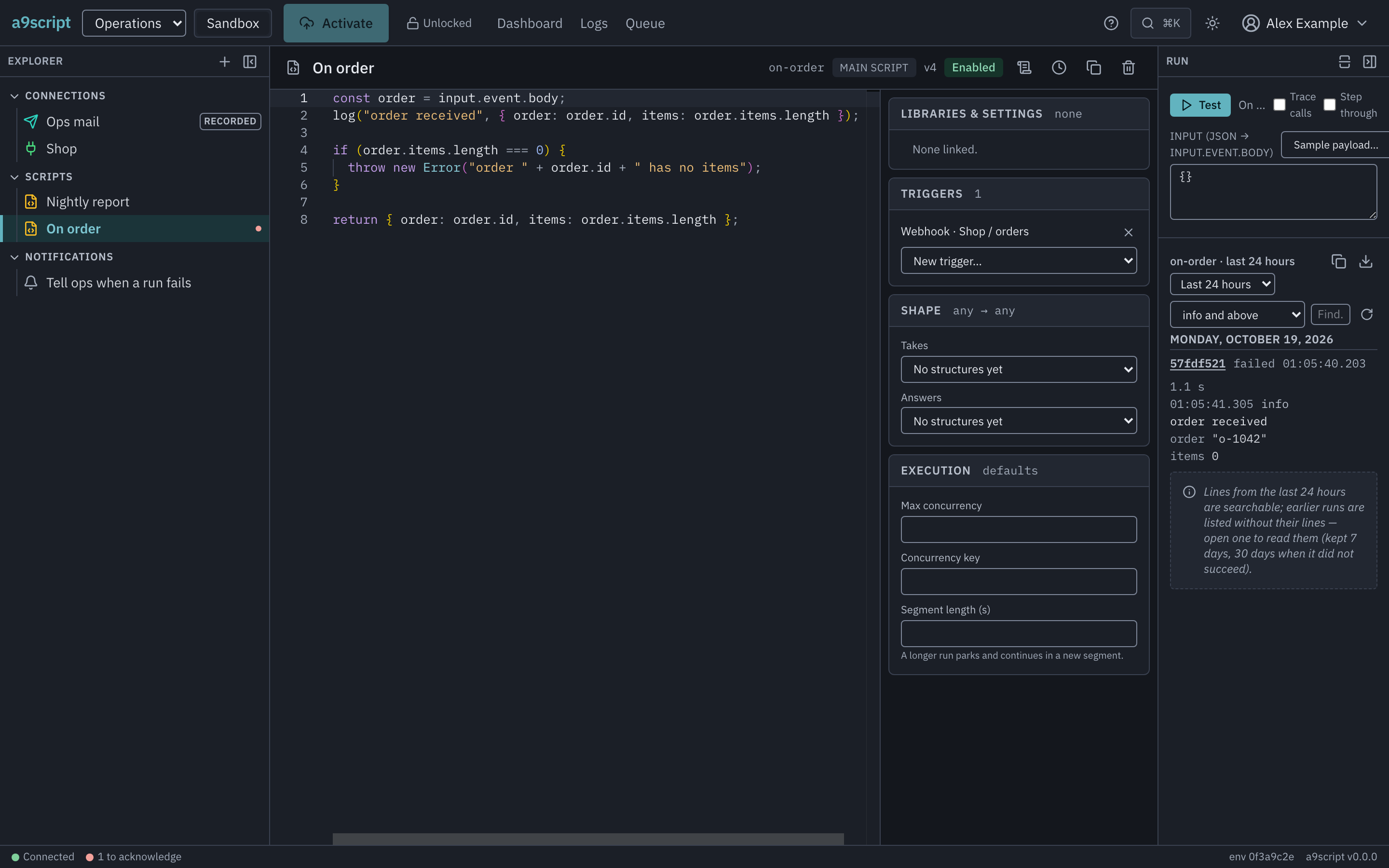
- Red means something is not working. Usually a run failed: it threw, it
went over its budget, or it did not stop when asked and had to be stopped by
force, and the evidence is the run itself. A run that finished is red too
when your script wrote a
logError: that is how a script reports the half of integration trouble that never throws — the far end answered politely, and the answer is wrong — and the evidence is the line it wrote. It can also be the platform’s own observation about a system you call — a connection whose far end stopped answering, where there is no run to open because the fact is about the connection. - Amber means something is worth knowing, and nothing is broken. Usually
your own script said so with
logWarning: the run finished and did its work, the script still flagged something, and the evidence is the line it wrote. It can also be the platform noticing something about a system you call while every call still works — a login server that granted your connection different permissions from the ones it asked for.
Either way the evidence says which: it names the run to open, or it says what the platform itself saw.
Only unattended work colours anything. A Test in the editor reports to the person pressing the button, and to nobody else — the answer is already in front of you. A run stopped cleanly — at its next call or wait, as it was asked — colours nothing either, whatever it had logged by then: it was ended on purpose, before it could finish its work.
The state stays until somebody clears it
A surface that shows the last run’s outcome is green by morning: the night’s one failure is followed by a hundred quiet successes, and by the time anybody looks, nothing looks wrong. So the mark does not work that way. Once an entity goes red or amber it stays red or amber — through every success that follows — until a person acknowledges it. The mark is the platform saying something happened here that nobody has seen yet.
From the colour to the line
The status bar’s vital sign is a door: it takes you to the health section, which lists each marked entity with the evidence itself — since when, and the failure’s own words, not just a colour. From there, open the run behind it.
A run’s log is where the story bottoms out. Under your own lines the platform writes one line for every call the run made — what was called, what it answered, how long it took — so the log filters are how you narrow a bad night: set the level to error and above, add a search word, and open the run behind the line that remains. The runs list is also where a script that wrote no log lines at all still shows what it received and what it returned.
Not every run in that log is the automation’s. A Test from the editor is in the script’s own log too, marked draft, because it ran the editor’s source and not the activated version; a run started from the command line or with a token is marked cli. A run with no mark is one the platform dispatched. Only those count in the automation’s numbers — a failing edit is your act, not the automation’s failure — and only those can mark the script’s health. On the page that lists every script’s lines, each stretch of a run also names the script it belongs to.
A Test that takes longer than the editor waits for it does not fail: the panel says the run is still executing and offers the script’s log, where the run’s row is — it finishes there, in its own time. The same words come back to the command line, with the command that reads that log.
A run whose row says segment 47 is a long one, not a stuck one. A run still
going when its segment’s time is up — most often one waiting on its calls —
parks, hands its place back and continues a moment later as its next segment,
on whichever machine picks it up; its log carries a line for every such park
(sliced after …) and one for every return, so the count on the row is how
many times it did that. It ends by itself at the ceiling on segments, as an
endless checkpoint() loop does, or sooner at its steps or objects, which
count over the whole run. A Test that runs past a segment is answered the same
way — the run as it stands, still going — and the panel reads it to its end
like any run.
Where an older run went
A run’s lines age in bands, and each band is reached from the same two log surfaces — the script’s own log in the editor and the page that lists every script’s lines. The numbers below are this installation’s defaults; both surfaces state the numbers the runtime actually reports, so what you read on the page is what your platform keeps.
- Searchable. For the first 24 hours after a run finishes, its lines are in the shared log. A search across runs — a level, a word, a window — finds them, and the run’s stretch of lines is headed by the run itself.
- Listed without its lines. After that, the lines move to the run’s own archive, which a search across runs does not reach. The run is still listed: the script’s log lists its runs as rows under Earlier runs in the period picker, newest first and a page at a time, and the page that lists every script’s lines continues as rows past the searchable day under a window of a week or more. A row says what the run still has — archived — and opening the row reads the lines from the archive. The archive is kept 7 days for a run that succeeded and 30 days for one that did not.
- The row alone. Once the archive is collected, the run’s row stays for 90 days: when it ran, how it ended, what it answered. Its row says lines gone, so you know before opening it that there is nothing more to read.
- Gone. After that the run is no longer listed.
A run that wrote no lines at all says no lines — nothing was taken away, and what it answered is on the row. A run whose lines are still searchable carries no word: they are on the page, or one click away.
Clearing it
Acknowledge is not “mark as read”. It deletes the episode: since when, what state, how many times it tripped — gone, and the entity is unmarked until something new happens. What remains afterwards is the audit trail’s record that you acknowledged it, and the runs themselves for as long as they are kept. If you want the details later, read them before you clear it, or find the runs again by their time.
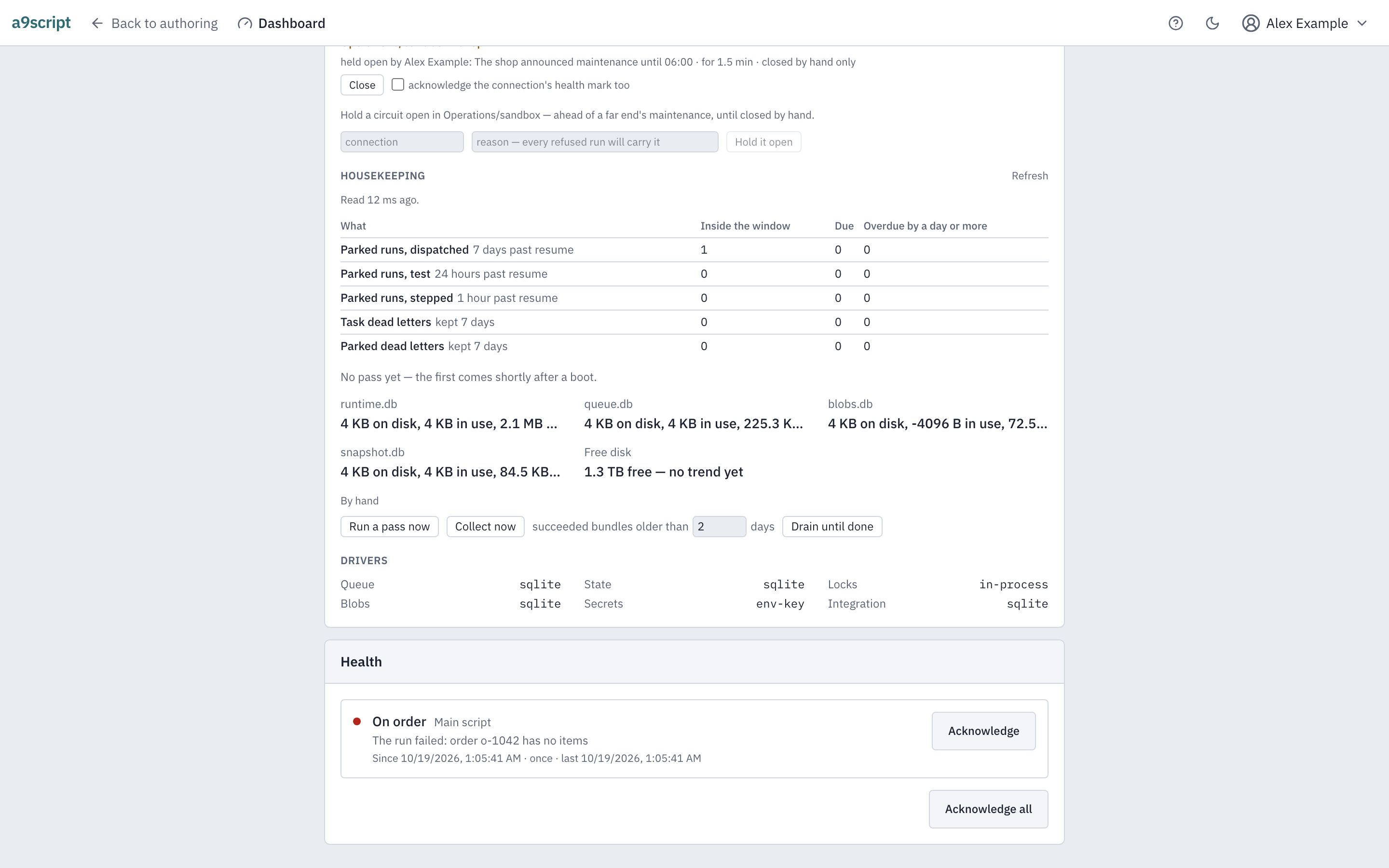
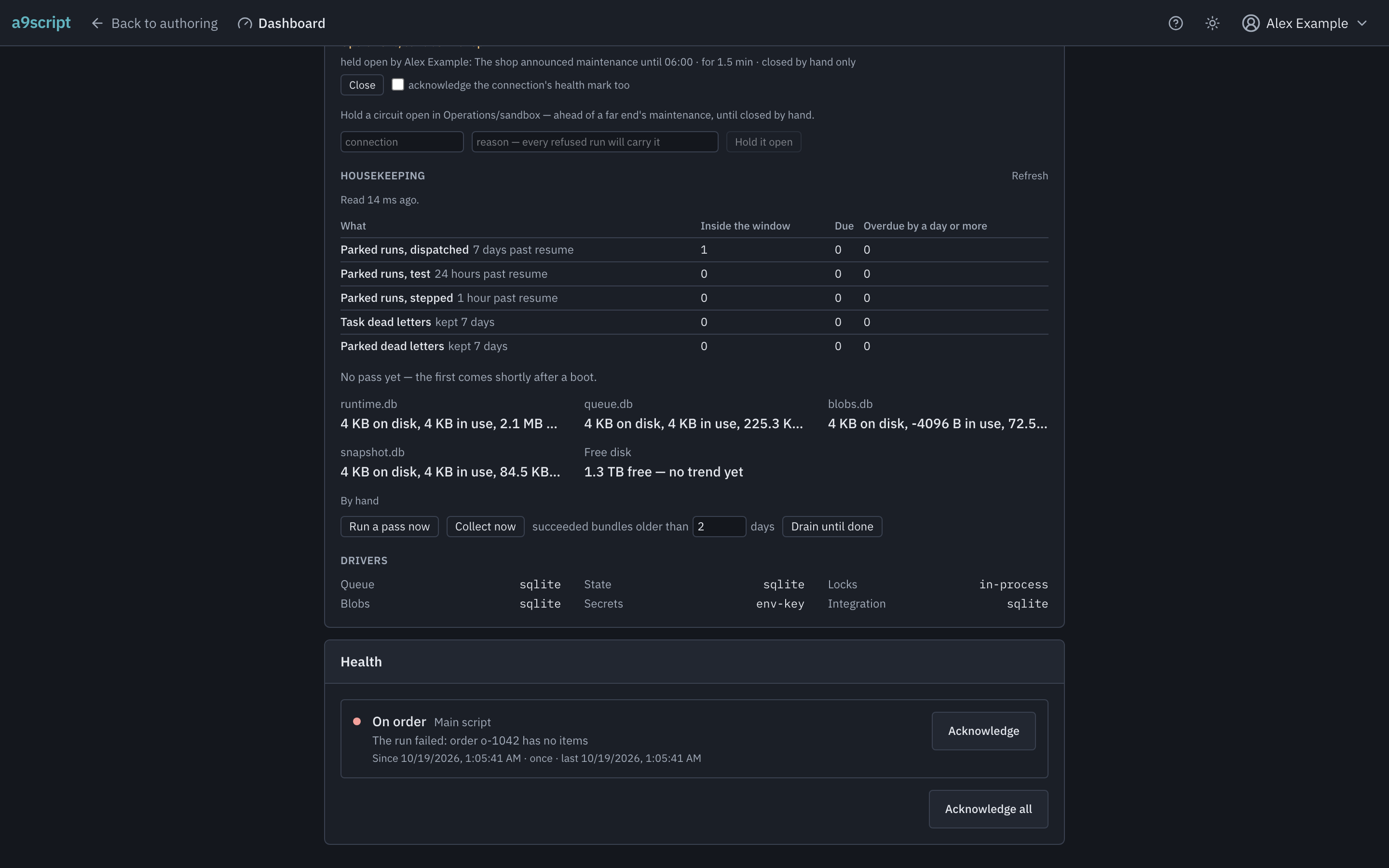
That is the whole loop: the mark tells you something happened, the evidence tells you what, and acknowledging it is you signing that somebody has seen it.
A connection the platform stopped calling
When a system you call fails several times running, the platform stops calling it: the connection’s circuit is open, and every run that reaches the connection meanwhile is refused with a message naming the connection, what shut it, and when the platform will try one call again. That try is automatic — but only when a call arrives, so a circuit a nightly job opened sits open all morning, and a partner in maintenance takes every call before it trips. The runtime panel’s Open circuits lists each open circuit with the same words, and the installation’s administrator has three moves there.
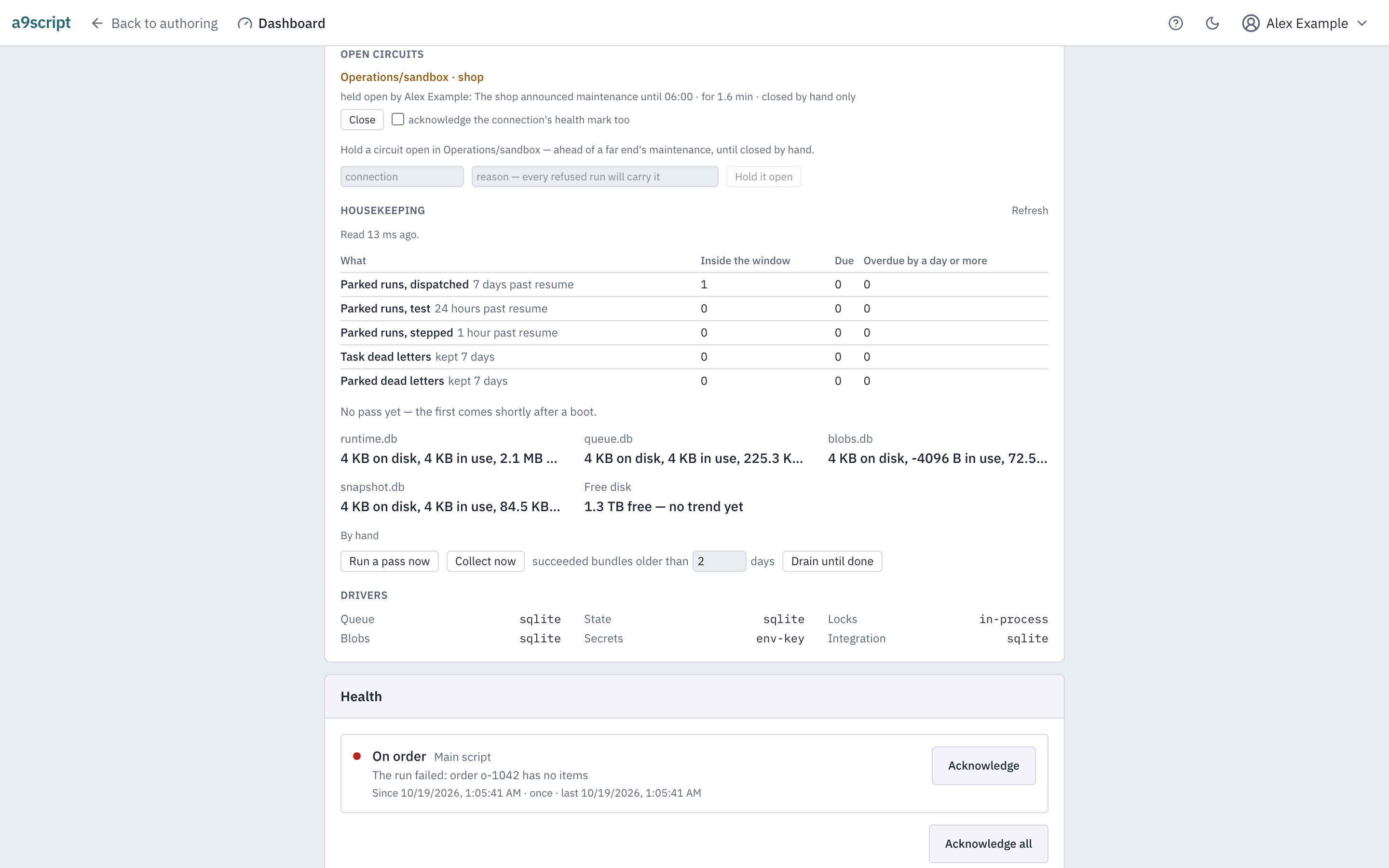
Close it when you know the far end is back: the next call is real — one failure after a close is one failure, not the door shutting again. The connection’s health mark stays unless you also choose acknowledge the connection’s health mark too beside the button, because a closed circuit is not a seen episode until you say so. Probe now when you would rather not wait out the cooldown: the next call is the trial call, and its answer decides. Hold open ahead of a partner’s maintenance, with a reason: no call reaches the far end until somebody closes the circuit by hand, every refused run’s log carries your name and your reason, and the connection is not marked red — a hold is your intent, not something the platform observed.
A hold is this node’s, for minutes to hours: it does not survive a restart, and a second node does not know it. For anything that must survive a restart or reach every node, switch the connection off instead — that is configuration, and it goes wherever configuration goes.
Who clears what
Anyone who may change the environment clears one entity’s mark. The person who owns the script, read the failure and fixed it is usually the person who should say it has been seen, so clearing a single mark asks for the same access as changing the thing that failed. Someone with read-only access sees every mark and clears none — where you cannot clear one, the row says so rather than simply leaving the button out.
Clearing a whole environment’s marks at once is a tenant administrator’s. That is the act for the night a broken connection or a bad release marked half the environment, and it is a different decision from signing off one failure: it names how many marks it is about to delete, and then they are all gone. It clears what you were looking at — anything that fails while it runs is still a failure nobody has seen, and it stays.
An automated browser test performs this page’s loop against a running platform, every time the product changes — a real delivery fails a real script, the mark appears in the tree and survives two successes, the evidence is read, and the acknowledgement clears it. Two accounts differing only in access walk the paragraphs above: one clears the mark on their own work, the other is shown the sentence saying why they cannot, and a tenant administrator clears the environment whole with the count in front of them. A second walk narrows three runs to one log line and opens the run behind it, and finds a Test from the editor and a delivered run of the same script on the page that lists every script, told apart by the mark. A third runs a Test from the editor and finds it as the top row of the script’s own log, marked. A fourth reaches a run from before the searchable window: listed as a row saying archived under Earlier runs, opened, its lines read from the archive — and reached again from the page that lists every script, under a week’s window. A fifth opens a connection’s circuit with a far end that answers nothing but errors, closes it by hand from the runtime panel, and proves the next call real by the far end receiving it — and finds the close in the trail. The page cannot outlive the behaviour it describes.