Docs / Scripts
Triggers and concurrency
For an author whose script works when they press Test and now has to run by itself — and for whoever wonders why two of them never overlap.
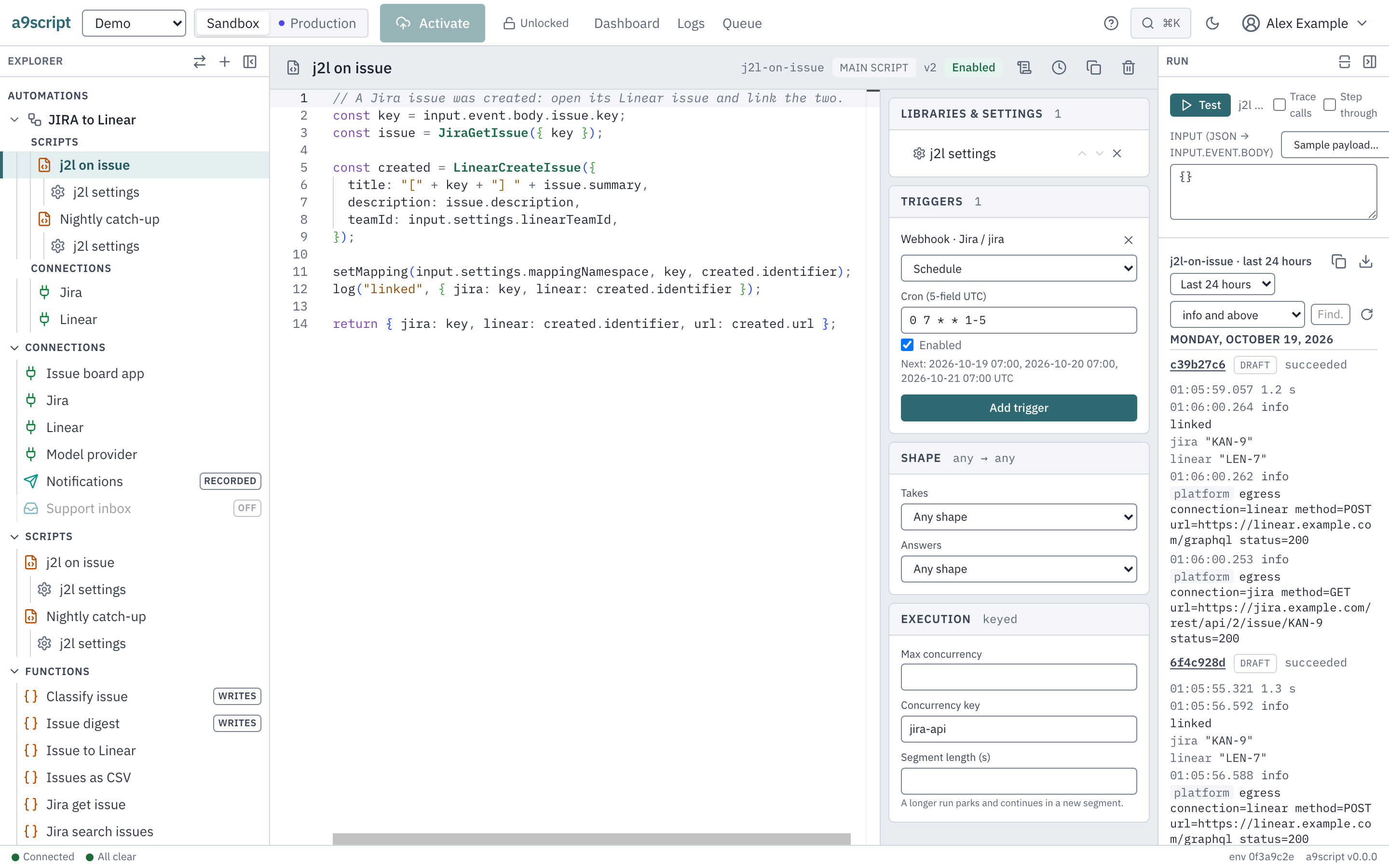
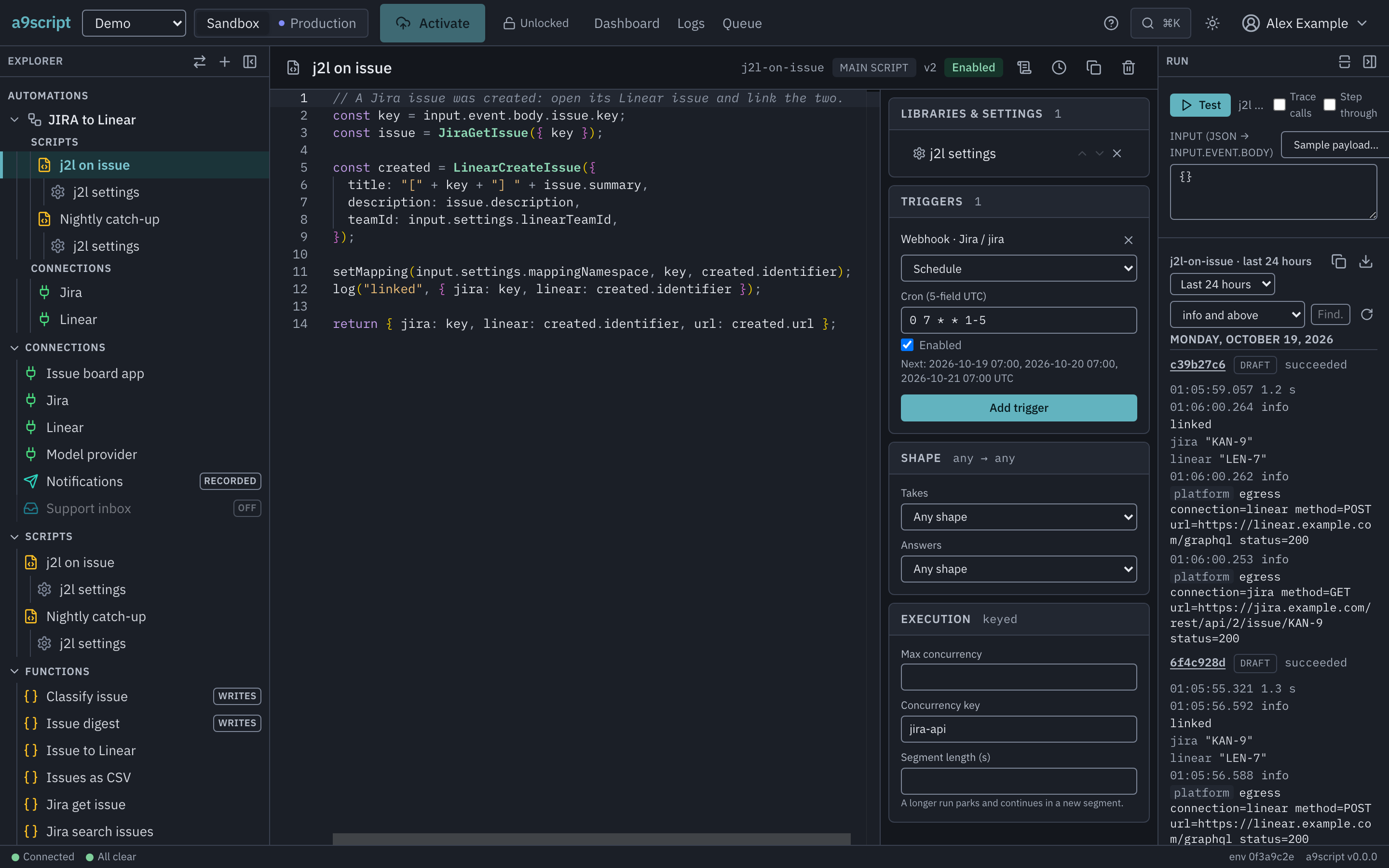
A trigger is what starts a main script. Without one a script is code the platform holds and never runs; with one it runs every time its door delivers something. A trigger belongs to the script, not to the door, so a script’s own card is where you add it.
The five kinds
webhook— a system pushes to one of your endpoint paths and is acknowledged at once; your script runs afterwards.api_service— a caller waits for the answer on that same kind of path. Exactly one script answers.scheduler— a five-field cron in UTC, authored with the trigger. It does not fire again while its previous occurrence is still waiting to start. Its next time is looked for up to 28 years ahead, so0 0 29 2 *fires on every leap day. A schedule that cannot fire is refused when you add it, naming what is wrong: a field out of range (0 9 * * 7— Sunday is 0) or an expression no date can match (0 0 30 2 *, February 30). Its own switch sits on its line in the script’s Triggers card.email_in— a message arrived in a mailbox this environment watches.system— something went wrong here: a run failed, work could not be delivered, something was marked as failing. Your script reacts to it exactly as it reacts to a webhook.
The first two name a connection and one of its existing endpoint paths. The
next two name a schedule and a mailbox. system names neither — what it binds
is which of the platform’s own occurrences it wants, and that is authored with
the trigger. Reacting to failures is the page about
the last one.
An MCP endpoint takes no trigger at all: its list is its tools. A hosted app takes none either — it answers with the files in its store and runs nothing.
when — several scripts sharing one door
A webhook or api_service trigger may carry a filter, and it is how several
scripts share one endpoint instead of one script dispatching on payload fields.
A filter is a set of dot-paths with expected values, all of which must match.
With no filter, a script takes every event the door delivers. With one, it takes only what it asked for. The decision is made where the event fans out, so a filtered-out event is not a run that returned early — it is no run at all, and nothing was queued.
Two consequences:
- A filter can only ever narrow. It runs after the credential, so it can remove scripts that configuration already put on that door and can add none.
- An event no script takes is accepted and runs nothing. The sender is answered, the miss is counted, and the log names the value that matched nobody. If a script never fires, check its filter before anything else.
One at a time, unless you say otherwise
A main script runs one run at a time. That is the default and there is no control you have to find to get it: two deliveries a second apart produce two runs, and the second waits for the first to finish.
A run that is waiting has not finished. A run paused at a checkpoint,
waiting out a system that asked it to slow down, or between two parts of a
long job keeps its script’s turn for as long as it waits, and the next run
starts when it has finished — never in the gap. Two runs of a one-at-a-time
script never take turns step by step.
It is the right default because that is what scripts are. They keep state across their steps, they write to datasets, and they are written expecting to be the only one doing so. Anything else would make “read this record, decide, write it back” a race the first time two events arrived together.
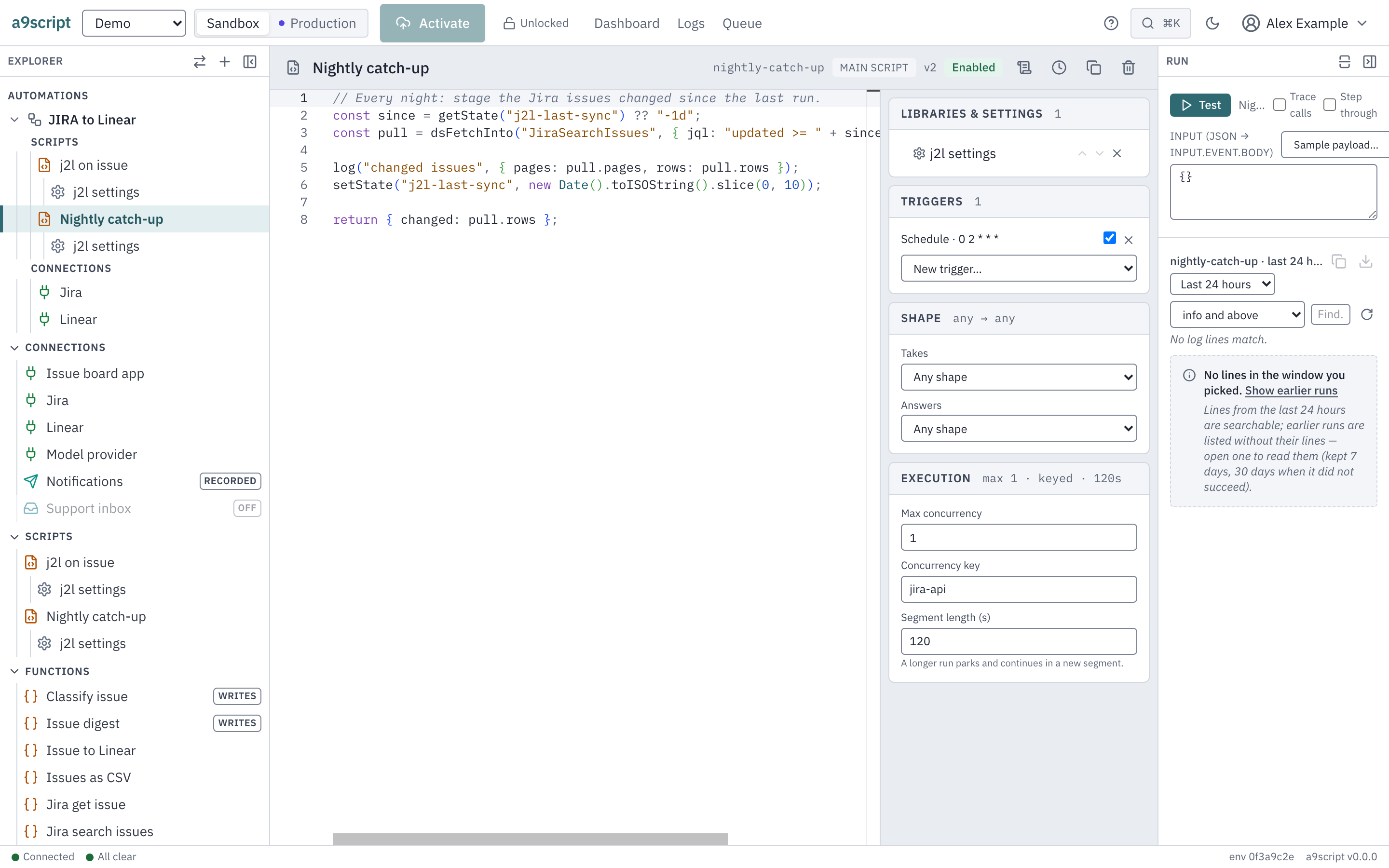
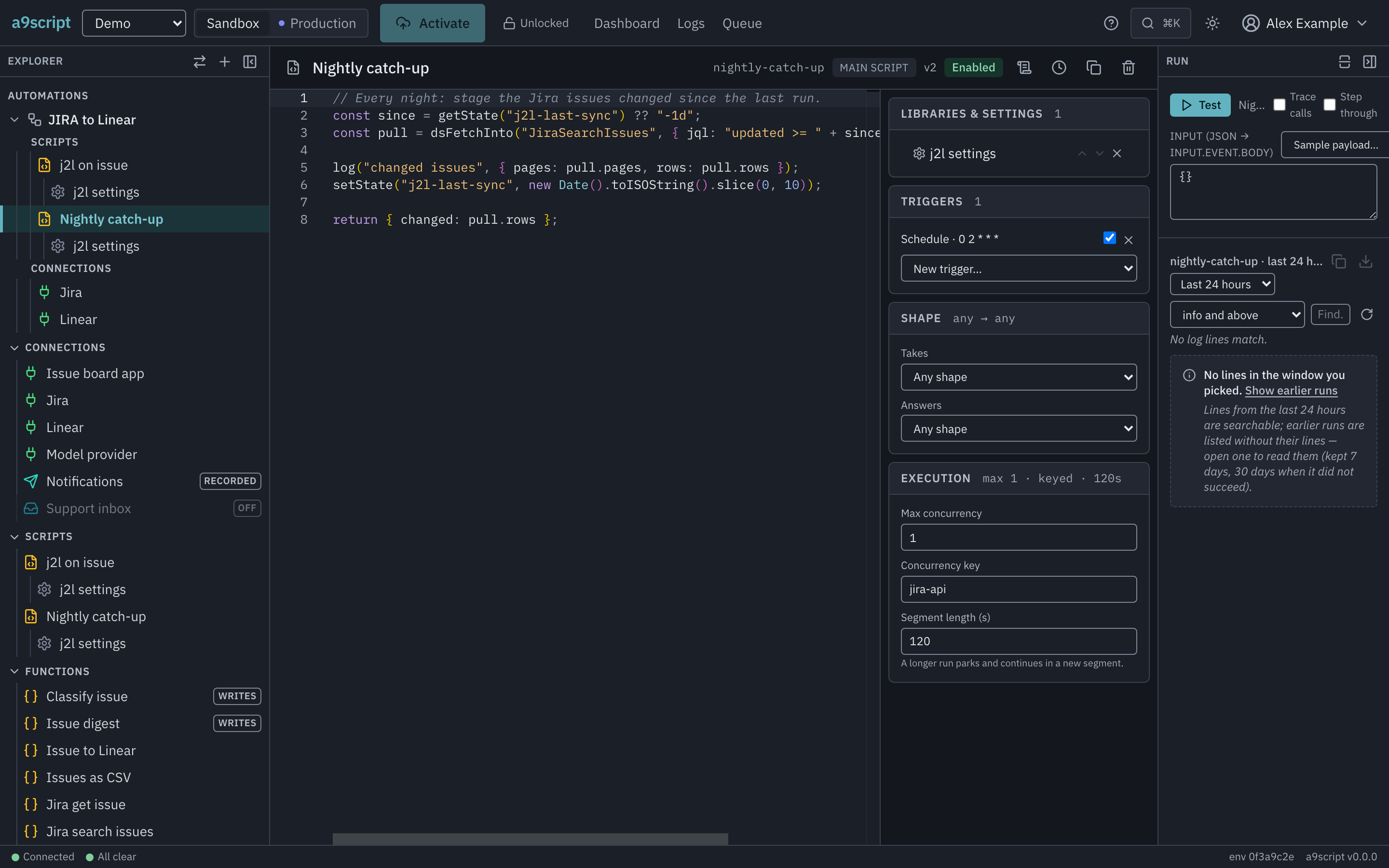
Set Max concurrency on the script’s Execution card when the work really is independent — a number of runs that may be in flight at once. There is no ceiling in the schema; the machine’s own capacity is the real one.
A run keeps the limit it started under. The number is read once, when the run is created, and the run holds it to the end — including across a wait, and including the case where you edit or delete the script while it is waiting. That is what makes a long-running job predictable: it finishes under the rules it began with rather than under whatever the configuration says at the moment it wakes up. The practical consequence is that lowering the number does not reach back into work already in flight. It applies to everything that starts afterwards; runs already going carry on as they were, and a run that is waiting counts as already going: it holds one of the script’s places, and so one of a concurrency key’s.
After a crash, the next run waits for the platform’s verdict. If the machine stops while a run is executing, that run keeps its turn until the platform has judged it — continued from its last safe point, or recorded as failed. The platform waits until the run has been silent long enough to be sure it is not merely slow, which takes several minutes, so the script’s next run starts that much later than usual after a crash. That is the price of the rule above: a run that continues must never find another run of its script beside it.
Set a Concurrency key when the limit belongs to something other than the script. Several scripts naming the same key share ONE limit, which is the answer to do not hammer this account: three scripts that all write to the same system can be held to one run between them. Give every script that names the key the same number: if they differ, the key runs at the smallest of them, and activating the change says so.
What waiting looks like
Work that cannot start is queued, never refused. It keeps its place in line, it spends no delivery attempt, and it runs as soon as a slot frees. A burst against the default runs strictly in the order it arrived.
A script that is waiting is passed over: the work queued behind it goes on,
and the other environment of the same tenant has lanes of its own. Its own
waiting work still counts, though. A run that is waiting keeps its turn, and
what arrives for its script meanwhile waits in that door’s queue and counts
against the queue’s limit; once an endpoint’s queue is full, every caller of
that endpoint is answered 429 LANE_FULL, whichever script it was for. To
let that work through, let the waiting run finish or stop it (when the work
jams).
A schedule does not pile up behind its waiting run. While an earlier occurrence of a schedule still waits to start, the schedule does not fire again: that due time is skipped, as a switched-off schedule’s is, and never run late. Once the waiting occurrence has started, the next due time fires as usual.
Who notices depends on who is on the other end. A webhook sender notices nothing — it was answered at the door before any of this. A caller waiting for an answer waits, and the queue time is inside its reply budget, so a long enough queue is a timeout rather than a busy answer — and a call still queued when its caller times out never runs. A schedule, a mailbox and a system occurrence have nobody to notice.
Two things deliberately take no limit of their own. A configured call reached through an endpoint is one stateless request, and the environment’s outbound rate window, the connection’s breaker and the machine’s capacity already bound it. And a Test never queues behind anything — it is how you work.
A script that is switched off
A script that is switched off runs nothing, and nothing that arrives while it is off is kept for later: switching it back on does not replay it.
- An event on an endpoint it listens on is still accepted and acknowledged; the script is left out, the others listening there still run, and the trail names the script the event was not delivered to.
- A caller waiting for an answer is told at once that what it asked for is switched off, rather than left to wait out its budget.
- A schedule that comes due while its script, or the schedule itself, is switched off does not fire, and switching it back on does not run it late; it next fires at its next due time.
- A watched mailbox whose scripts are all switched off still reads its mail — and drops it. To keep mail for later, switch the mailbox off.
- Work already queued for it when you switched it off is dropped when its turn comes.
- A run that had already started and paused is different: it has done part of its work, so it waits and continues once the script is switched on again — and asking to continue or wake it early is refused, saying so. Stopping it meanwhile leaves nothing waiting for the switch. A Test you run yourself is the exception: it continues whatever the switch says, because the switch is about what triggers the script, not about you working on it.