Docs / Security & access
People and access
For whoever runs the installation, or administers a tenant on it.
Access here is granted, never assumed. A person sees exactly the tenants and environments somebody gave them, with one of four roles deciding what they may do there (the words — tenant, environment — are the first page’s, What this platform is).
The four roles
| Role | What it may do |
|---|---|
| Administrator | Everything, on every tenant — the person who runs the installation. |
| Tenant admin | Everything inside their tenant: every environment of it, and its people — inviting, granting, removing. |
| Specialist | Read and change the environments they were granted, one by one. |
| Auditor | Read the environments they were granted, and change nothing. |
“Change” includes the runs, not only the configuration: a specialist may stop a run in an environment they hold, including one somebody else started, and including in production. That is deliberate — whoever may start work there is who is around when it has to be ended, and waiting for a tenant administrator while a run hammers a partner helps nobody. Every stop is in the environment’s trail with the name of whoever asked, which is what makes the wider hand safe to give.
A grant is also visibility. Whatever you were not granted does not exist for you: asking about it — even by its exact address — answers as not found, revealing nothing, exactly as if it were never there. So “can they see it” and “were they granted it” are the same question, and there is nothing to check beyond the grants themselves.
Inviting somebody
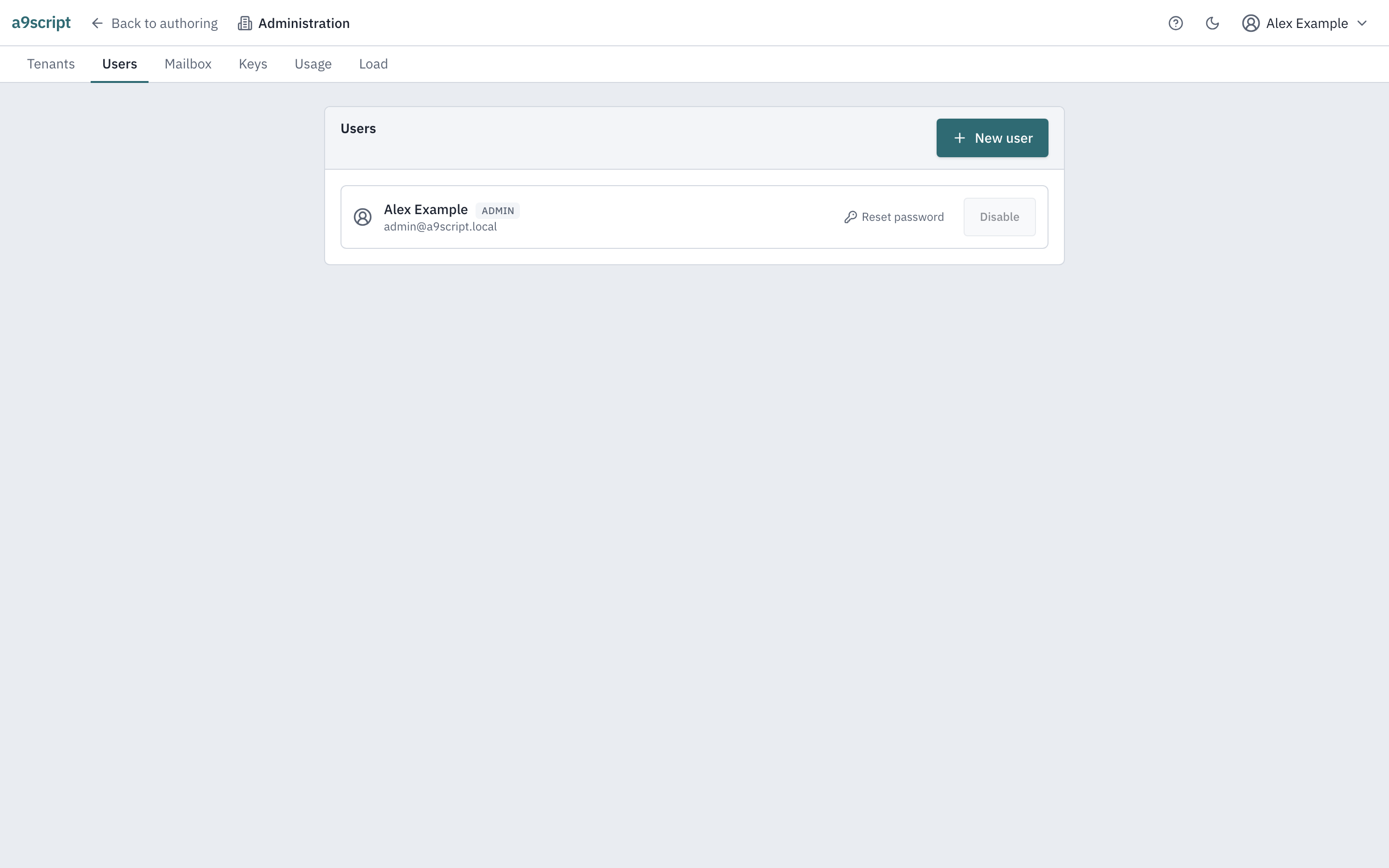
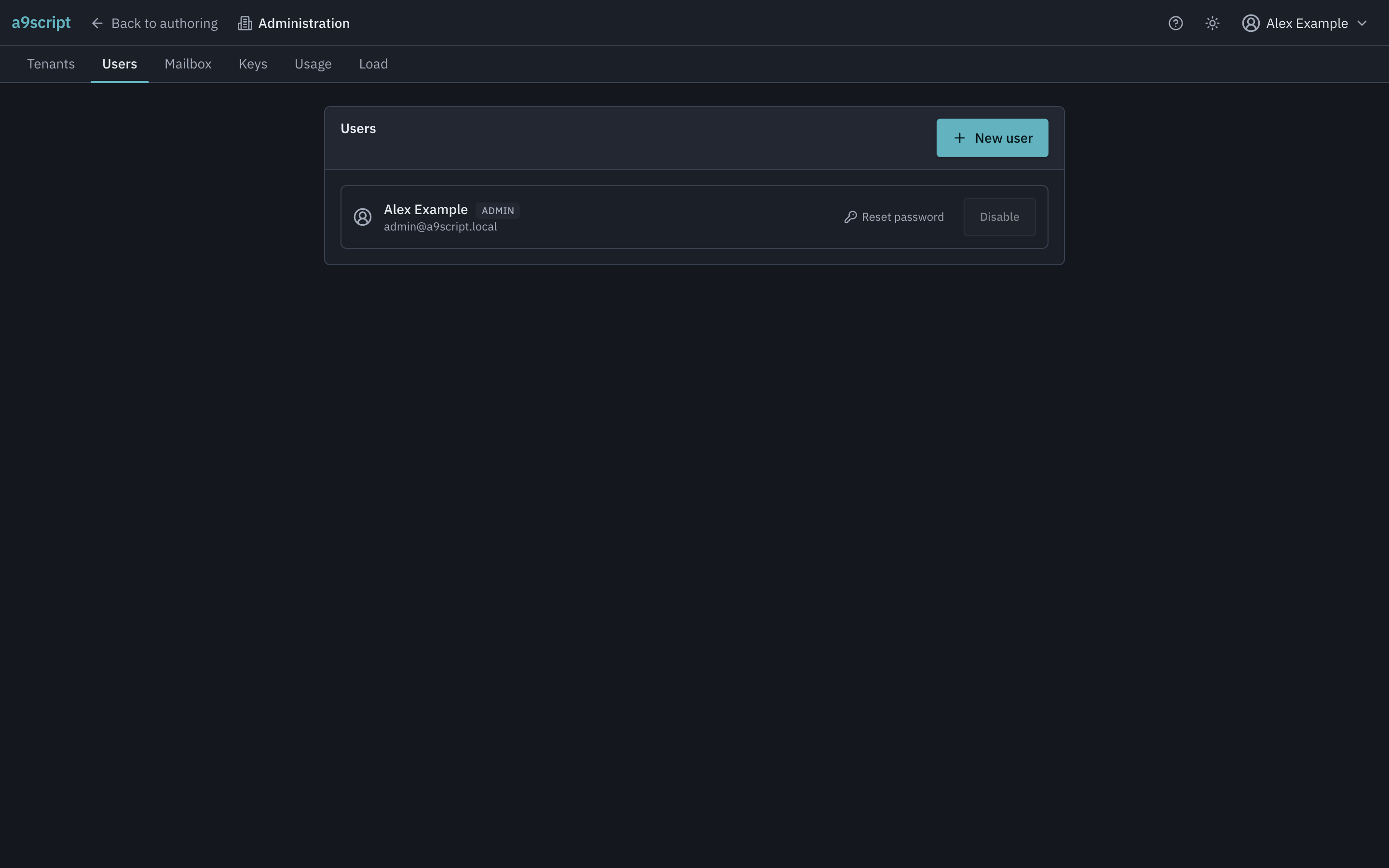
Create the account with their email address and the platform mails them an invitation link. (A tenant administrator invites from the tenant’s people panel instead, straight to one environment and role — see Administering a tenant.) The link works for 48 hours and is where they set their own password; until they do, the account has none. If the invitation mail cannot be sent, the account is not created at all — you will never find a half-invited account that can neither sign in nor be invited again. On an installation without a mail account of its own, creating a user shows a temporary password once instead, for you to hand over yourself.
The second factor
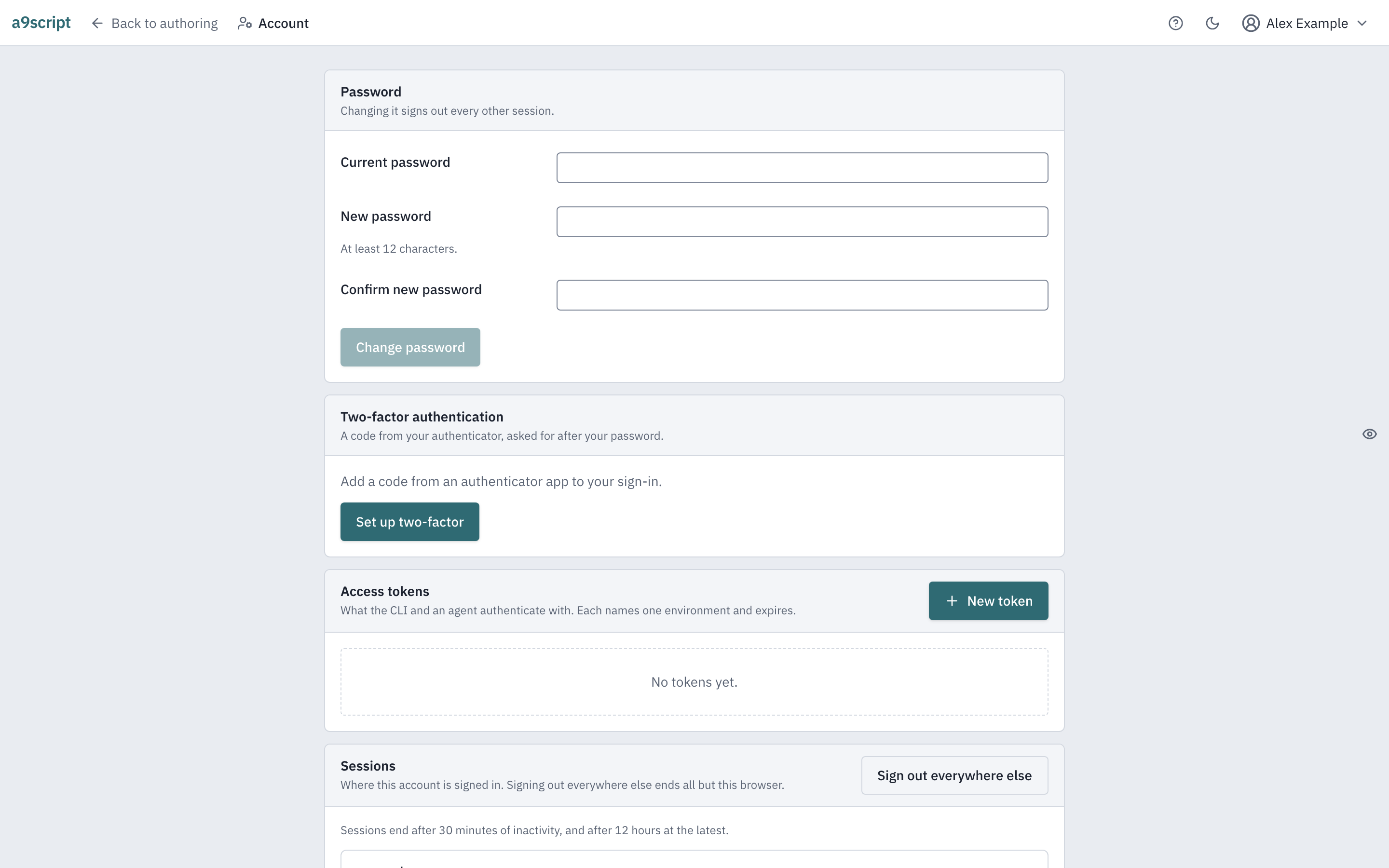
An account can require a code from an authenticator app at sign-in, and an installation can require that of administrators or of everybody.
Setting it up is deliberately two steps: the account is handed the code secret, and nothing is switched on until a code proves the authenticator really holds it — a mis-scanned QR code locks nobody out. Enrolment also hands over recovery codes, shown once: each signs in exactly one time, for the day the phone is gone. Keep them somewhere that is not the phone.
When the phone is gone and the recovery codes are spent or lost, the way back in is a person: an administrator (or the tenant admin, for their own members) resets the factor. The reset removes the factor and the signed-in sessions it was protecting, the account signs in with its password alone, and enrols again from scratch. The reset is in the audit trail, with who did it to whom.
Sessions and tokens
A browser session ends two ways: after 30 minutes without activity (measured coarsely, so it can come a little sooner), and — however active — 12 hours after sign-in. The app warns before either, and says which limit signed you out.
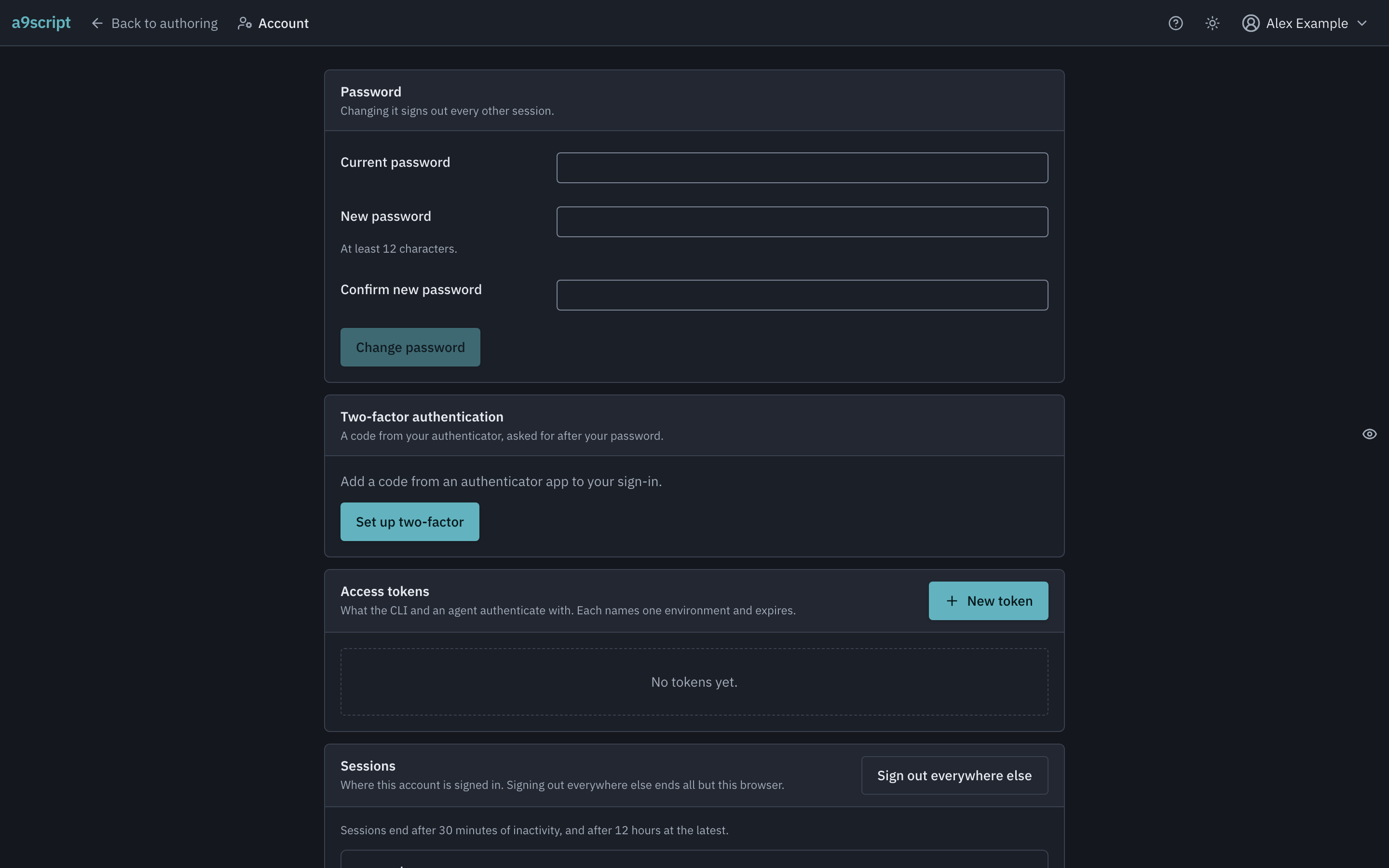
A token is the credential for everything that is not a browser: terminals,
CI, agents. Two scopes exist — config:read reads configuration and can change
nothing; full reads and writes. Every token expires: the longest life you
can give one is 14 days (an installation can shorten that, never lengthen
it). The value is shown once, at creation. Replace mints a new token with the
same name, scope, environment and permissions for you to copy — the platform
never shows an existing value again and never extends one. A token needs no
authenticator code: it is created by somebody who already signed in, for a
machine that has no phone.
A token is minted for one environment and works only there. Everything outside — the tenant’s other environment included — answers not found to it, exactly as an absent grant would, and the surfaces that span environments or manage people and tenants refuse tokens altogether: those belong to a signed-in person. The token is its own context, so a terminal or an agent holding one needs to be told nothing else; working in a second environment means minting that environment’s own token.
A full-scope token is the environment, not a permission. There is no setting between “reads config” and “everything in this environment”: a full-scope token can activate config and start runs, and a run calls every function configured there with the credentials you stored — which the token holder never sees, and never needs to. So the question to ask before minting one is not “what may this person or agent read” but “what may this environment reach”, and the answers are the ones below: give it the shortest life that covers the job, leave the credentialed-kinds switch off, and revoke it the moment it is no longer in use. Revoking takes effect at once.
A token can be kept away from credentialed things. Connections, mail accounts and inbound endpoints carry credentials, and only a token created with may manage credentialed kinds switched on can create, change, switch or delete them — off is the default. A token without it still reads them (secrets stay masked, as they do for everybody) and calls them by name; it is refused only when it tries to write one, in words that say what to do instead. Leave the switch off for agents and CI: their loop is to set everything else up and ask you for the credentialed pieces. The token list shows each token’s environment and permissions, so you can read what a credential can do before deciding to revoke it.
Deleting a tenant
Deleting a tenant removes what the platform holds for it, everywhere: the configuration and its history, the credentials, the runs and their files, the staged data — on every machine the installation runs on. It is armed by typing the tenant’s exact name, and the dialog says what goes and what survives.
What survives, deliberately: the audit trail, including the deletion itself, and any backups already taken — a backup from before the deletion restores the tenant whole, until whoever operates the installation ages those backups out. A backup is also taken right before the deletion runs.
The deletion is not an instant: the tenant is shown as deleting until every machine has confirmed destroying its part, and the platform never claims it finished before that.
An automated browser test performs this page’s acts against a running platform, every time the product changes — a second factor enrolled and proven at sign-in, a recovery code spent exactly once, an administrator clearing a lost factor, and a tenant renamed then deleted with the dialog saying what survives — so the page cannot outlive the behaviour it describes.