Docs / Data, files, mail
Mail: accounts, delivery mode, mailboxes
Mail leaves and arrives through entities of your environment, the way HTTP
calls do — see Connections and functions:
a mail account sends, a mailbox is watched, and an email function is
one of the configured kinds that page describes. A script never holds a
password.
Mail is the page that walks all of it.
Sending
A mail account carries the transport — SMTP with a sealed password, or
Microsoft Graph with a sealed client secret — and an email function names
the account and holds the subject and body as a template. A script calls the
function with named values; the platform renders the mail, attaches files by
handle, and sends through the account. The run’s log records the send with
names and sizes, never the body.
A mail account is resolved per send, so a changed account applies to the next message; an environment with exactly one account can send unnamed, one with several must name it.
The delivery mode
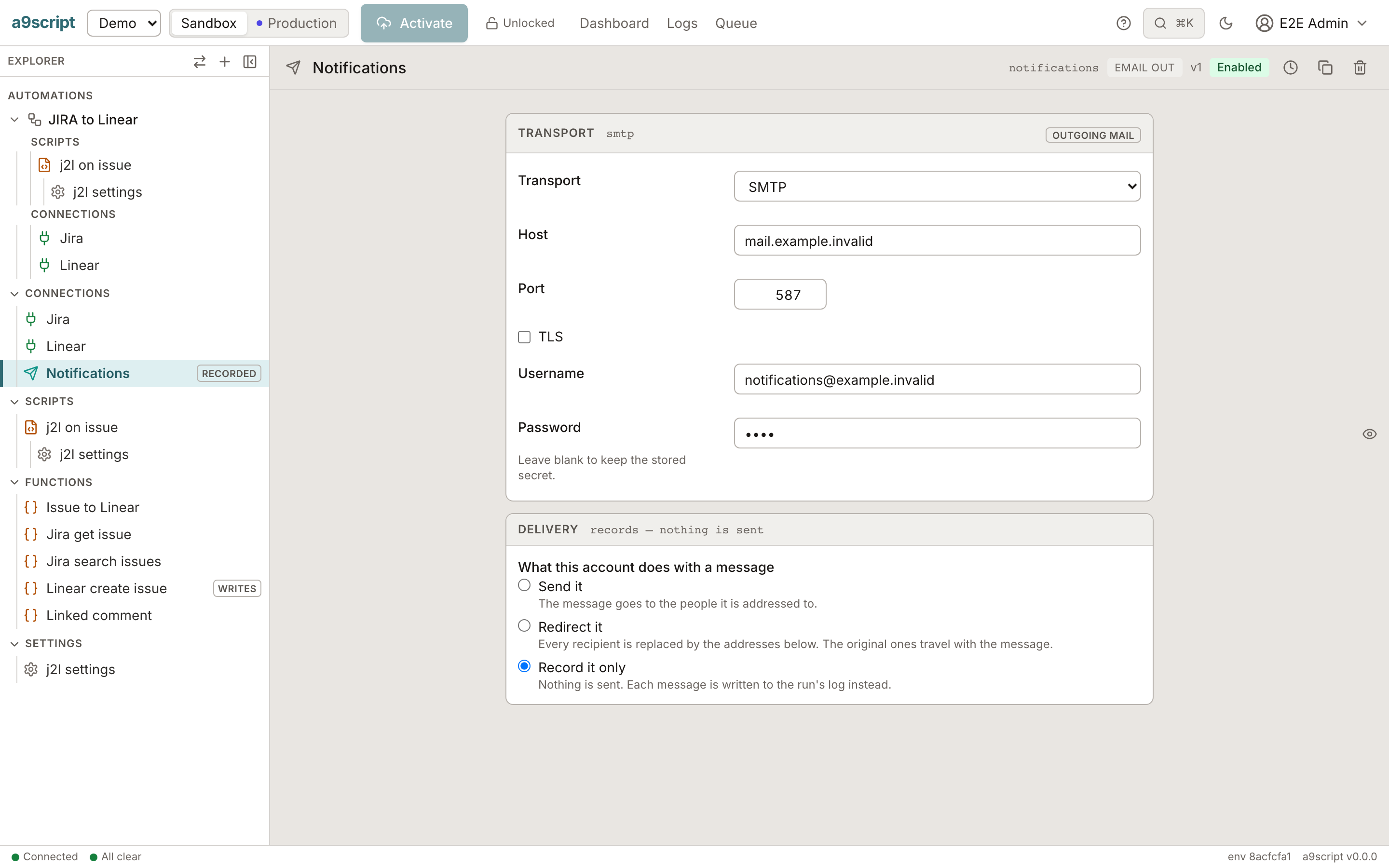
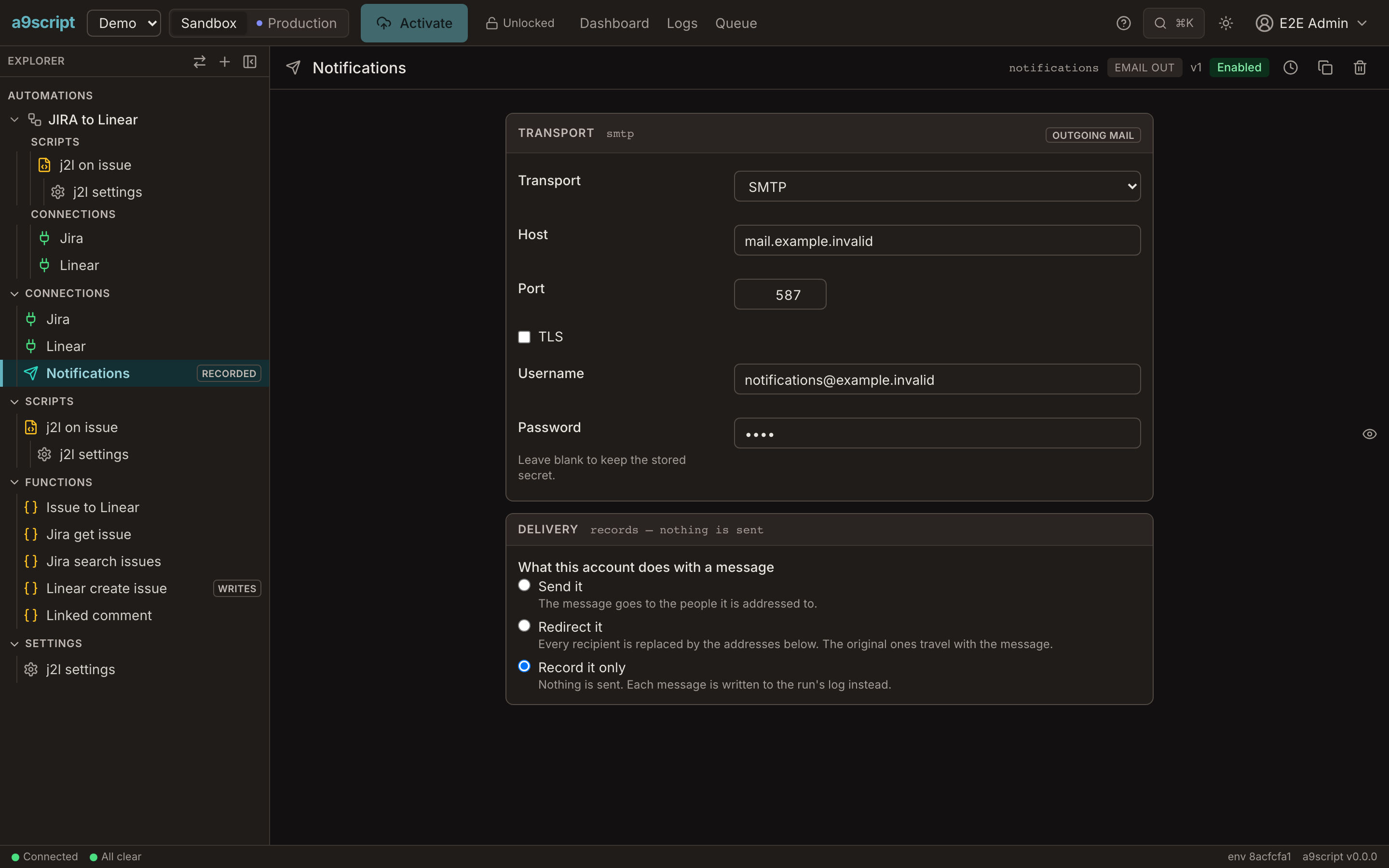
Every mail account has one of three modes: deliver, redirect, record.
- deliver — the real recipients get the mail.
- redirect — every recipient (To, Cc and Bcc) is replaced by the
addresses you list; the original recipients travel in an
X-Original-Toheader, the subject is prefixed, the body is untouched. - record — no transport is reached; the run records what it would have sent, and the run log shows the withheld message.
The mode is applied once, above the transport, so both transports behave alike. Set record while building and redirect while testing against real data: running a mail-heavy automation in an environment wired to real addresses is safe only with one of the two. The run, the Test panel and the log all say which mode applied, so nobody has to remember that an absent field meant “real”. The explorer marks a non-delivering account in a word.
Mailboxes
A message arriving in a Microsoft 365 (Graph) or IMAP mailbox starts your scripts: the mailbox is a trigger like a webhook, and each message starts a run once, across re-scans and restarts. The script reads the message — headers, body, attachments as handles — as its input.
What the platform’s own mail is not
The installation has one mail account of its own for invitations and password resets and for alerting its operator. It is nobody’s entity, carries no delivery mode, and is never subject to a tenant’s.