Docs / Scripts
Budgets
Every run has four budgets: time, steps, objects and stack depth. They are what keeps one script from taking a machine, a queue or a tenant’s capacity with it. A run that stays inside them never notices them. This page says what each one counts, what happens at the edge, and what to change when a script reaches one.
The four budgets
- Time for one segment of a run: 60000 ms — waiting on calls counts too;
when it is up the run parks and continues in a new segment, while a run
answering an operation or a tool call, or one stepped by hand, ends with
EXECUTION_LIMIT. - Steps one run may take over its whole life: 5000000 — a new segment
brings fresh time, never fresh steps; past them the run ends with
EXECUTION_LIMIT. - Objects one run may create over its whole life: 100000 — every object,
array, function and Map counts, every one a call answers with and every one
the run’s input brought; none is given back, and past them the run ends with
HEAP_LIMIT. - Frames one run’s stack may hold: 40000 — each call nests a few; the call
past them throws
RangeError: Maximum call stack size exceeded, whichtry/catchcatches.
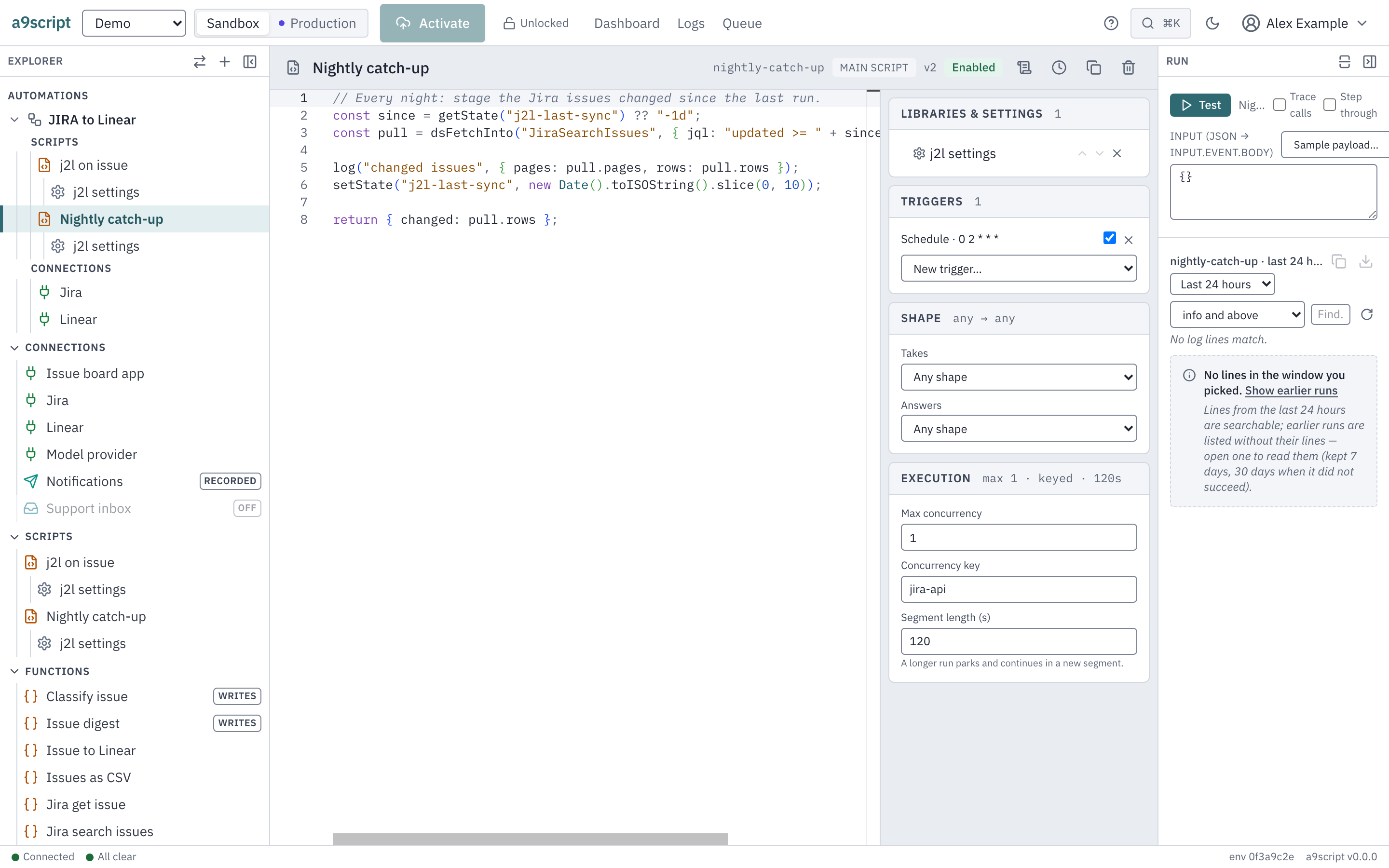
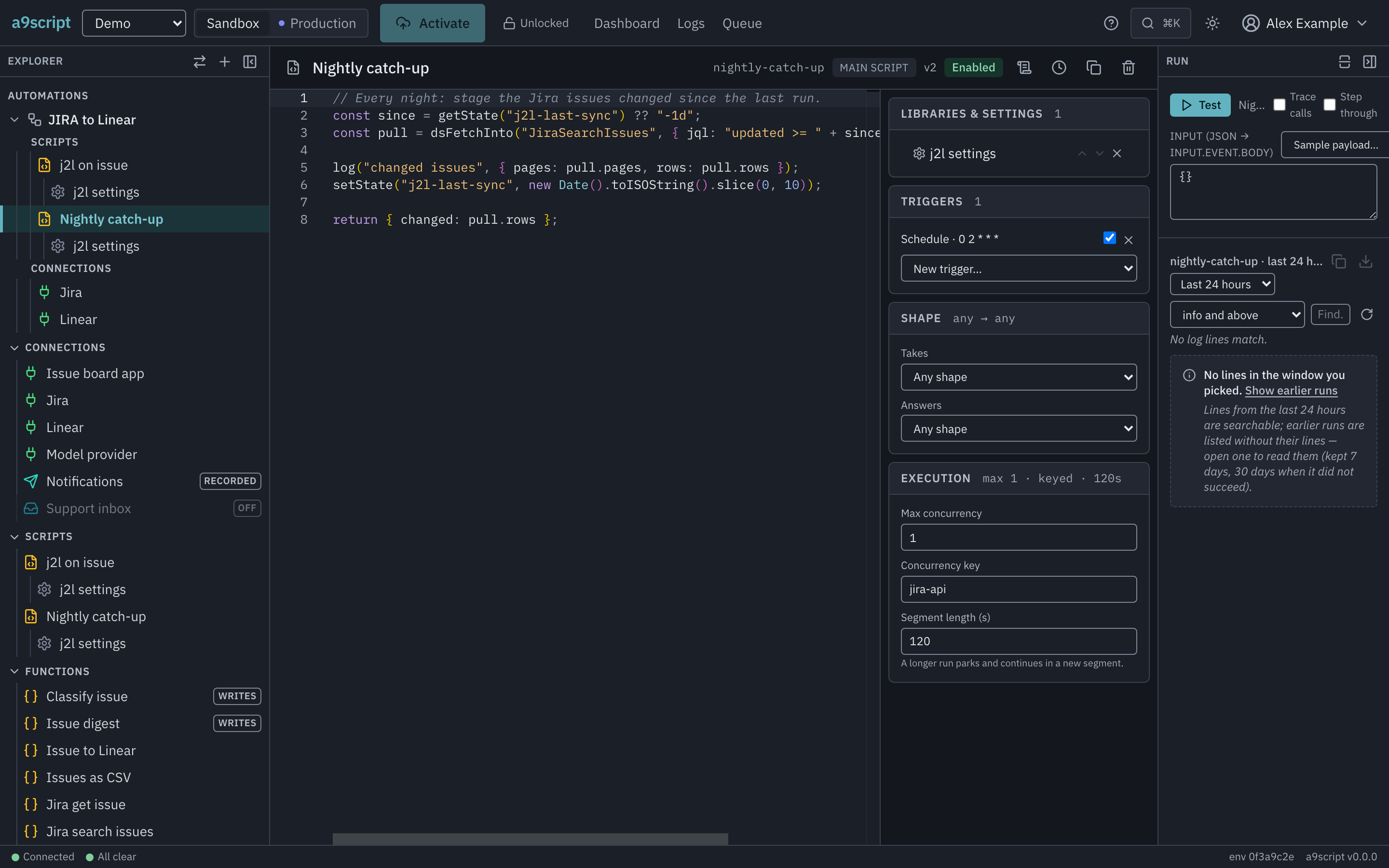
The time budget is per segment and can be set per script: Segment length (s) on the script’s Execution card, up to a ceiling the installation sets. The other three are the platform’s and the same for every run.
A long run takes turns
1A run computes for a long time while other work waits.
2After its share of time the run is saved and queued again. The next run gets the slot; nothing is lost and nothing is repeated.
3On its next turn the run continues exactly where it stopped.
A segment is one stretch of running, not the whole job. When a segment’s
time is up the run is not ended: it parks, hands its place to whatever else is
waiting, and continues a moment later in a new segment with fresh time — on
whichever machine picks it up. Steps and objects are counted over the whole
run, and a new segment brings neither back, so a run is long by waiting —
on its calls, on a far end that asked it to come back later — never by
computing. A run that only computes ends at its steps; work of that size
belongs in a bulk call or a dataset. A run that waits hands its slot back every
segment, up to the number of segments one run may have, the same ceiling an
endless checkpoint() loop meets (stated on when the work
jams). checkpoint() also ends a segment, and it is
the way to wait — for a rate limit to pass, for another system to catch up:
log("first batch done");
checkpoint();
log("this line runs in the next segment, with fresh time");
Time spent parked costs nothing. A script can be given a longer or shorter segment of its own (Segment length on the Execution card), up to a ceiling the installation sets; a value above it is refused where it is typed. Two runs end when their segment’s time is up, because they cannot park: a run answering an operation or a tool call — its caller is holding the line for the answer — and a run being stepped by hand.
A budget cannot be caught
try/catch catches errors, including calls that
could not be made; it does not catch the platform ending a run that is out of
time, steps or objects, or out of memory. A script must not be able to trap
its own kill switch. The stack’s ceiling is not a kill switch: a recursion that
never stops throws where JS would, and try/catch catches it there.
When a script reaches one
If you are hitting these, the answer is almost never a bigger number. Running out of objects means the data is in the run instead of in a dataset; running out of steps means a loop is doing work the platform has a bulk call for. Both are the shape that does not scale.
What makes a run heavy — and what does not. A run grows with the objects
it creates: every object, array, function and Map counts for the rest of the
run, kept or not. Strings and numbers are not objects, and one list of a
million strings is one object — the count is not a size. Size is bounded
separately: by the memory each run is given, and by what one piece of a run’s
saved state may hold, past which the run ends with SIZE_LIMIT. Nothing else
accumulates. A list you build by push costs one element per push, however
long it has become; reading an element, mapping a list or filtering it
costs the same at ten thousand elements as at ten; looking a key up in a Map
or a Set, or adding one, costs the same whether it holds
ten keys or a hundred thousand — the dedupe loop (if (!seen.has(id))) over
a hundred thousand ids is a hundred thousand cheap steps, not a hundred
thousand searches. A run is small when its data lives in a dataset and it
holds only what it is working on.
One step can outlast its segment
A run parks between two steps, never
inside one, and matching a regular expression is one step. A pattern that can
try a great many ways to match — nested repeats like (a+)+ over text that
almost matches — still answers at once: the platform then switches to a way of
matching whose time grows only with the text. That way cannot take a
back-reference (\1), lookahead ((?=…)), a large counted repeat ({1,30})
or the i or u flag, and a pattern that scans on from every character of a
long text is slow either way. Such a pattern over the wrong text can run for
hours; the platform ends the run, killed, once its segment’s time and a short
grace are up. On text from outside the run — a webhook’s body, a call’s
answer, a mail:
- lower-case the text instead of using
i:/total/.test(text.toLowerCase()), not/total/i.test(text); - keep back-references and lookahead for text the script wrote itself;
text.trimEnd(), nottext.replace(/\s+$/, "").