Docs / Connections & functions
Designing a function set
You have an API’s documentation and a business need. You do not configure the API. You configure the few operations the need uses, each as a function named in the business’s words. This page walks through that for one integration: a new Jira issue becomes a Linear issue, linked back.
1Each API offers far more operations than one integration needs. Configuring all of them gives a script nothing to go on.
2The business need picks the operations: a new Jira issue becomes a Linear issue. That needs one read in Jira, one create in Linear, and a search for a later catch-up run.
3Each chosen operation becomes a function with a name from the business, plus the shaping a script would otherwise do by hand: a mapping, a template. The script calls them by name.
Start from the need, not from the API
Write the need as one sentence, then list what has to happen, in order. Each step that reads, writes or reshapes something becomes a function.
When a Jira issue is created, open a Linear issue for it and link the two.
| Step of the need | Function | Type | Why this type |
|---|---|---|---|
| Read the new issue | Jira get issue | HTTP call | One read in Jira, answering the issue’s fields. |
| Shape it for Linear | Issue to Linear | JSON mapping | The field names differ; the mapping says how. |
| Create the Linear issue | Linear create issue | HTTP call | One create in Linear, answering the created issue. |
| Say where it went | Linked comment | Text template | One line, the same every time. |
| Find older issues later | Jira search issues | HTTP call, paged | Only for a catch-up run; one line reads every page. |
Everything else Jira and Linear offer stays unconfigured. A function nobody calls is one more thing to keep working.
Name a function for what it does
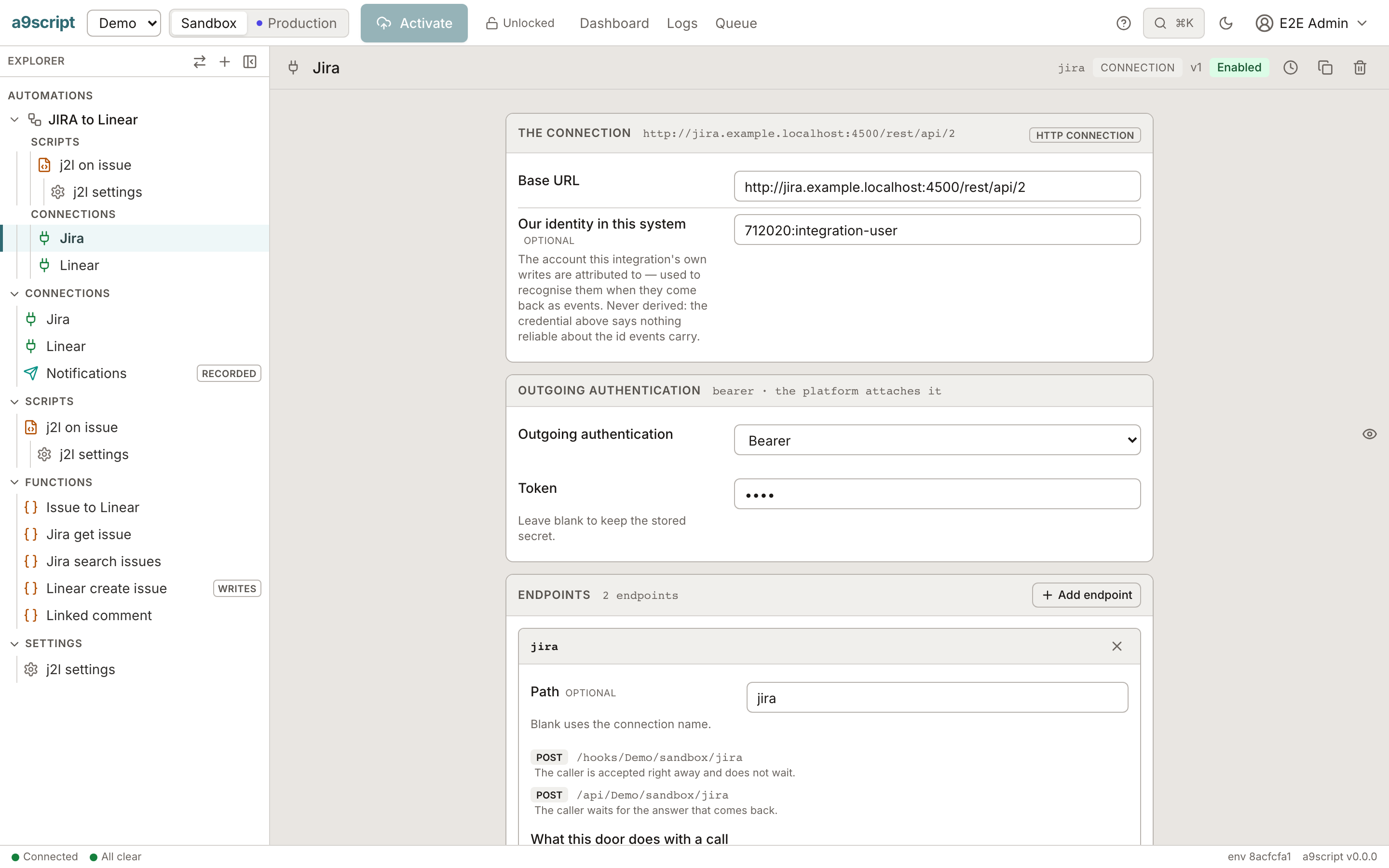
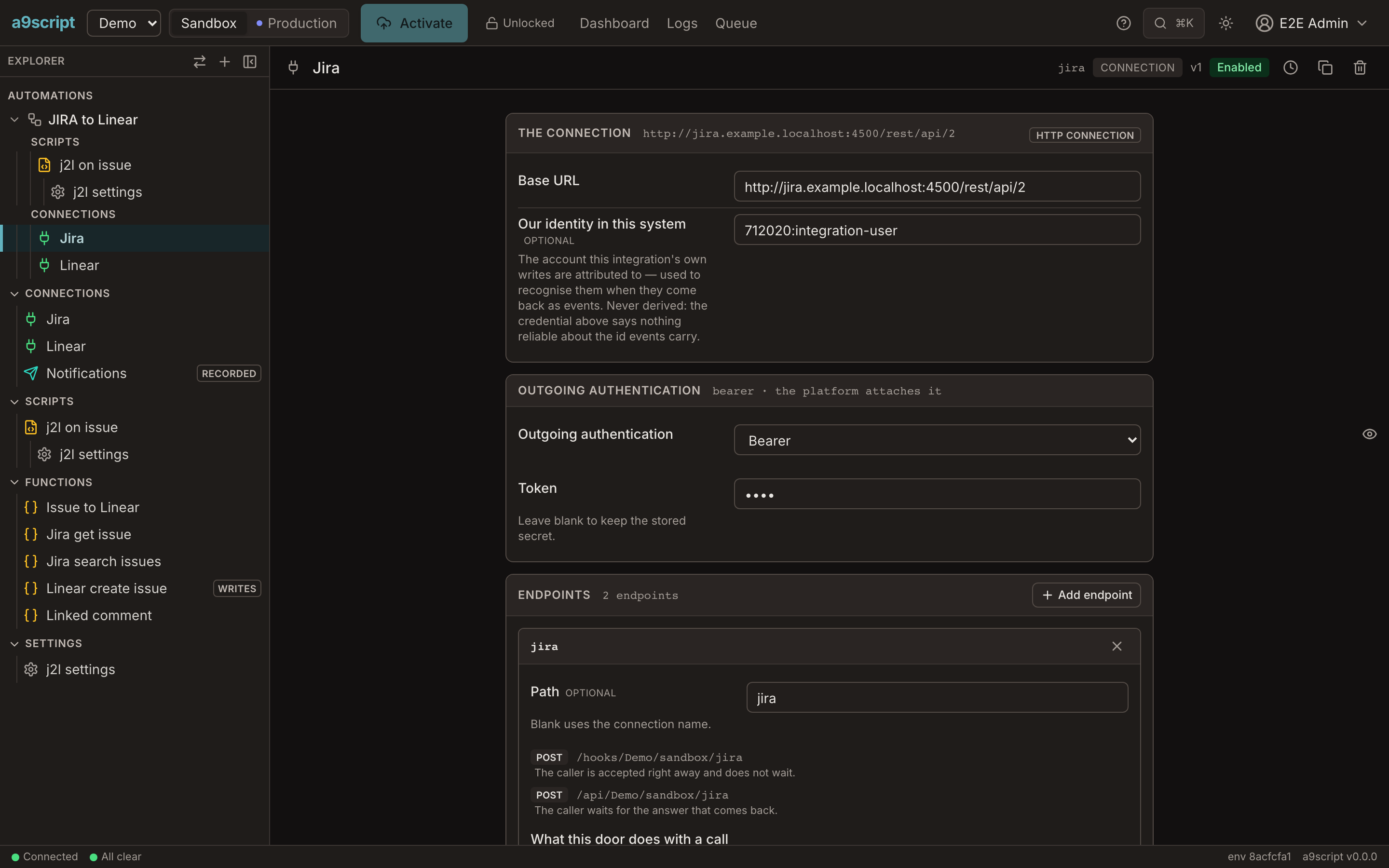
- Name it for the business action: Linear create issue, not POST graphql. A script reads like the need when its calls do.
- One function per business operation. If two steps call the same endpoint with different meaning, they are two functions.
- Group by system. The explorer lists the functions under the automation they belong to, beside the connections they use.
Put the shaping in the function
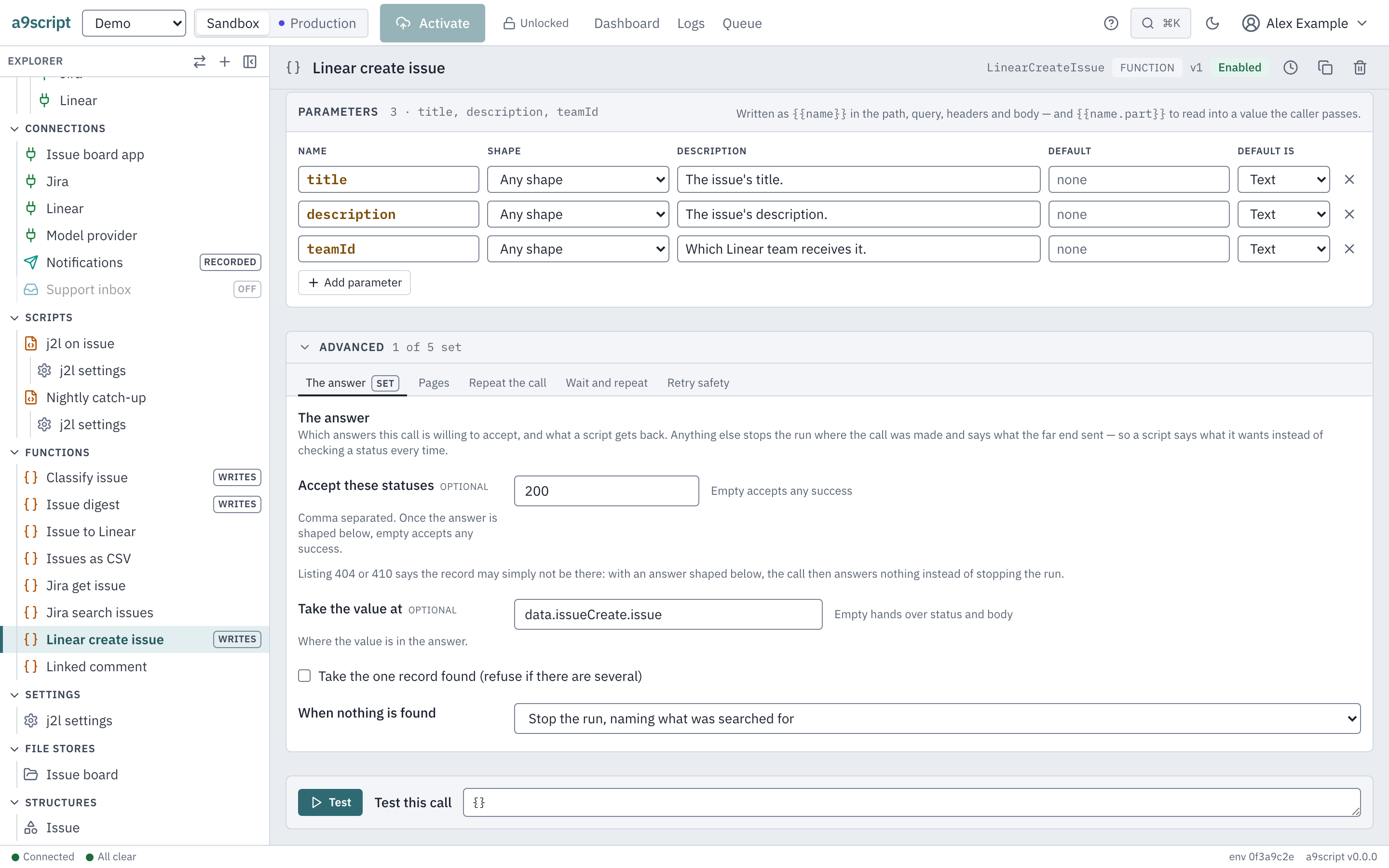
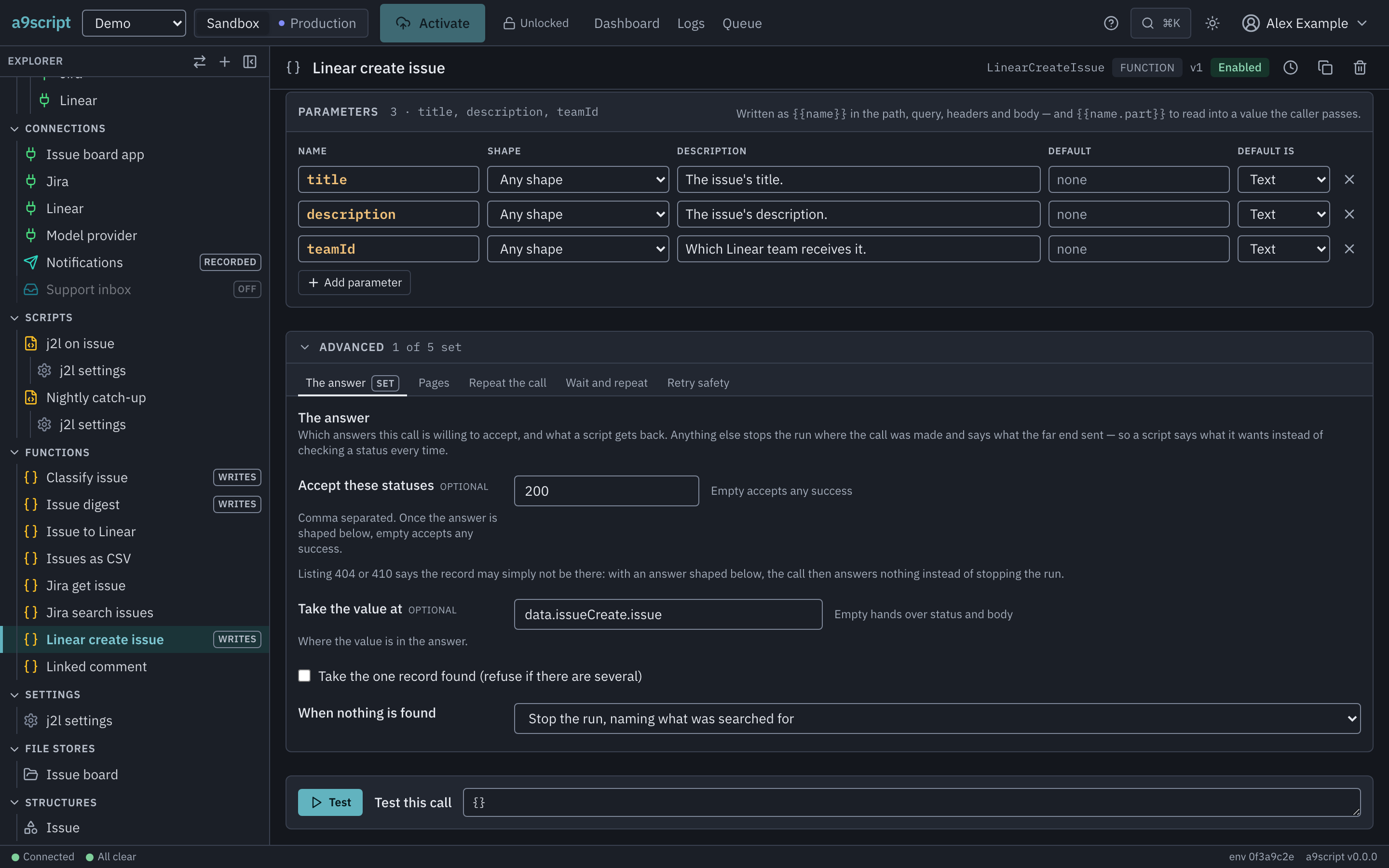
A script should receive the thing it asked for, not an envelope around it. Settle that on the function:
- Accept these statuses — anything else stops the run with what came back, so the script writes no status check.
- Take the value at — Linear create issue answers the created issue at
data.issueCreate.issue, so the script readscreated.identifier. - When nothing is found — a lookup that may find nothing answers
null; a create that made nothing stops the run.
The same holds for the other types: the JSON mapping turns a Jira issue into Linear’s fields, the template writes the comment. The script passes values and never rebuilds a structure by hand.
Configure what the API demands once
What the far end needs on every call belongs on the function, not in a loop in the script:
- Pages — Jira search issues asks by offset, fifty at a time.
- Wait and repeat — a
429from Jira parks the run for as long as Jira asks. - Retry safety — the search is marked safe to repeat; the create is not.
The settings are explained on Connections and functions.
Test each function on its own
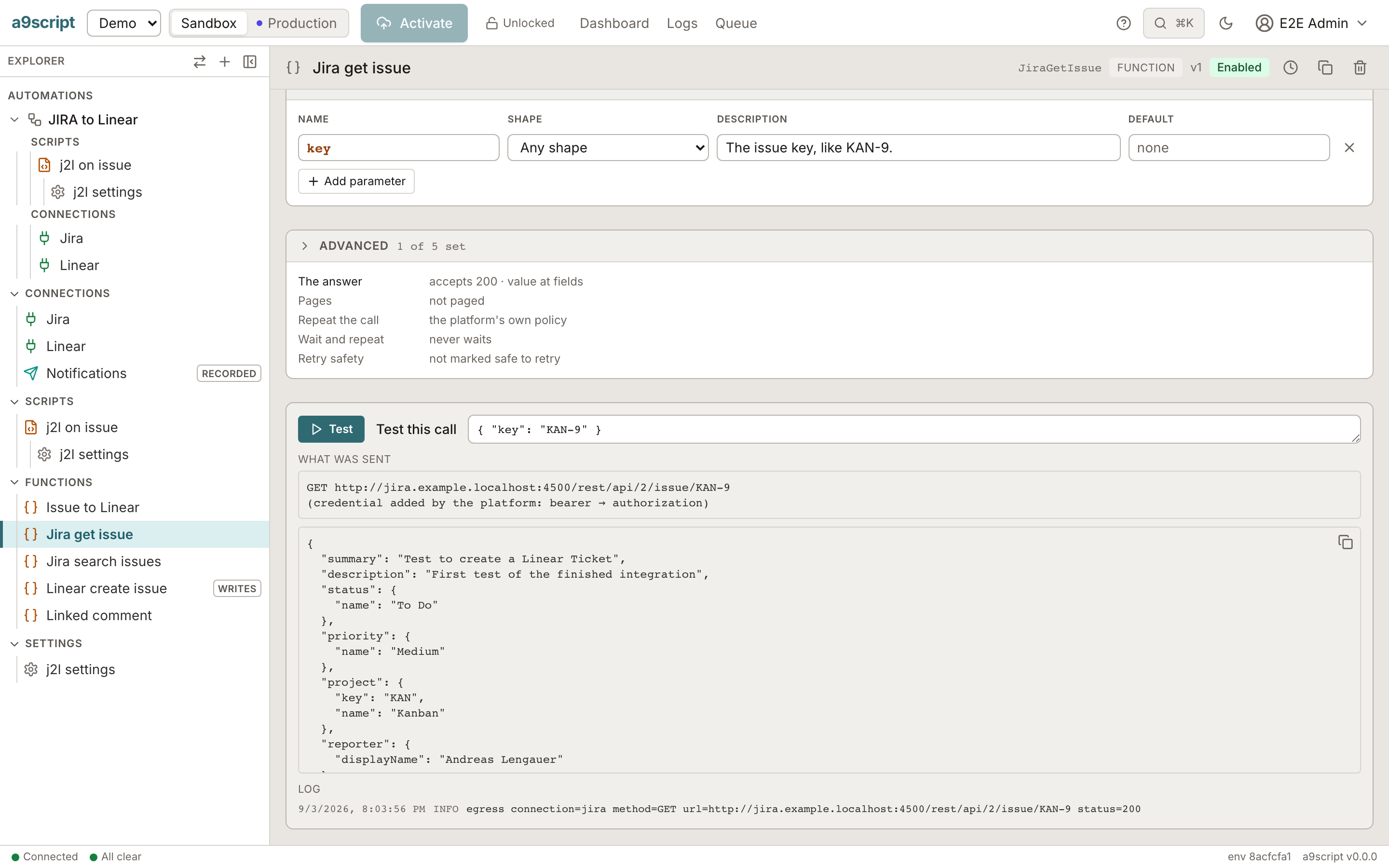
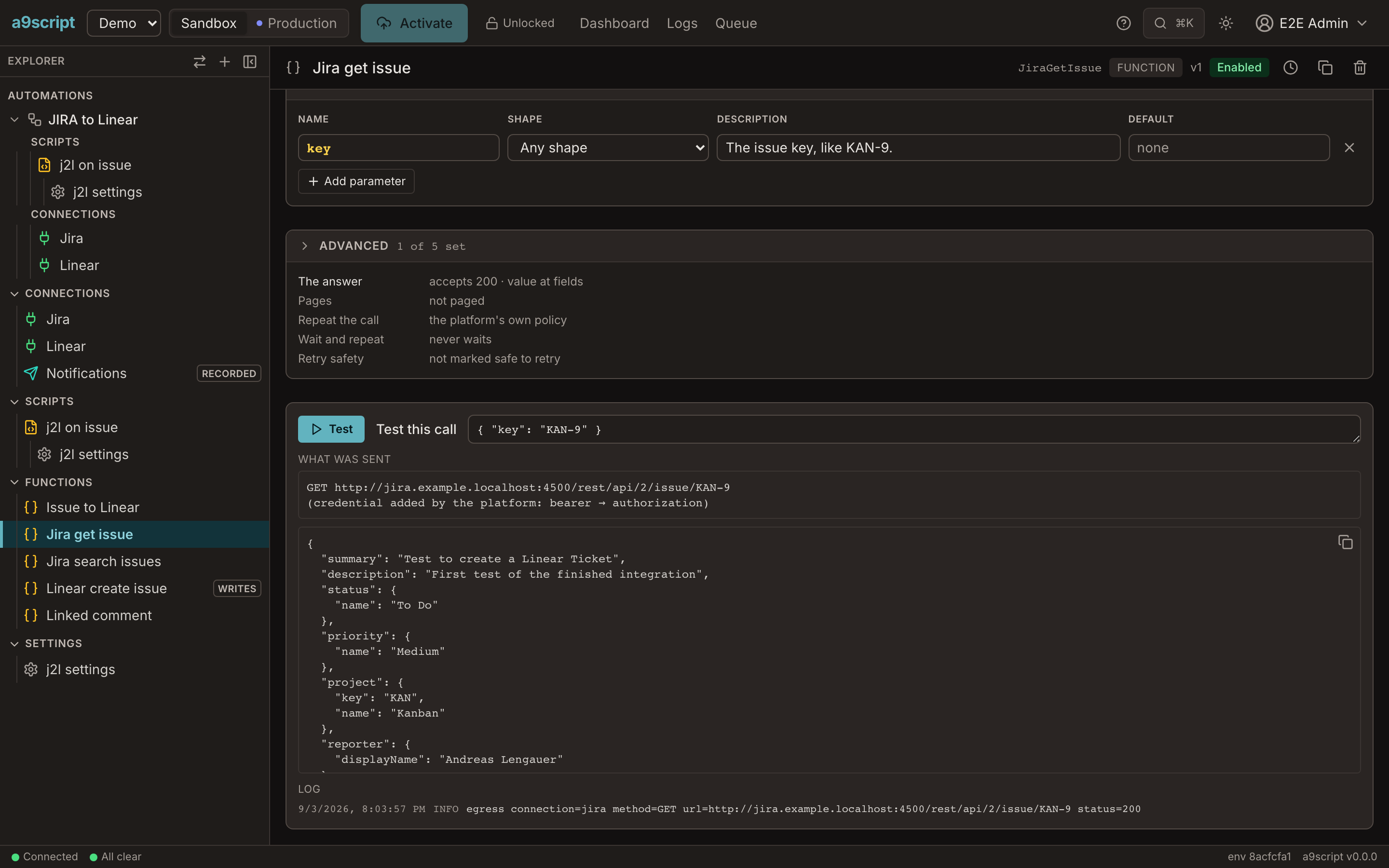
Before a script uses a function, press Test with real arguments and read the answer. A function that answers what the need expects is done; the script only has to put the calls in order.
Then the script is the business logic
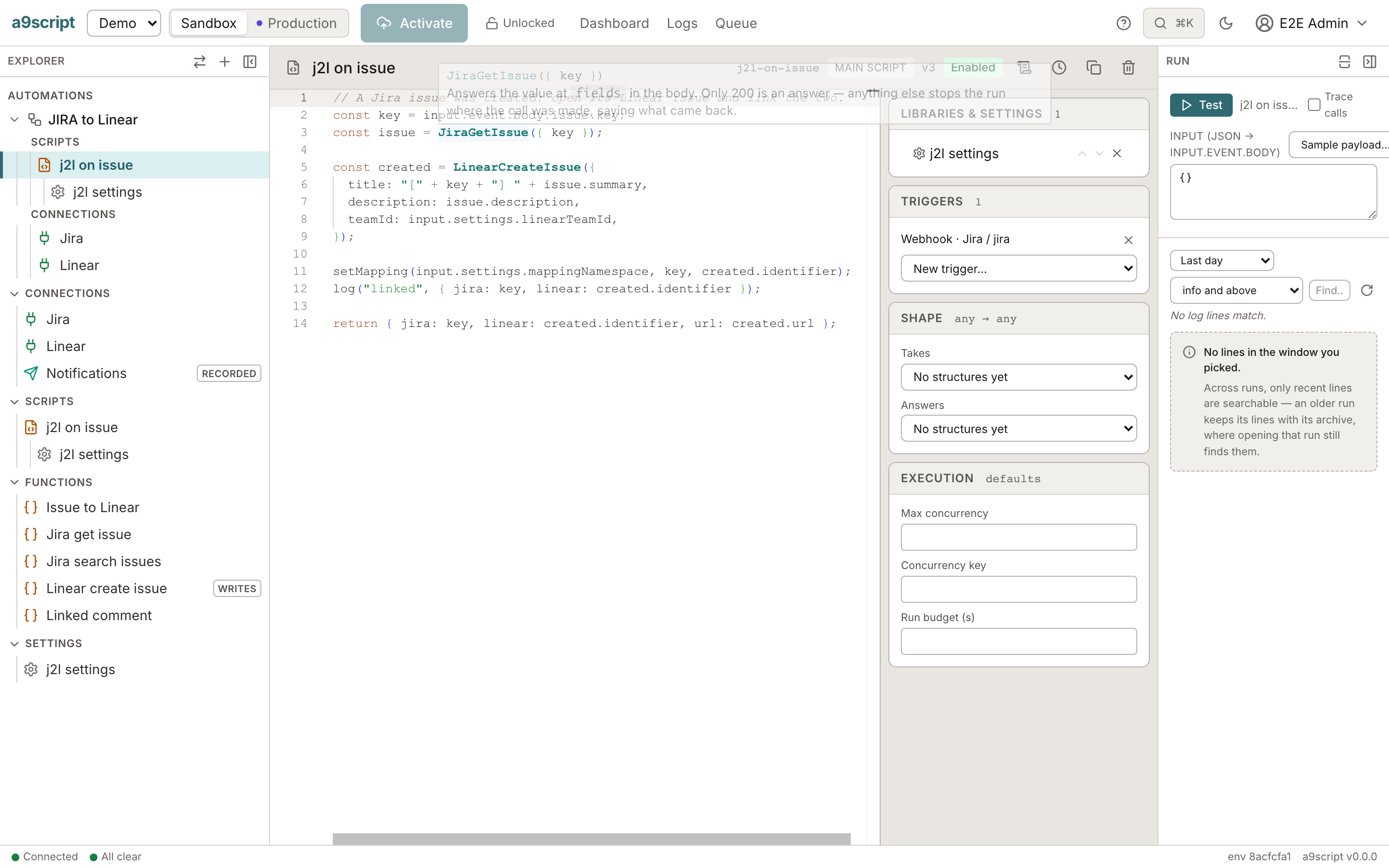
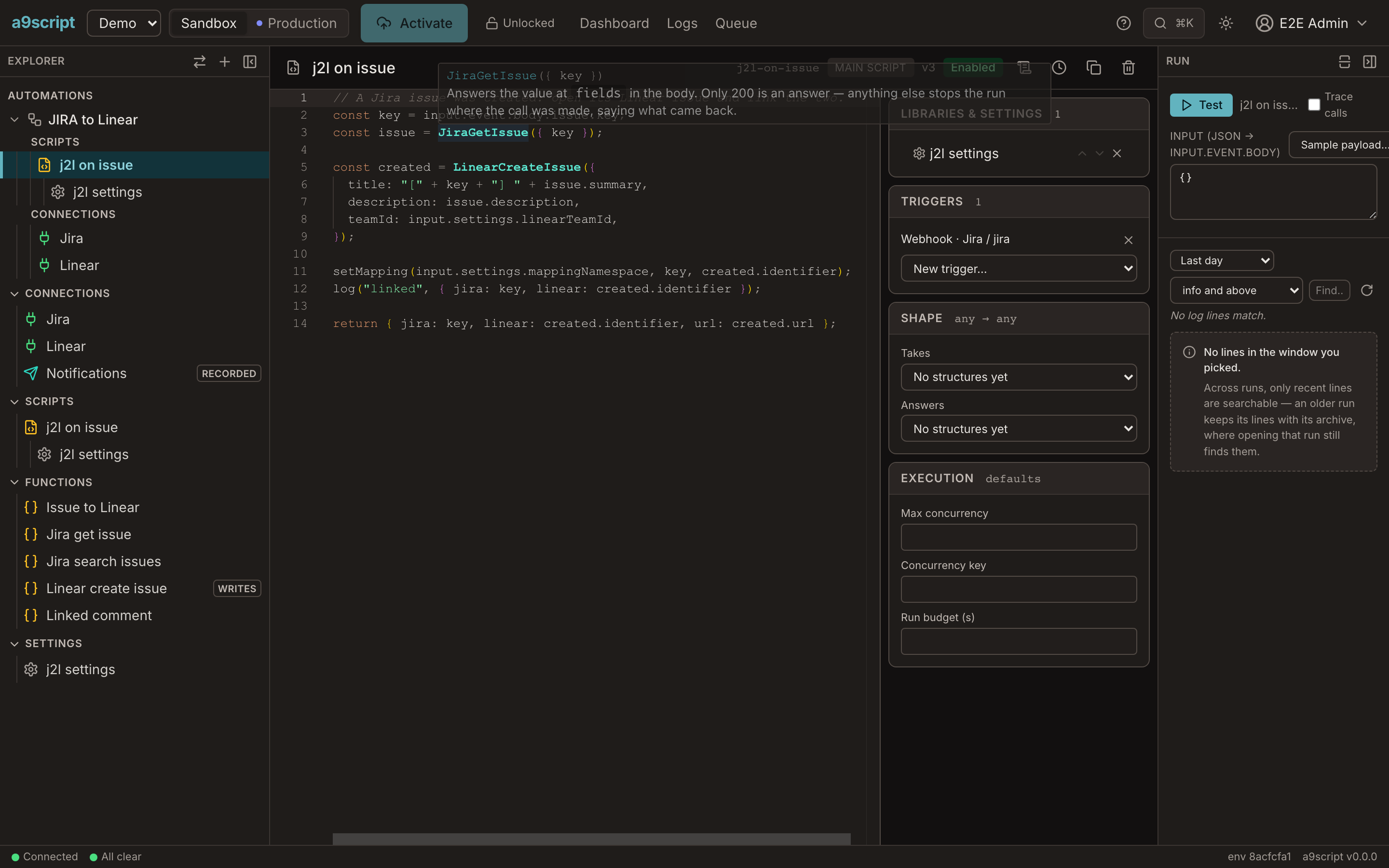
With the functions in place, the script is the sentence from the top of this page, written out: read the issue, create its Linear issue, remember the link, return what happened. It holds no URL, no credential, no status check and no paging. Hovering a function’s name shows its signature and what it answers.
Next
- Connections and functions — every setting of the forms used above.
- Your first automation — building one in the browser, from an empty sandbox.
- The same task for an agent, working from an API description over the CLI or MCP: From API docs.